
August View First Impressions
 This past weekend I installed a new smart home device, the August View. During my travels last month for various events and vendor fairs, I visited with one of our reps from August Lock and learned about this new product that was just released in the last 30 days. As soon as I saw this product, I knew that I had to try it at my home. August View is a wire-free doorbell camera. I do not actually have a doorbell for my home, previous generations of this product required wiring and a bit more complicated installation.
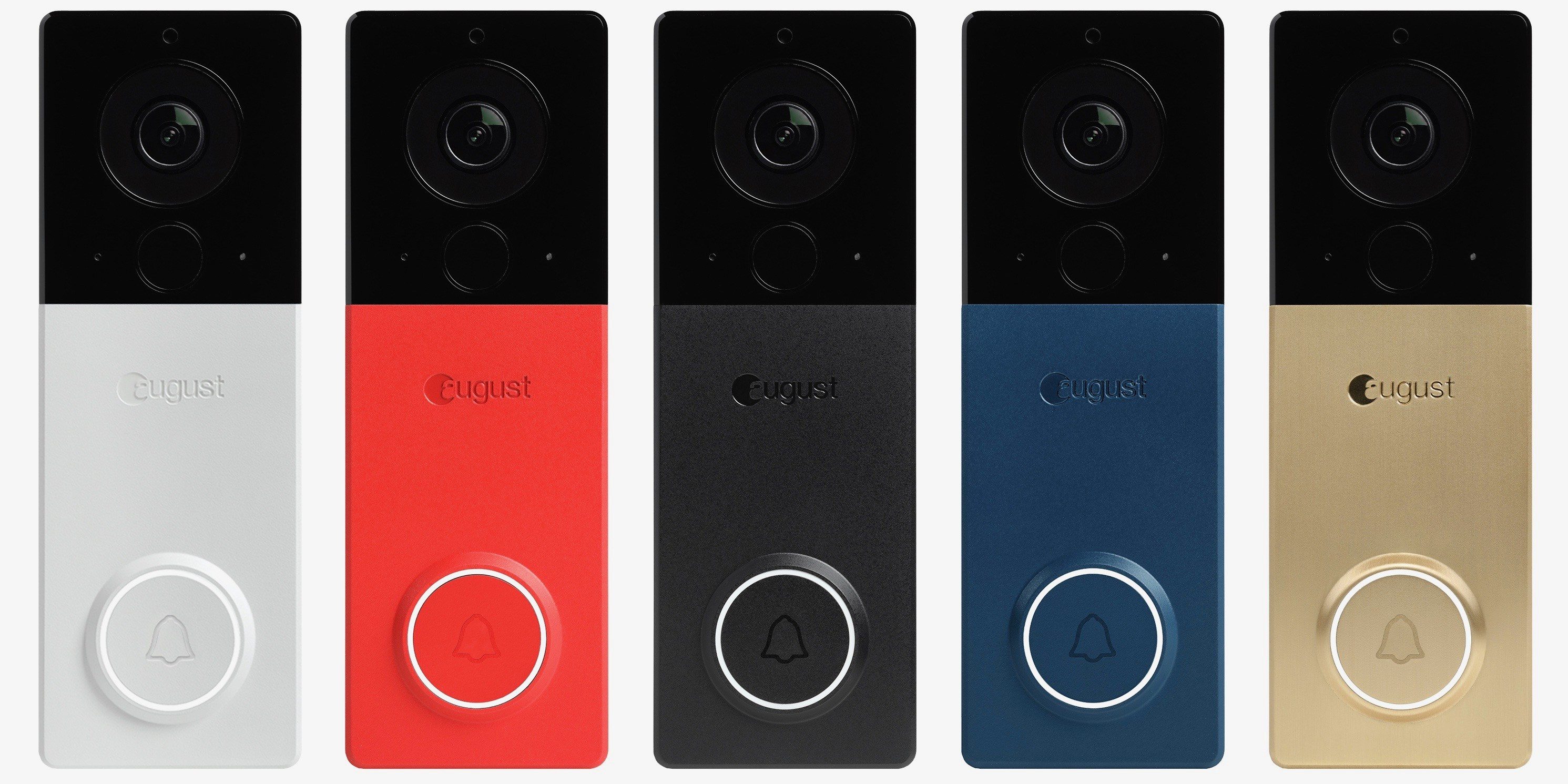
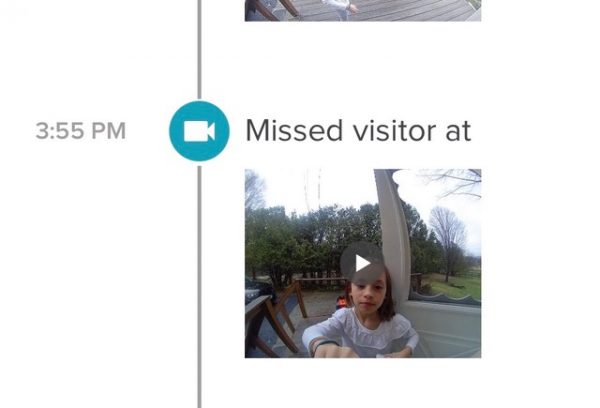
The August View will allow you to keep an eye on who is coming and going from your home, no matter where you are. You can see what is happening at your door with still photos, live video and even have a two way conversation with whomever is at your door. If you happen to also have an August Lock installed in your home, the August View can connect with your smart locks so you can let visitors into your home even if you are not there. Here is an overview of some of the features and style options:
• Instant motion alerts anytime someone approaches the doorstep
• On-demand live video streaming
• Minimal fisheye distortion to provide the most realistic view of your doorstep of any battery-powered doorbell
• Zoomable video to identify package thieves and unwanted visitors
• Access to videos for up to 15 or 30 days with our Gold and Platinum subscription plans.
• Eight different faceplates: 4 metal faceplates (satin nickel, oil-rubbed bronze, satin brass, midnight gray) and 4 colored faceplates (black – out of the box, red, blue, and white)
 The set up process for the August View was quick and simple, I think start to finish it took us about 20 minutes to set up, but did have to allow for some additional time for the battery to get a full charge out of the box. More on that later. The first step to setting up the August View was to download and install the August app if you do not already have it downloaded. If you do not have an account set up, you need to take a few minutes to follow the instructions within the App to set up your account or in my case, I logged into my existing account and followed the instructions to link up my new device. The App will provide you with all the instructions you need to set up and install your doorbell, the only tools you need is a screw driver.
During the set up process you are asked if you wish to add a subscription account, but this is not required. You can choose to just use their free service, which includes 24 hours of stored data. We chose to do their premium package for $4.99/month which includes not only 30 days of video storage but also theft protection. Honestly theft and security are not an issue where I live, but it’s nice to know it’s there. We actually got this doorbell camera more for keeping track of the kids coming and going more so than security.
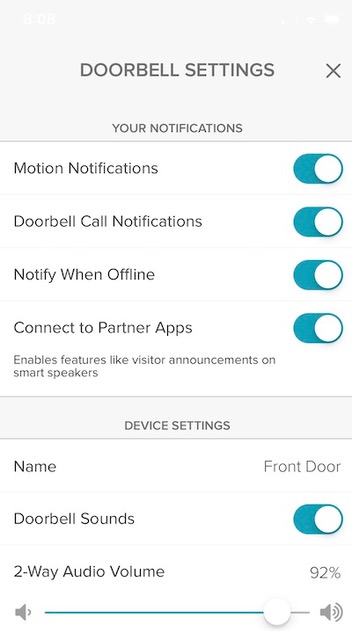
Within the App you can set up additional users, admin users, guests and adjust your notification settings among other options. Luke and I are both listed as owners, so we can add and remove guests as needed. You can specify the notifications you wish to get, motion, doorbell calls, adjust volume on two way calls and more. Additionally you can check on the strength of your wifi signal , change wifi networks if you have multiple and more.
We have only had our August View installed for five days at our home, so we are still getting used to how it works and have discovered a few minor changes we need to make before things are working exactly as we would like. One error that I think we made was putting the doorbell directly to the right of our front door, we get notifications every time the dogs are let out. This might not sound annoying, except that my mother lives with us and is home all day, so these alerts are not necessary to us. Perhaps if we had a dog walker, but my dogs and well the cat, need to go out countless times during the day! We are debating moving the doorbell just a bit to try and reduce those notifications. The other piece we learned, is that you do need to make sure your wifi router is within 15 feet or so of the doorbell. This is where having a mesh network system, like Linksys Velop is important. I have a small house and still use a circa 2012 Airport Extreme, we are noticing issues with connectivity and streaming and inconsistent communication. I was able to stream video from the grocery store and get notifications, but I do admit it’s not consistent. My trusty Airport Extreme is just not enough for my new toy! I am upgrading to the Linksys Velop in the coming days.
Despite my network hangups and perhaps a miss location on the doorbell, I am really enjoying the August View. I’ll have a followup report very soon. Products are meant to work seamlessly, but that doesn’t always happen. Stay tuned!