Turn Your M1 Mac into an iPhone or iPad
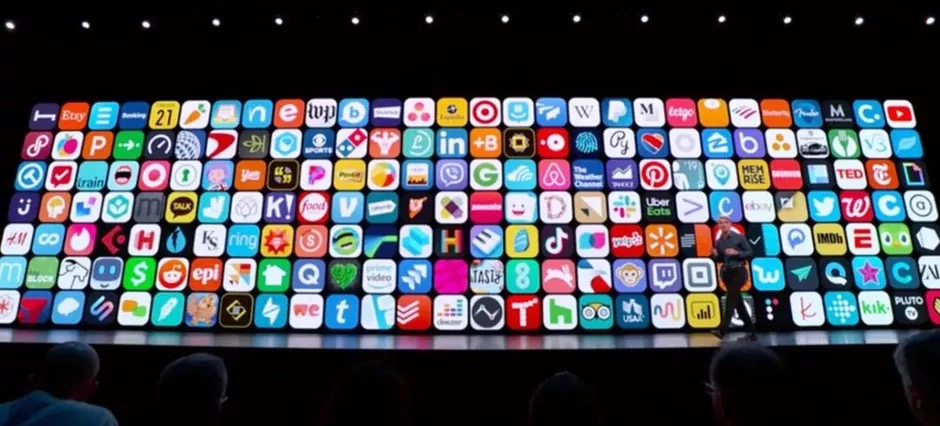
I am just getting the hang of my new M1 MacBook Pro. My first discovery was a disappointment but my second was a pleasure. Unfortunately, only one external display can be operated natively on the M1 MBP. I tried connecting my two displays using a FW3 hub and DisplayLink software but I didn’t like that so I just upgraded to a new bigger display. I will face that challenge again when I get back to VT. But as I was playing with my Mac I started to look for iPhone and iPad apps that could run on the M1 chip. It turns out that the Apple strategy was unifying their key products on their silicon and that does allow many (but not all!) iPhone and iPad apps to run on the M1 Mac. Some notable exceptions to this include Facebook, Instagram, Tesla, TikTok and Netflix.
I am sort of a weather nut so I bought a couple Tempest weather stations when they were crowdfunding through Indiegogo I like to see the weather in Vermont when I am in Florida and vice versa. Tempest provides a great weather app and notifications so it was the first iPhone/iPad app I tried on my Mac. It works great and now is one of the apps I open automatically when logging in.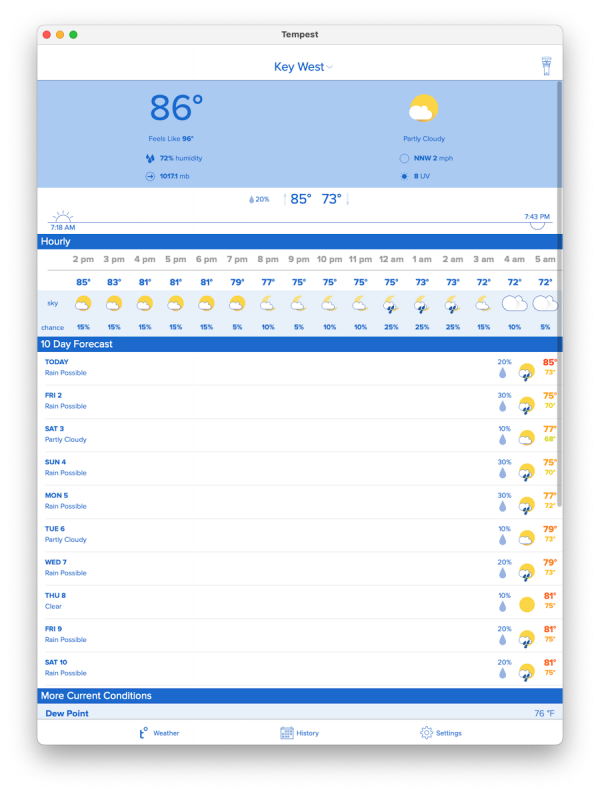
Here’s how you get iPhone and iPad apps onto your Mac. While you can search for new iPhone and iPad apps by going to the Mac App Store and doing a search and clicking on the iPhone/iPad apps button and then downloading the app.
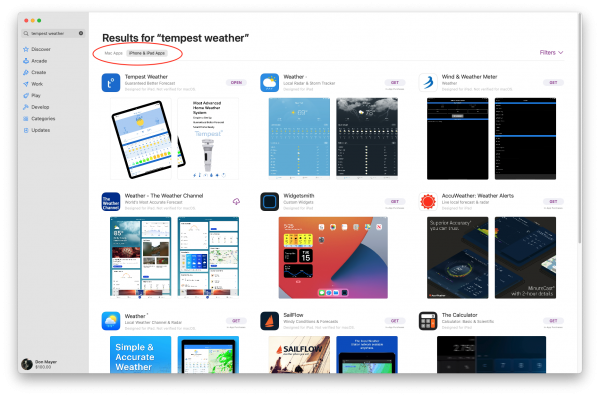
But there is a much easier way to find the apps that you may already have installed on your iPhone or iPad. Just select your profile from the lower-left corner of the Mac App Store and switch to the iPhone & iPad Apps tab to access it. From there, you can start installing the apps that you want.
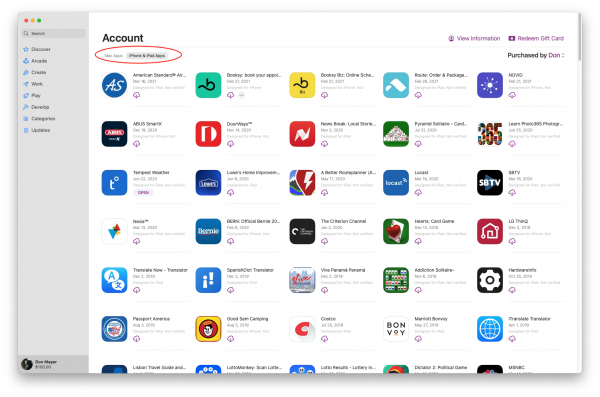
I think I may have to grab a few of my favorite games, now!