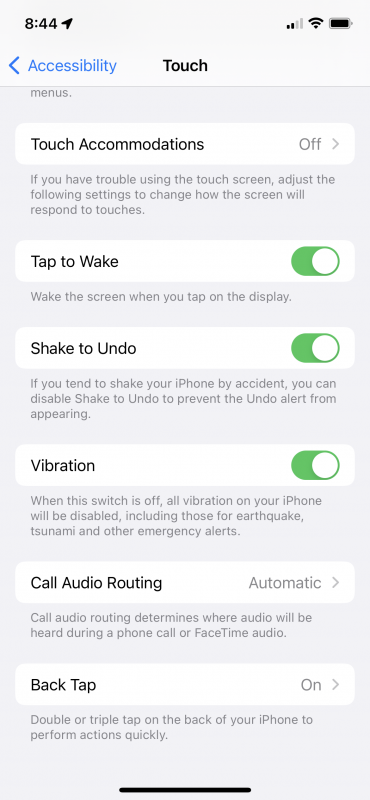
There are many accessibility features on the iPhone that will allow you to customize your iPhone for you individual needs. There are settings for Vision, Physical and Motion, Hearing and General uses. Today I want to talk about Touch. If you scroll to the Accessibly pane of Settings you will see Touch. There you can toggle things like Assistive Touch which would allow you to use your phone if you have trouble touching, Reachibility, which I keep on, allows you to move the top of the screen to the bottom for ease of reach. Haptic Touch allows you to press on the screen using a different length of time to reveal content previews, actions and contextual menus. There are several more that you might want to play with but one that I have found useful is way down on the bottom of the screen, Back Tap.
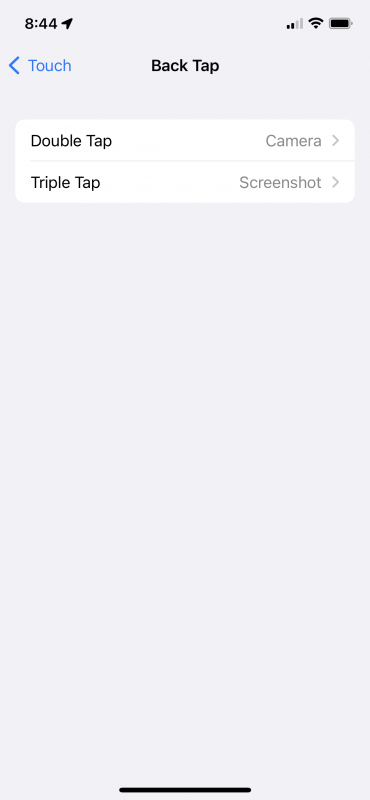
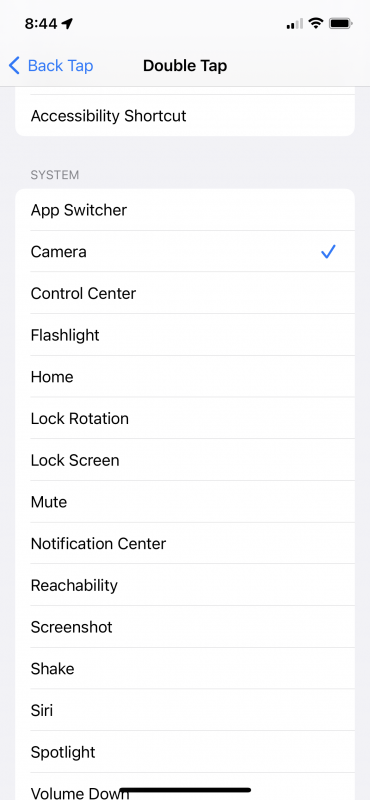
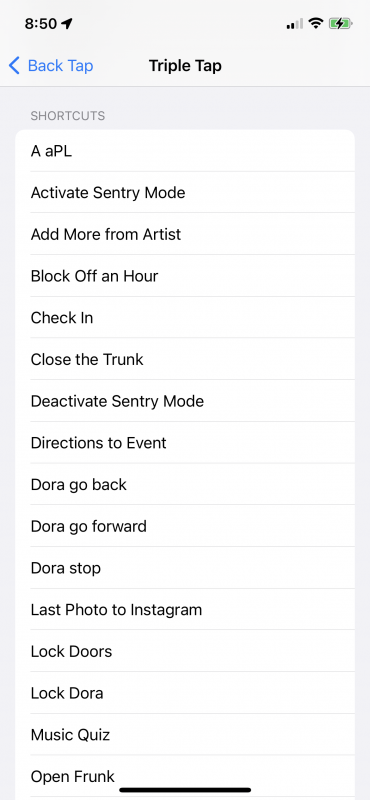
If you toggle Back Tap you can set actions for a double tap on the back of your iPhone and for a triple tap. And yes, it even works through most iPhone cases. I set mine for camera and screen shot but you can set it for a bunch of stuff including, Control Center, Flashlight, Mute, Magnifier and any number of Siri Shortcuts.
Check it out you might find it useful!