Keep a USB Mouse and Keyboard Around for Troubleshooting
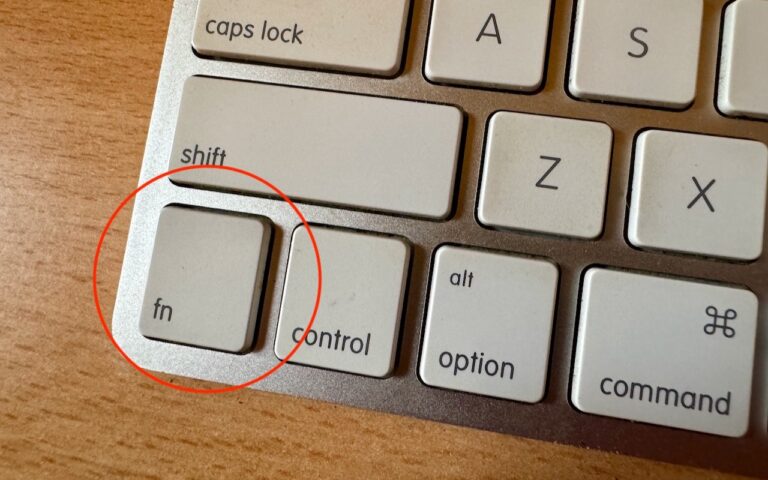
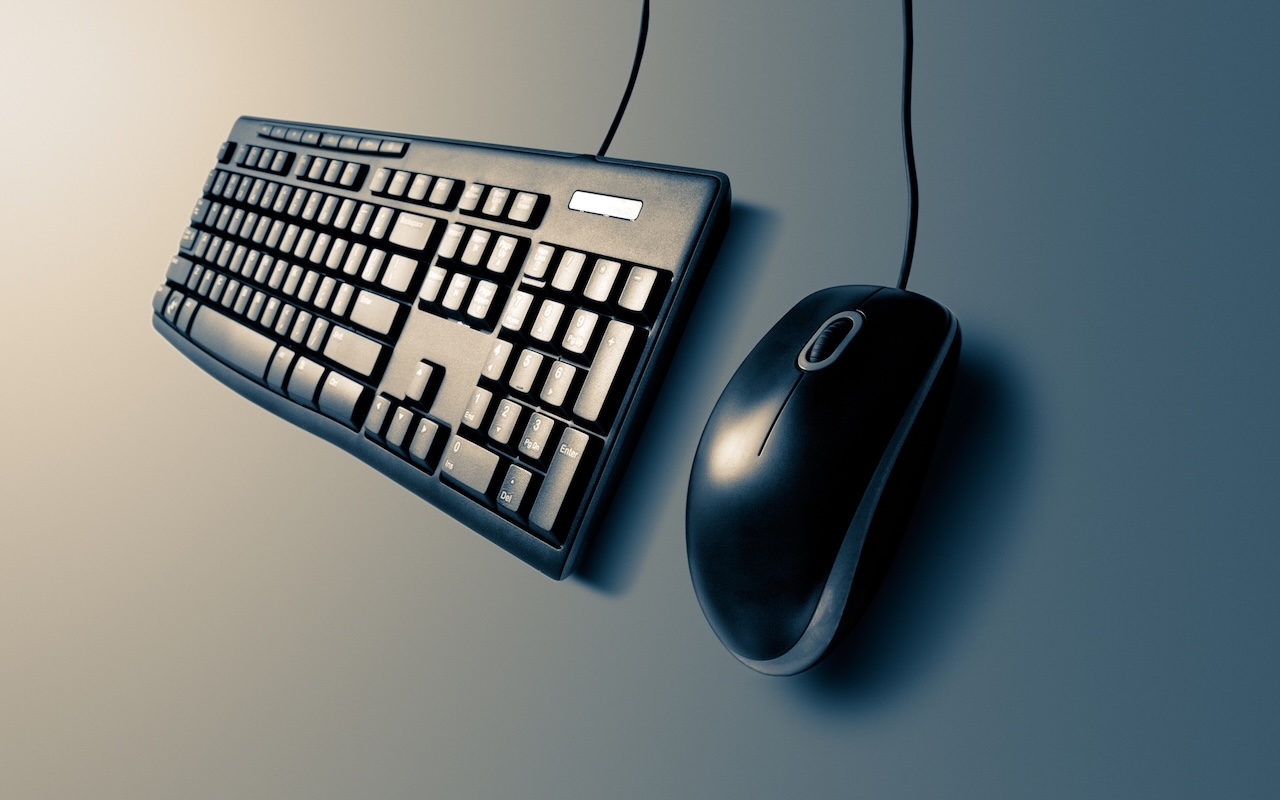
Apple’s wireless Magic Mouse, Magic Trackpad, and Magic Keyboard are the norm for desktop Macs, but they aren’t infallible. Batteries die, pairing can fail, and worst of all, if you need to boot into macOS Recovery, that’s a bad time to discover that your wireless keyboard or pointing device isn’t connecting for whatever reason. You can plug a Magic Keyboard or Magic Trackpad into your Mac with a USB-C cable, but that won’t work with a Magic Mouse—it’s unavailable for use while charging. That’s why it helps to keep a dedicated wired USB mouse and keyboard tucked away for troubleshooting purposes. Any brand should work, but if yours has an older USB Type-A connector, make sure you have a USB-C adapter available.

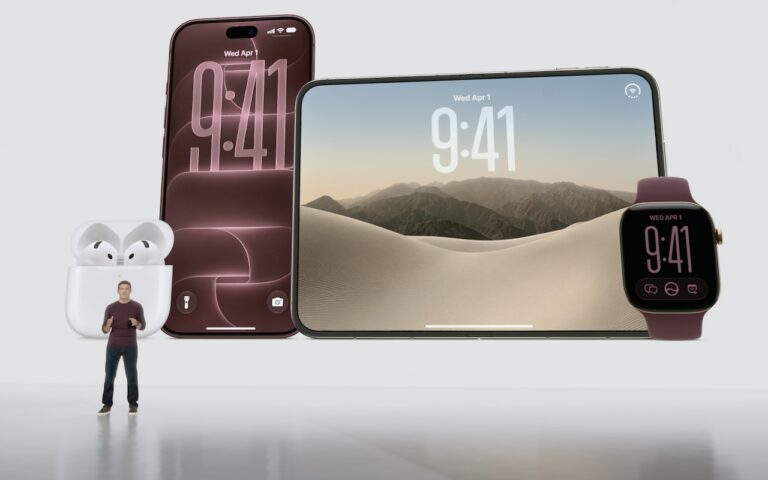
(Images by iStock.com/ziprashantzi and Rachel Wickremasinghe)
Social Media: For troubleshooting, your wireless Magic Keyboard and Magic Trackpad can work over USB-C if needed, but if Bluetooth or pairing fails when you’re booting into macOS Recovery, an old or cheap wired USB mouse and keyboard can save the day.