iOS 16 – Removing Objects from Photos
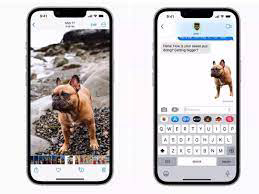
One of the coolest new features in the upcoming iOS 16 announced at WWDC is the ability to take advantage of advanced machine language to isolate and remove objects from photos. The feature works not only in Photos but also in screenshots and Quick Look. In Photos, just hold down on a photo for a few seconds until you see a white glow appear around the subject. You can then drag the subject out of Photos and into Messages, Mail, Notes, and other apps.
I have been using other tools to do the same job for portraits and for things like tattoos!


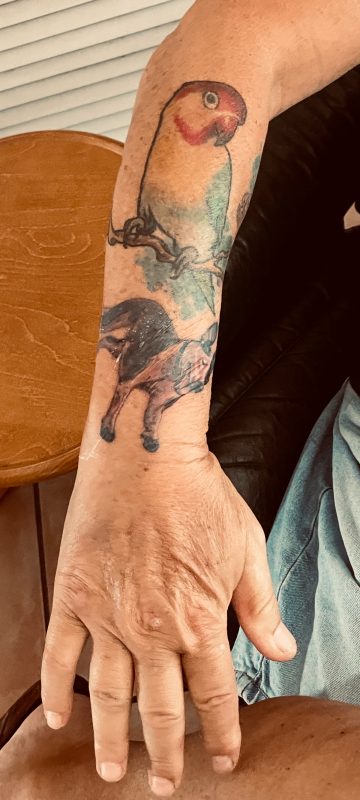
For this shot I used an internet-based tool – removebg which works good and then I used my go-to photo editor – Luminar Neo (Luminar is a Ukrainian product and they have a notice on their website support section reminding users that there is a war going on…) to clean it up. Regardless of the war the coders are Skylum just introduced an update to Luminar Neo that also included background removal but it seems to only work with people. I used that to place my kids in various backgrounds on Fathers Day.
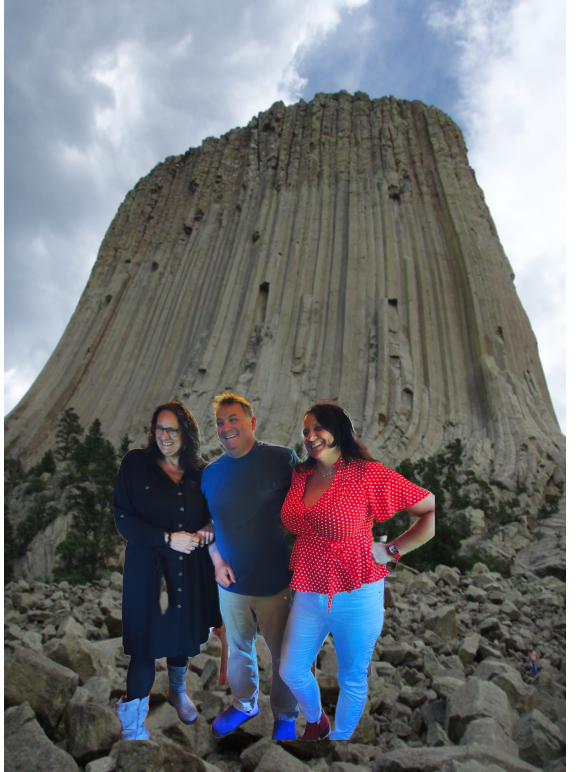
Now with iOS 16 it is even easier to isolate an object or person and remove the background. Choose the photo you want and press and hold until you see the white glow and “copy..share” box show up. Choose one and you are good to go. Here’s my granddaughter at graduation time.

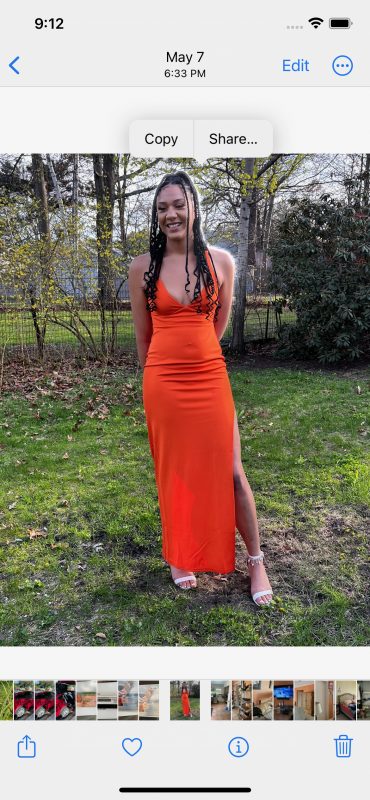

This works for portrait photos pretty good. I needed a couple of passport photos for my international drivers license for an upcoming trip this fall so I took a selfie and replaced the background with plain white. But of course, my photos weren’t good enough because for some reason you cannot have your teeth showing.


The object isolation will also work with paused frames for videos in the Photos app but that feature requires advanced machine learning and image analysis,so it is only available on iPhones with the A12 Bionic chip and newer. On the other hand, the background removal tool works in almost anyplace where you have an image. If you get a picture in Messages, you can long-press on the subject and instantly remove it from the background. The same goes for the Mail app. And it seems to work with images you get from a Google search, too, in Safari.
I love this new feature in iOS16 and it will be one of the main reasons to upgrade when the release comes this fall!