I Made a Tiny Touch ID
I love Touch ID but hate Apple keyboards. Ever since I had carpal tunnel syndrome and surgery I have preferred ergonomic keyboards with my favorites being from Kenesis. Great keyboards but no Touch ID. Since I have recently upgraded to an iMac I also no longer have Touch ID on my MacBook Pro so I have had two keyboards cluttering up my desk. My Kensis Freestyle2 Blue and the iMac keyboard.
I have been playing with my Prusa Mark MK4s 3D printer and discovered some interesting files at Printables.com that provided 3D files to build a stand-alone Touch ID.
The only place you can harvest a Touch ID module from is an Apple Keyboard so when I was in Vermont this summer I asked Artie to find me a broken keyboard with a good Touch ID. Taking it apart was a little tricky but there are some good directions here. I heated up the back of the keyboard with a heat gun and just pealed the back off and VERY carefully removed the necessary parts from the keyboard.
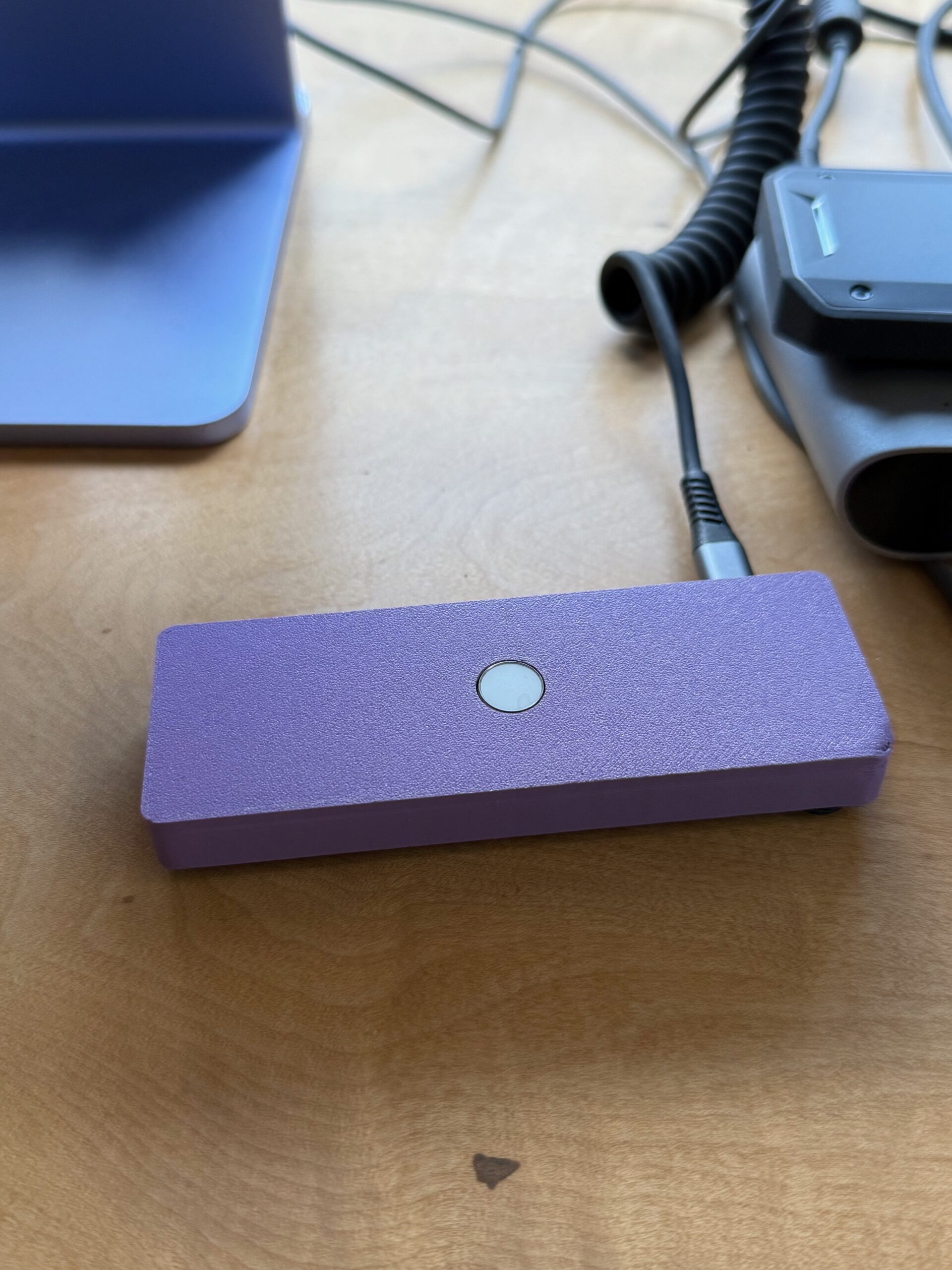
I used Wiz’s design for a case and printed it in purple, of course. The parts fit in perfectly and I bought a nice coily lightning cable so the little box sits very accessible under my iMac and now my desk is much less cluttered. All in all a successful project!