Make Sure to Check Settings on Multiple Devices

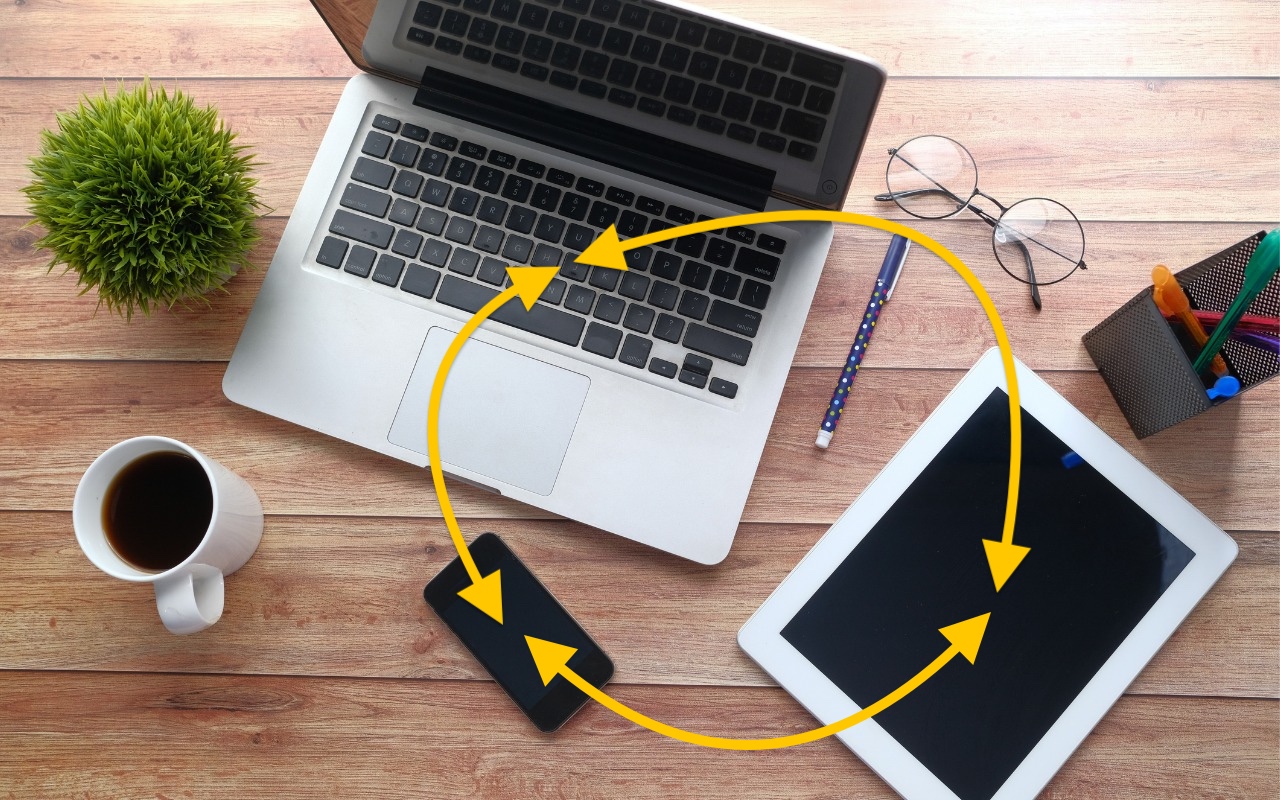
We recently helped someone having trouble with 1Password requesting their password repeatedly on their iPad, but not on their iPhone. Since 1Password’s data syncs between devices, this person didn’t realize they needed to configure the app’s security settings separately for each device. It’s appropriate for 1Password to separate security settings—one device could be used in a much more sensitive environment than another—but it’s also easy to see how a user might be confused about the difference in behavior. All this is to say that if you are annoyed by an app or operating system behaving differently depending on the device you’re using, compare the settings and ensure they’re set appropriately for each device.

(Featured image based on an original by iStock.com/towfiqu ahamed)


Social Media: Is your app behaving differently on different devices? The culprit might be device-specific settings. To avoid frustration, check and synchronize your preferences across all devices to ensure consistent behavior where appropriate.

Similar Posts

  • _Dear Friends,_

    Definitely some weird weather in Vermont. One day it is below 0 F and the next day it is in the 40’s and raining. It makes for some tricky driving as wet pavement can hide some black ice. Hopefully as we enter March there will be some snow because the ski areas and local merchants are suffering from the weird weather. We can take a lot of snow and freezing temperatures but this freeze/thaw cycle is just annoying.

    Apple has very strong hardware sales but their hidden gem may be the recurring revenue streams that they develop. Of course, we know about the 11 million+ subscribers to Apple Music that pay a monthly fee and the iCloud storage fees but there are other much larger streams that provide Apple with consistent revenue. The iPhone is a big one that has two parts to it – on the one hand, people want to upgrade to the latest iPhone and that upgrade business is huge. There is also Apple’s new financing of iPhones that spreads the cost of the iPhone over several months and allows much easier iPhone upgrades. The carriers are also offering these easy upgrade programs which enhances the recurring revenue stream. It is sort of like printing money.

    This week’s Kibbles & Bytes exclusive features the “**Apple Factory Reconditioned 21.5-inch iMac**”:http://www.smalldog.com/wag900002159 with 2.7GHz i5 processor, 8GB of ram and a big 1TB drive. We are bundling this with the AppleCare Protection Plan which extends Apple’s 1-year warranty to 3-years and extends your 90-days of free technical support from Apple from 90-days to 3-years. To complete this bundle because we always want you to have a backup of your personal data, we are including the Apple Factory Reconditioned 2TB Time Capsule. The Time Capsule is the combination of an Airport Extreme base station and 2TB hard drive. Because you are buying it at the same time as the iMac it is also covered for 3-years by AppleCare! Normally, if you bought this bundle new it would cost $1769, bought normally as Apple Refurbished it would be $1399 but this week for Kibbles & Bytes readers you can get this great deal on an iMac with Time Capsule and AppleCare for only “**$1299.99!**”:http://www.smalldog.com/wag900002159

  • Get yourself some Dux

    What is a Dux you ask? Dux is a really great product line from STM and one that we are really excited to begin carrying here at Small Dog. This product line up has cases for your iPad and your computer and for the last week or so I have been testing out the Dux case for Macbook Air.

    My first impression is that it gives my computer a sharp new look. I feel as though my computer is highlighted more in this case. It features a primarily clear case and then a border that comes in an assortment of colors. The one I am using is black and it really looks sharp and sleek on the computer.

    I will be the first to admit that I am not a huge fan of hardshell cases for computers. They do add weight to your computer and they can be hard to put on and take off. However, this case did stand out to me as soon as I saw it and I immediately asked for a sample so that I could test it out. It’s the reinforced border that caught my eye. The plastic is slightly different from that of the clear case and really gives you a feeling of protection for your computer.

    Customers ask me all the time why someone might want a hard shell case, it’s a combination of accessorizing and protection. Hard shell cases are great for those who might like to sticker their computers. You can sticker all you want on a removable case and not damage your computer. For people who bring their computers everywhere it’s a great way to protect them from the dings and scratches that can happen just by pulling your computer in and out, especially those whom might fly a lot. One piece of advice I will give users of hardshell cases is that you still need to remove them! The idea and concept of hard shell cases is to provide added protection to your computer, to keep it looking like new under the case. However, if you don’t remove the case from time to time and clean the case and computer from dust and debris your computer will still get scratches. I have seen countless computers get just as scratched up with these kinds of cases than those without and the cause is always the same: dirt build up. This particular case comes on and off much easier than some others on the market making my recommended occasional cleanings much easier to perform. After all you’ve probably purchased a hard shell case to keep your computer looking new.

    Overall I am very happy with this case, but the biggest test is yet to come. I am flying to Arizona next week for an event with one of our vendors, and I’ll be keeping this case on my computer for my travels. The real test will be if I notice the added weight while making my way through airports, so far I haven’t really noticed the increased weight in my daily travels.

    P.S. Hadley, even if it means burpees and laps in an airport terminal I plan to maintain my lead in our competition. It’s ON!