Use Your AirPods as a Camera Remote

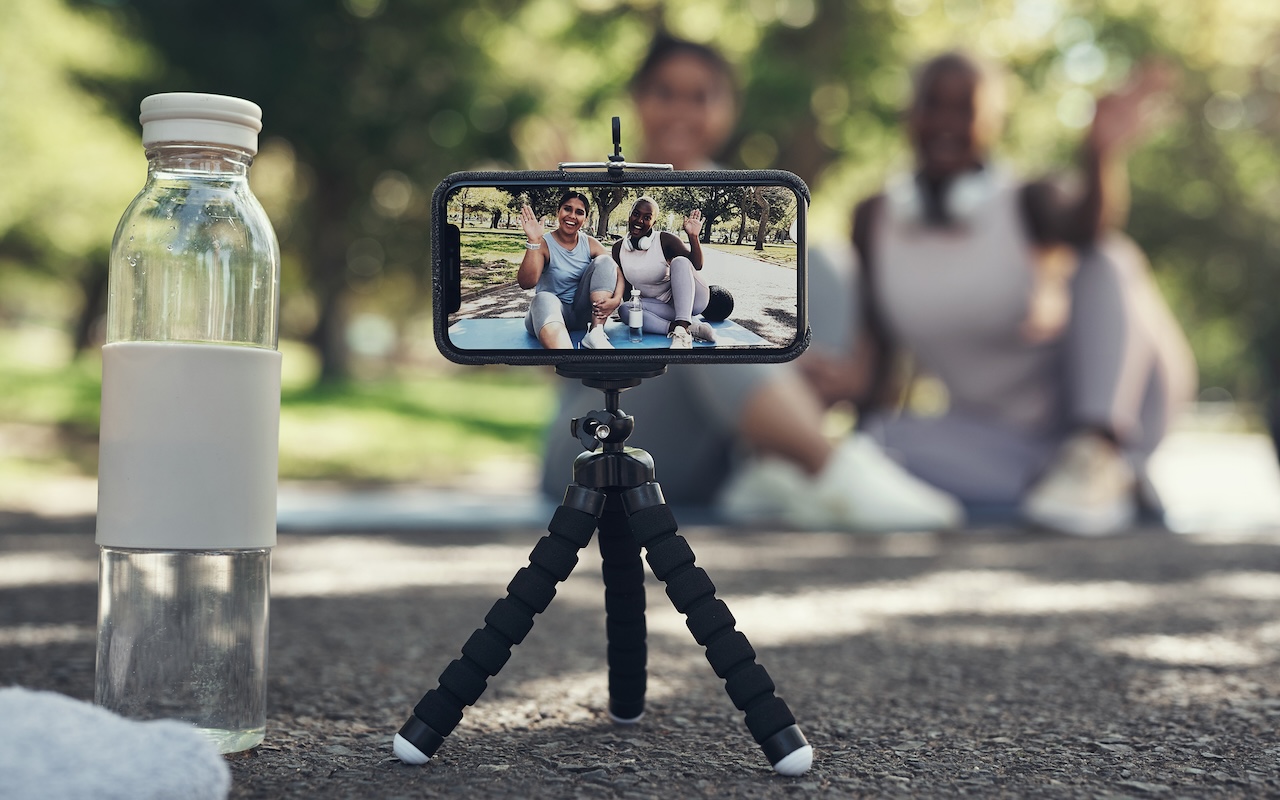
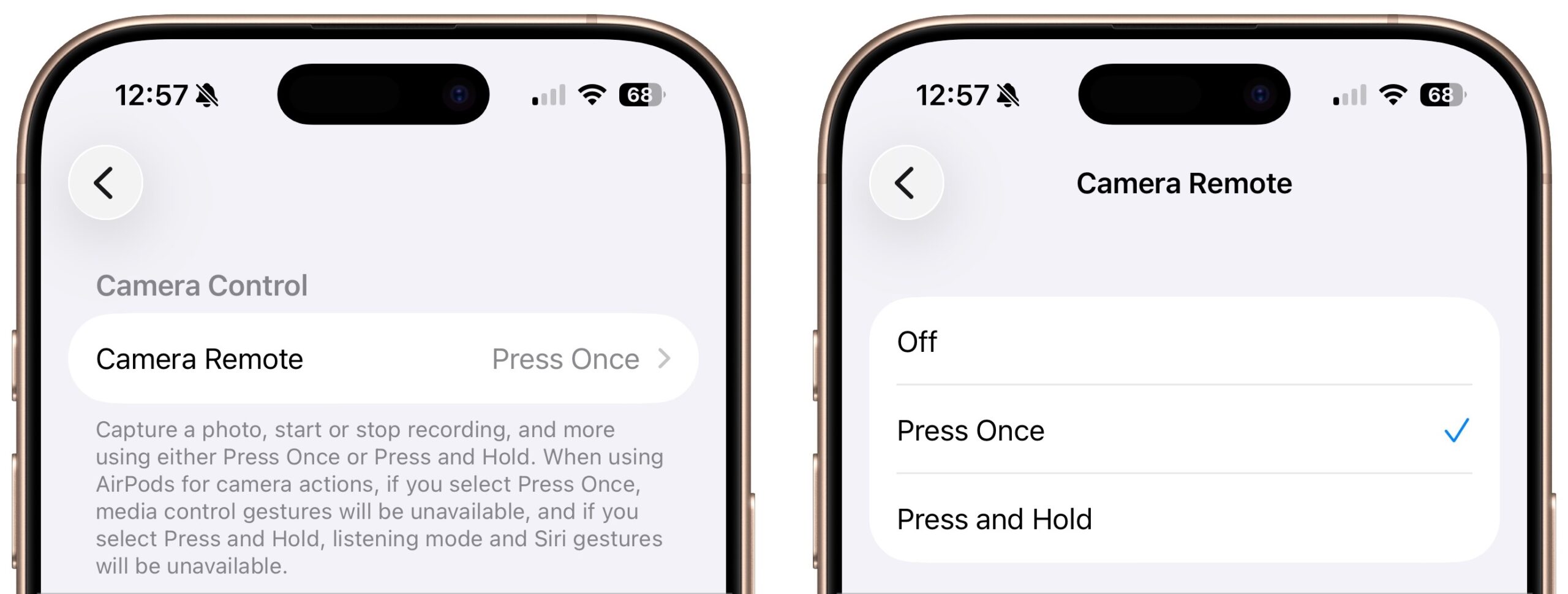
Have you ever wanted to activate the shutter button for your iPhone’s camera—for either a still photo or a video—when you’re not holding it? Selfie sticks often come with Bluetooth buttons that can do that, and starting in iOS 26, you also can use your AirPods 4 or AirPods Pro as a camera remote. While you’re wearing your AirPods, turn on the feature in Settings > AirPods > Camera Remote, where you can choose between triggering the shutter with a single press or a press and hold. Note that whichever option you turn on will override the usual actions for those triggers.
(Featured image by iStock.com/PeopleImages)


Social Media: Your AirPods can now double as a camera remote in iOS 26. Here’s how to set it up so a press or press-and-hold triggers the shutter to take a photo or start and stop a video.

Similar Posts

  • Apple Podcasts Adds Transcripts

    In iOS 17.4, iPadOS 17.4, and macOS 14.4 Sonoma, Apple enhanced its Podcasts app to include transcripts of all podcasts in the Apple…

  • Ick, it is tax time and while I love Turbo Tax, I hate doing taxes. It is not that I have a problem paying taxes, especially when I see my tax dollars doing things for the public good but it always alarms me to see how much I am paying for unnecessary wars and an ineffective congress. Grace stays far away as I work on the taxes as I grumble and fret.

    It looks like it might be a rainy weekend here in Key West so I can work on that and do some much-needed motorcycle maintenance. I can’t wait to get my hands on one of the new iPad Pros to compare with its big brother. I don’t know if it will turn around the decline in Apple’s iPad sales but it does represent a new powerful digital tool.

    Thank you for reading this issue of Kibbles & Bytes!

    Your Kibbles & Bytes Team,

    _Don, Emily & Hadley_

  • Reminders (Finally) Adds Time Zone Support

    Apple’s latest operating systems have eliminated a longstanding annoyance for frequent travelers: the lack of time zone support in Reminders. If you had…

  • Watch What You Say in AI-Recorded Meetings

    You’re in a meeting with colleagues, and after everyone else has trickled out, you talk about a sensitive topic with a trusted friend….