Rescue a Stuck iPhone or iPad with iOS 27’s Built-In Recovery Screen

If your iPhone or iPad running iOS 27 or iPadOS 27 won’t finish starting up after an update, you can now try fixing it without a computer. Apple’s new iOS Recovery may appear automatically after a failed update. To start it yourself, shut the device down (force-restarting it if necessary), unplug it, and press and hold the side button (the top button on an iPad) past the Apple logo until “Loading recovery options” appears. You’ll see up to five choices, most of which need your passcode, Wi-Fi, or a second iPhone or iPad. Start with Recovery Assistant, which downloads software over Wi-Fi to repair startup problems. Use Recovery Mode, which requires connecting the device to a Mac or PC, only if nothing else works.

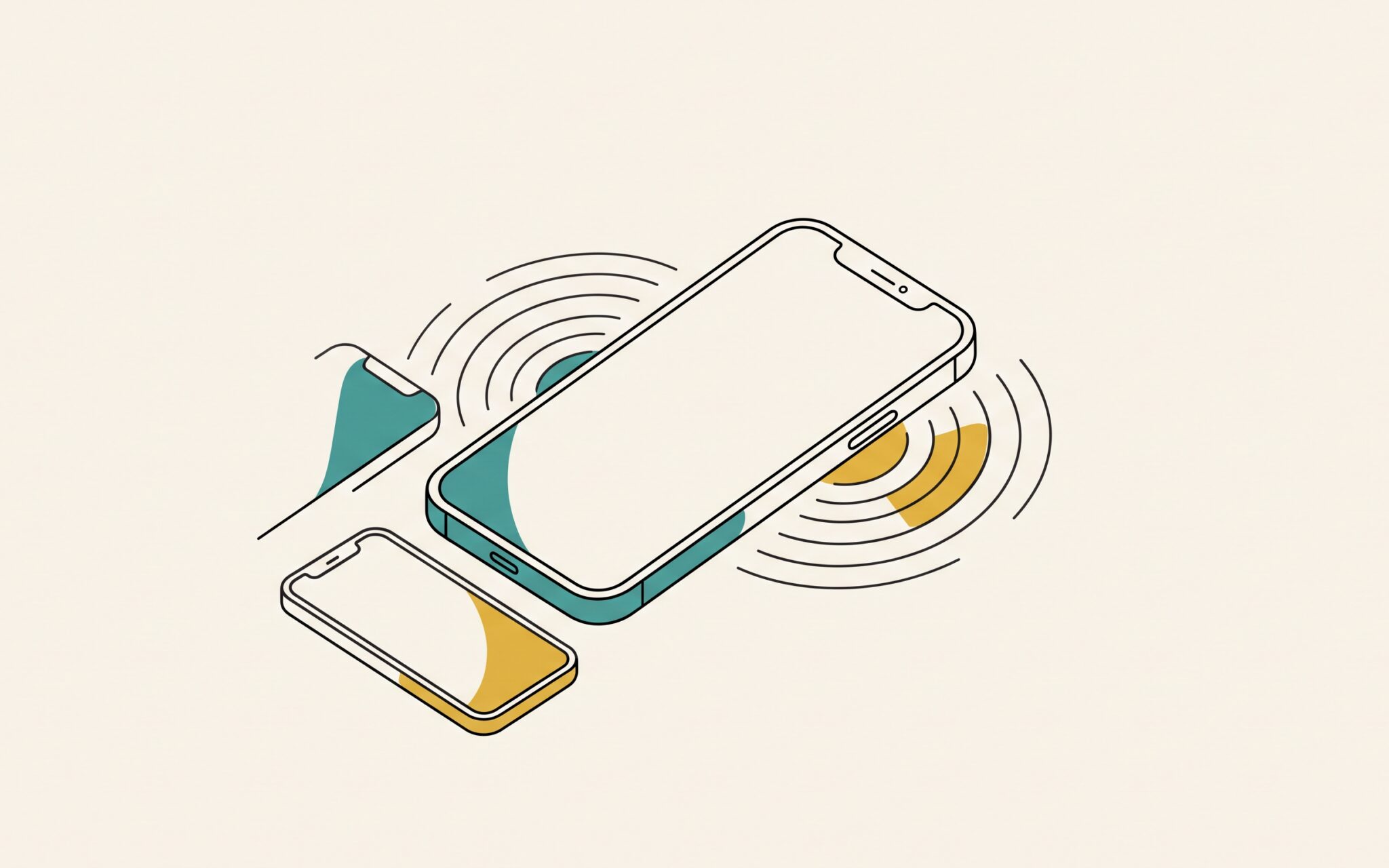
Pressing and holding the button again on that screen reveals a hidden sixth option, Nearby Device Recovery, which restores the stuck device’s software with help from a second iPhone or iPad that’s unlocked, on Wi-Fi, and running iOS 18 or later. Plug the stuck device into power, set it next to the other device, and enter the six-digit code that appears on the stuck device into the other one to share its Wi-Fi connection. Nearby Device Recovery works only on the iPhone 15 Pro or later, iPad Pro 11-inch (3rd generation) or 12.9-inch (5th generation) or later, iPad Air (5th generation) or later, iPad mini (A17 Pro), and iPad (A16). Neither Recovery Assistant nor Nearby Device Recovery can use Wi-Fi that shows a sign-in page, as in many hotels, or enterprise Wi-Fi that asks each person for a username and password. A typical home or office network with one shared password is fine. Erase All Content and Settings deletes all your data, so choose it only if you have a recent iCloud or computer backup. For a company-managed device, check with IT first—we’re also happy to help.
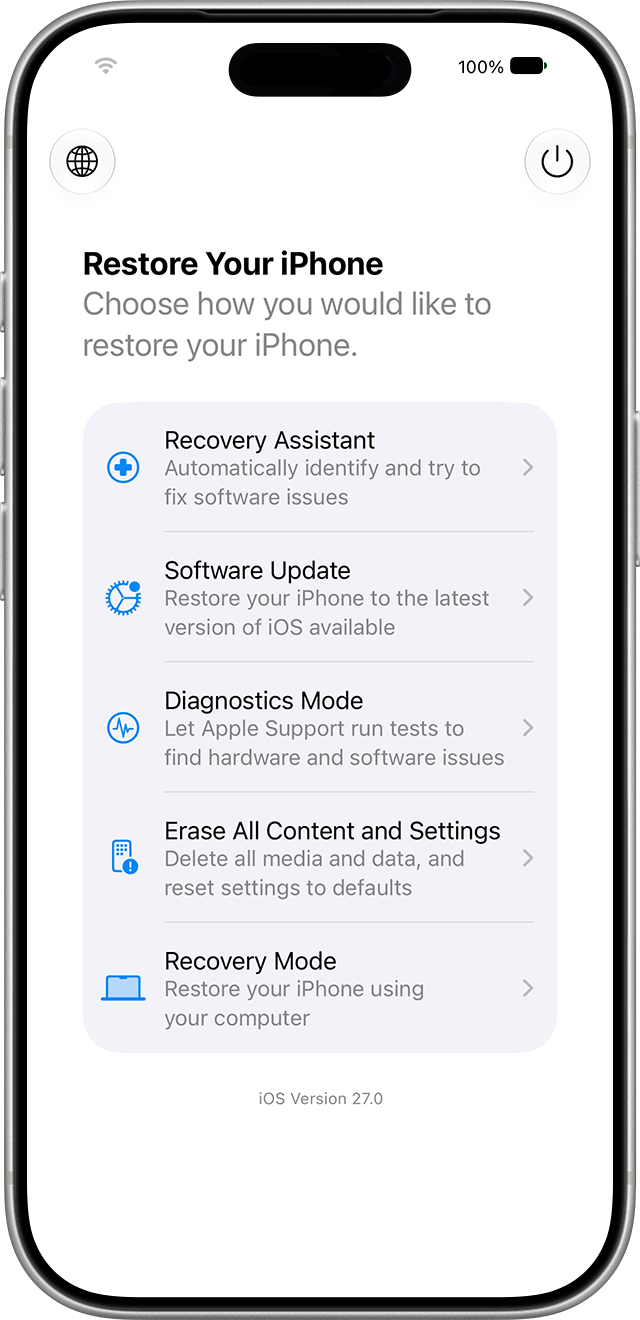
iPhone iOS Recovery screen listing Recovery Assistant, Software Update, Diagnostics Mode, Erase All Content and Settings, and Recovery Mode

(Featured image by Trusted Content Network)


Social Media: Is your iPhone or iPad stuck at the Apple logo after an update? In iOS 27 and iPadOS 27, holding the side or top button at startup opens a recovery screen that can try to fix it without a computer.
Similar Posts

  • Missed an Alert? Check Notification Center

    iOS, iPadOS, and macOS all let you specify whether any given app should show no notifications, temporary banners, or persistent alerts: look in…

  • _Dear Friends,_

    The trip up the the Everglades was pretty uneventful although we did see alligators and eagles as we were watching nature go by. Grace wants to go back up for an airboat ride so we will have to put that on the list.

    I am very happy to report that Small Dog Electronics now offers Go-Pro cameras and accessories. It took us many tries but I was able to meet with someone that could make a decision at CES in Las Vegas so we are now all set and Go-Pro should be in all of our stores. We’ll feature skiing and motorcycling kits up in the Green Mountains and some surf-oriented bundles down in Key West.

    I guess this should be in a soapbox but I just want to make a quick statement that I feel that Tim Cook and Apple are 100% correct in resisting the government’s attempt to force them to create software to defeat the encryption inherent in the iPhone. One of Apple’s most valuable commodities is safety. You know when you buy an Apple product that your data is safe. Safe from most viruses, malware, ransomware and also that your private data remains just that…private. While I certainly sympathize with those investigating the horrible San Bernadino terrorist actions, I do not feel that we should pay an even higher price and sacrifice our liberty and privacy as a result. Bravo to Tim Cook and Apple.

    This week’s Kibbles & Bytes exclusive is the “**Tempus Pro Weather Station.**”:http://www.smalldog.com/wag900002092 This complete wireless weather station has been one of out best selling devices. It combines an indoor monitoring station with an outdoor instrument and an iPhone or iPad App to give you complete weather information. It includes sensors for indoor and outdoor temperature, humidity, barometric pressure, rainfall and wind speed. It is simple to install and works by Bluetooth between the outdoor and indoor sensor and Wi-Fi to your iPhone. This is normally $159.99 but for this week for Kibbles & Bytes readers it is “**$25 off at $134.99!**”:http://www.smalldog.com/wag900002092