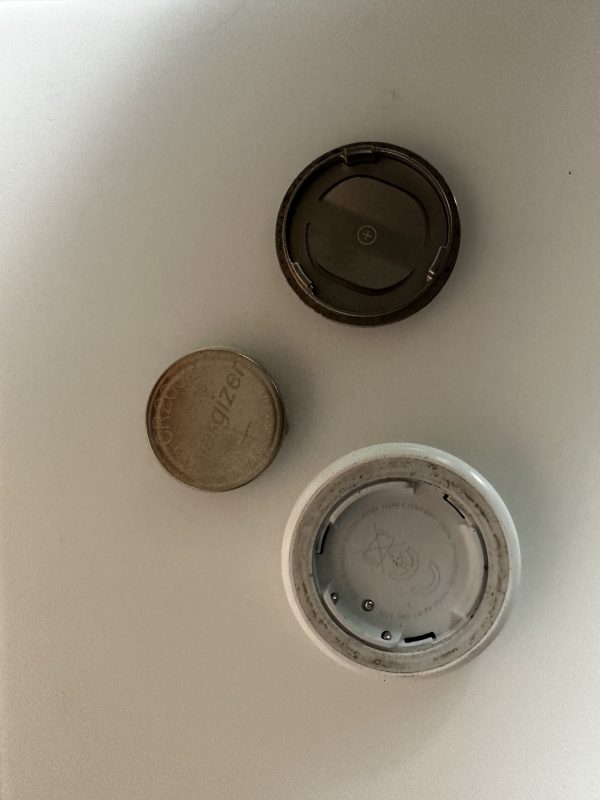
Replacing Your AirTag Battery
I got a warning on my iPhone that Jezebel’s AirTag battery was running low. I don’t know why I have an AirTag on Jez since she is a home body but she’s a modern bulldog and needs to sport some Apple tech! So I need to replace the battery and here’s how you do it.
- Press down on the polished stainless steel battery cover of your AirTag and rotate counterclockwise until the cover stops rotating.
- Remove the cover and battery.
- Insert a new CR2032 lithium 3V coin battery (available at most electronic and drug stores) with the positive side facing up. You’ll hear a sound indicating that the battery is connected.
CR2032 batteries with bitterant coatings might not work with AirTag or other battery-powered products, depending on the alignment of the coating in relation to the battery contacts.Be sure to remove the paper cover on the negative side before inserting. - Replace the cover, making sure that the three tabs on the cover align with the three slots on the AirTag.
- Rotate the cover clockwise until it stops.