What Should You Do about an Authentication Code You DIDN’T Request?

We strongly encourage using two-factor authentication (2FA) or two-step verification (2SV) with online accounts whenever possible. The details vary slightly, but with either one, after you enter your password, you must enter an authentication code to complete the login. Although it’s always best to get such codes from an authentication app like 1Password (which enters codes for you), Authy, or Google Authenticator, many websites still send codes by the less secure SMS text message or email. They’re better than nothing.

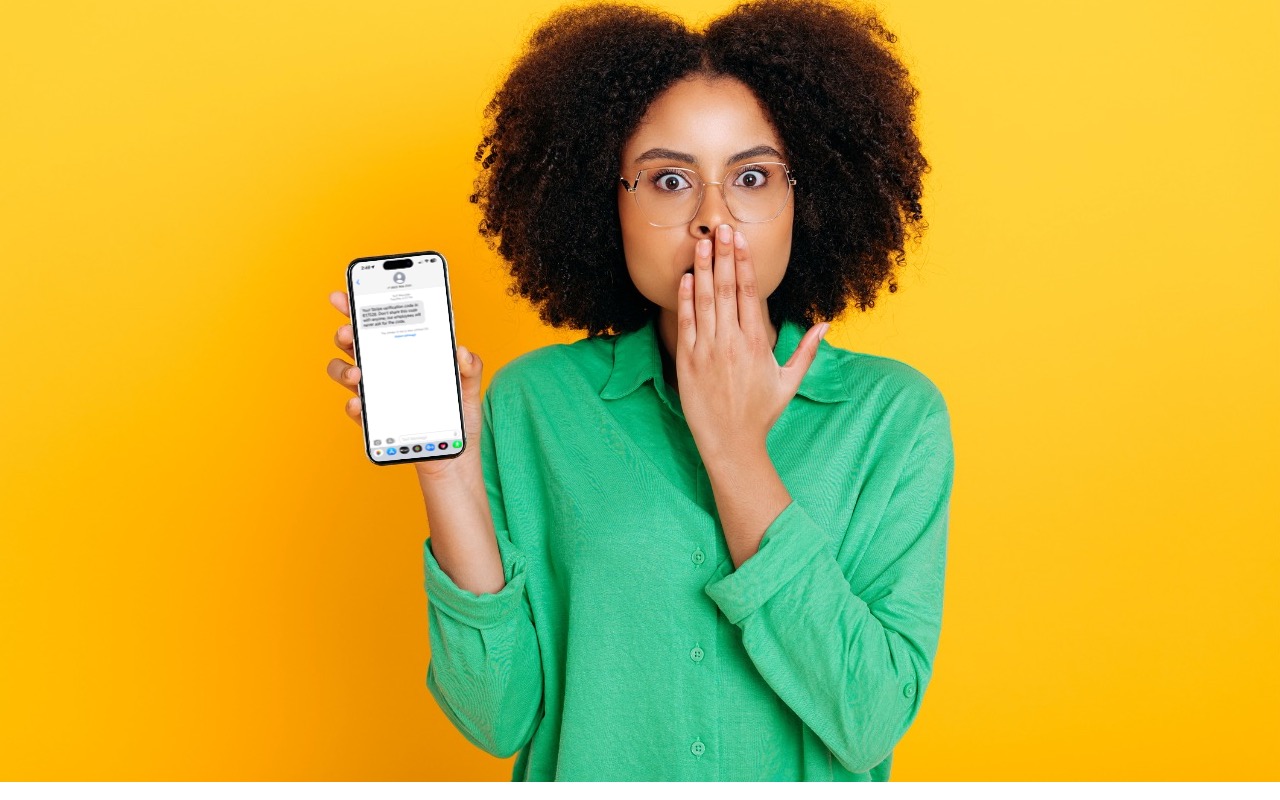
But what if you receive a 2FA code that you didn’t request?

  1. Don’t panic. Although receiving the code means that someone is trying to log in to your account and has your password, the extra authentication step has done its job and protected your account from being compromised.
  2. Never share an authentication code with anyone! A hacker could attempt to break into your account, be foiled by two-factor authentication, and then email or text you with a trumped-up story about why you should send them the code. Authentication codes are short-lived, so if this is going to happen, it will happen right away.
  3. Independently from the message with the code, go to the account website, log in, and change the password. As always, make sure the password is strong, unique, and stored in your password manager. If the account used an old password that was shared with other accounts, change passwords on those accounts as well.

There are a handful of scenarios that could generate such an authentication code:

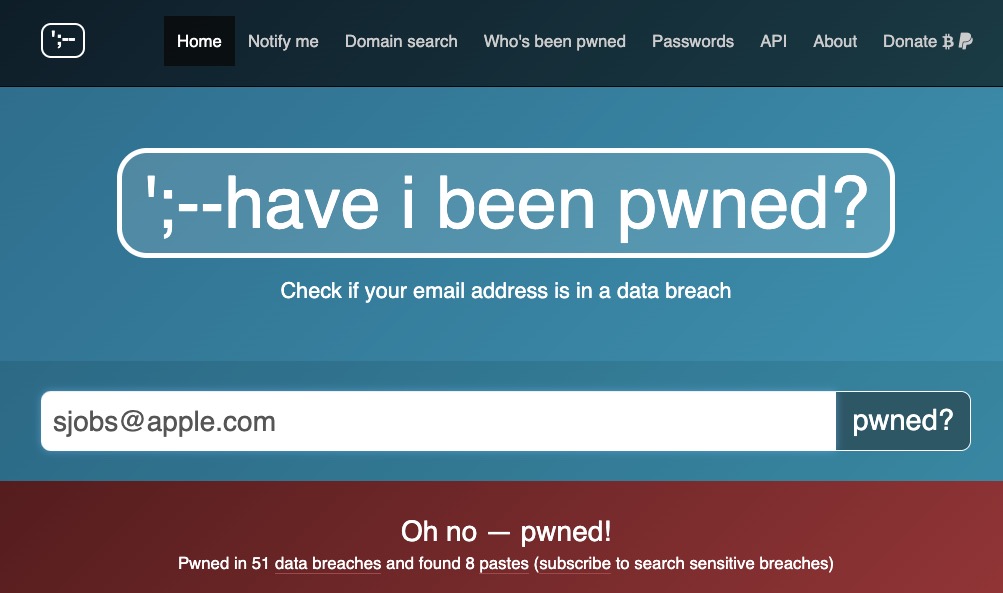
  • Stolen credentials: The most likely scenario, which the advice above addresses, is when your email address and password have been stolen, probably in a significant site breach. You can check the Have I Been Pwned site to see if your account is floating around on the “dark Web.” Password managers often perform similar checks. Changing the password on any breached sites is essential.
  • Identity theft: You started receiving authentication codes from TikTok, but you don’t remember creating a TikTok account. Someone might be trying to create an account to impersonate you but cannot complete the account creation without the authentication code. There isn’t much you can do to stop such attempts, although if an account has been created, you should be able to change the password (since it’s using your email address or phone number), log in, and either just let the account sit in your password manager or try to delete it.
  • Accidental or random triggering: If you have a common email address or phone number, someone could have accidentally entered your address or number instead of theirs while trying to create an account. It’s easy to type marsha32@example.com instead of marsha23@example.com or mistake the Boston 617 area code for the upstate New York 607 area code. If you’re sure you don’t have an account at the site in question and you only get one authentication code, you can probably ignore it.

Regardless of the cause, don’t ignore 2FA codes you didn’t request for sites where you have an account. It’s not hard to change a password, particularly if you use a password manager, and the extra piece of mind is worth the few minutes of work.

(Featured image based on an original by iStock.com/Kateryna Onyshchuk)


Social Media: Receiving a two-factor authentication code you didn’t request shows that your security is working, but it’s also an indication that someone may have your password and be trying to break into your account.

Similar Posts

  • 20 Years of Service.

    !http://blog.smalldog.com/images/4613.jpg!

    Small Dog Electronics has been your local Apple Specialist for 20 years! Not only do we sell the latest Apple products and have some of the most knowledgeable staff around, we offer some of the best *one on one training* and *consulting* services around. Should Santa put something under the tree this year that your just not sure about how you can use it, do not worry, we have got your back and it doesn’t matter where the product came from. Stop into any of our retail stores or give us a call and we will get you getting the most out of your Apple products.

    “!http://blog.smalldog.com/images/4612.jpg!”:http://www.smalldog.com/macthehalls

    Not only do we have great services to help you get the most out of your Apple product, but we have some great deals going on in all of our retail stores *December 9th through the 15th*! Visit any of our retail stores in Rutland, Waitsfield or South Burlington or visit “www.smalldog.com/macthehalls”:http://www.smalldog.com/macthehalls for these deals or more information about what Small Dog services might benefit you.

  • Do you use iCloud for Safari?

    With all the news surrounding the government’s attempt to force Apple to write software that doesn’t exist to crack an iPhone, iCloud has been in the news, too! Do you use iCloud? Apple has some huge server farms to support this amazing technology and I thought it would be good to do a brief review of some of the features as they relate to Safari.

    iCloud has sort of settled to the back of my mind because it just does its thing in the background and serves up features that I take for granted. But this week, I ran into a dilemma that puzzled me for some time. I noticed that I had accidentally deleted one of my folders in my Safari favorites bar. These were important bookmarks and I needed them back. Well, like a good boy, I have a Time Machine backup and quickly went back in time and restored my Safari bookmarks from a time before I had deleted them. Good stuff, but when I went to look the next morning, the folder was gone again. This happened a few times with me going back in time to get the .plist file. Then I figured it out – I had Safari active in iCloud so my bookmarks were being synced in the cloud. So, every time I restored it, it would eventually be overwritten by iCloud. The solution? Really sort of simple, I turned off Safari in iCloud preferences and turned it back on, problem solved.

    Activating Safari in iCloud gives you some great tools. You can start browsing on your iPad and pick up seamlessly from your Mac or you iPhone. It syncs your bookmarks and tabs and if you also use iCloud Keychain it will remember all those passwords for the websites you visit. If you use the reading list function of Safari it will also keep those current across your devices.

    As with the other features of iCloud, the features only work if you are signed on with the same Apple ID on all of your devices. It won’t know that you are signed onto one AppleID with your Mac and another with your iPhone. Most common issues with iCloud come down to this simple issue. Apple has not made it easy to merge Apple IDs so at least for iCloud you should be consistently using the same Apple ID. Open the iCloud System Preference on your Mac and choose Safari to activate iCloud on your Mac or go to the iCloud Setting on your iPhone or iPad to activate.

    You can also access the Safari tabs that you have open on your Mac on your iPhone or iPad. It is a bit different looking on the iPhone or iPad. Open Safari on your iPhone or iPad and then tap the tabs icon. You will see all of your open Safari windows but if you scroll down at the bottom will be all the tabs open on your Mac and you can click on any of those to make it active.