New Apple Creator Studio Bundles Pro Apps

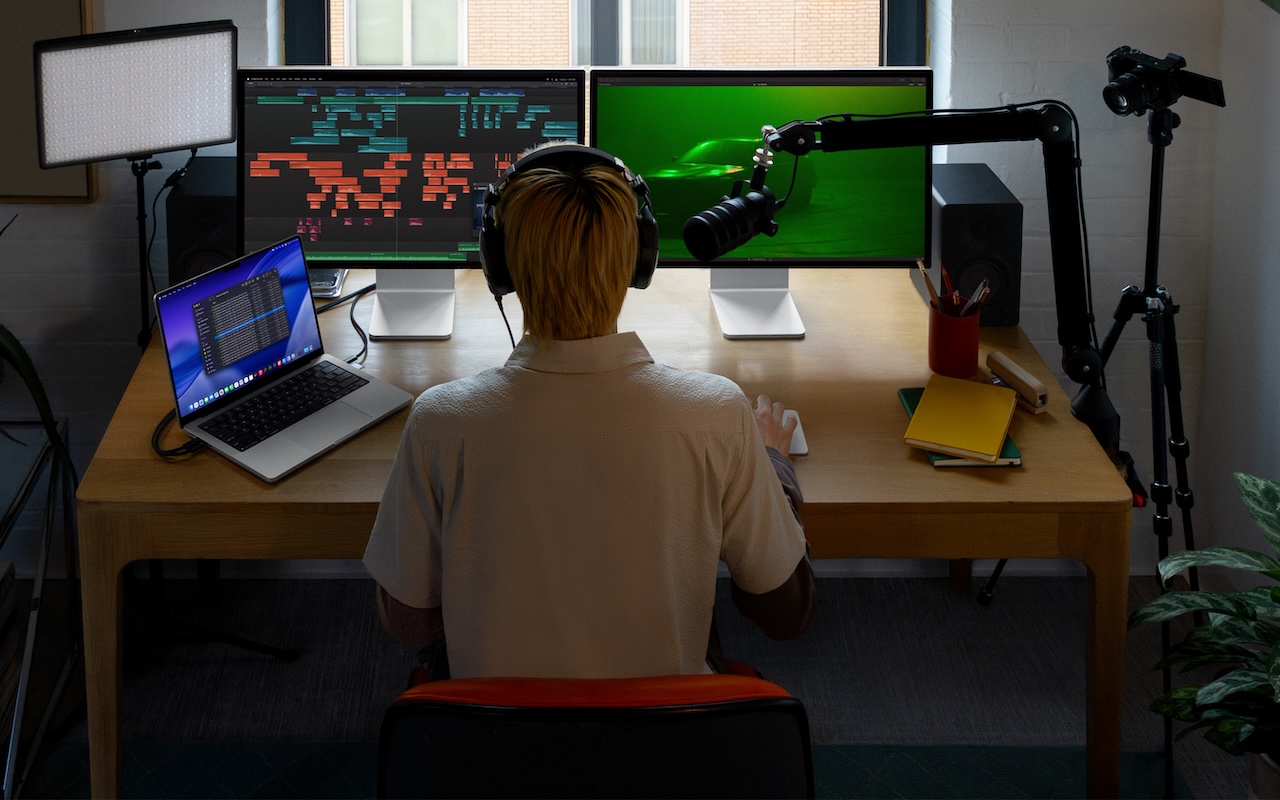
Apple has introduced Apple Creator Studio, a subscription bundle of Final Cut Pro, Logic Pro, Pixelmator Pro, Motion, Compressor, and MainStage, priced at $12.99 per month or $129 per year (with education pricing at $2.99 per month or $29.99 per year). The bundle also includes premium content and a few AI tools for the iWork apps: Keynote, Pages, and Numbers. These apps will prompt you to download the new version 15, but don’t worry—they remain free for all existing features; only the new AI capabilities and premium content require a subscription. You can also still purchase Mac versions of the pro apps, though the iPad versions of Final Cut Pro, Logic Pro, and Pixelmator Pro are now available only to subscribers. Up to six family members can share a Creator Studio subscription via Family Sharing.

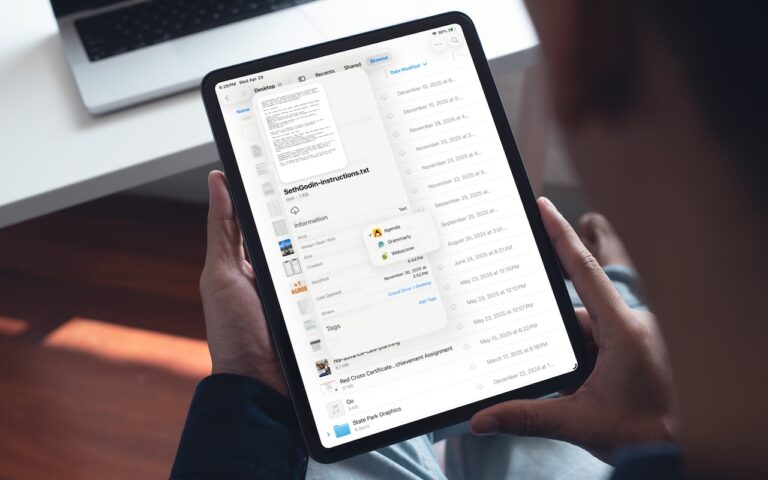
(Featured image by Apple)


Social Media: Apple’s new Creator Studio bundle includes Final Cut Pro, Logic Pro, Pixelmator Pro, and more—plus premium content and AI features in the iWork apps—for $12.99/month or $129/year. Don’t worry—Keynote, Pages, and Numbers stay free for existing features.

Similar Posts

  • Expand your mind…er..text

    Speed Up Your Fingers with Text Expansion

    With all the advances in computing and communications, it’s amazing that–after nearly 150 years!–we still use the keyboard layout from the world’s first practical typewriter for entering text into our Macs, iPhones, and iPads. Sure there are some improving dictation solutions out there but typing is by far how we input text. But we have not gotten that much better as typists, nor do we enjoy typing more–if anything, we increasingly abbreviate to avoid typing, hence “LOL, BRB, etc.” Text messaging aside, wouldn’t it be nice to be able to type less without compromising meaning or making your text look like it was composed by a trained monkey? Thanks to text expansion features built into OS X and iOS, and extended with third-party utilities, you can.

    For basic text expansion capabilities in OS X, look in System Preferences > Keyboard > Text, and in iOS 9, go to Settings > General > Keyboard > Text Replacement. For both, you can enter a phrase, and a shortcut that expands into that phrase when typed and followed by a space or punctuation character. (Tip: If text expansion doesn’t work in a Mac app like Mail or Safari, make sure Edit > Substitutions > Text Replacement is selected.)

    If you’re signed into the same iCloud account on both your Mac and your iPhone, for instance, the text expansions sync between them automatically. So, you can type “smh” and tap the Space bar to get “Shaking my head!” typed out for you, regardless of what device you’re using. (Another tip: don’t create abbreviations that you will also want to type normally. It might seem like a good idea to use “np” for “No Problem,” but that will get in the way of talking about Nurse Practitioners.)

    With such a useful feature built into OS X and iOS, why would you want to spend money on a third-party utility, like “**TextExpander**”:https://smilesoftware.com/textexpander (Mac and iOS), “**Typinator**”:http://www.ergonis.com/products/typinator/ (Mac), or “**TypeIt4Me**”:http://www.ettoresoftware.com/products/typeit4me/. Unfortunately, OS X’s text expansion feature doesn’t work in all apps (it likely won’t work if the app lacks the Edit > Substitutions > Text Replacement menu command). The interface for creating new substitutions is cramped and hard to work with, you can’t configure the trigger characters that cause abbreviations to expand, and you can’t include text with styles, variable text like the date, or even graphics.

    That’s where text expansion utilities shine. They can include styled text and graphics in expansions, insert the current date and time, respect case when expanding abbreviations, include the contents of the clipboard in expanded text, automatically fix common typos, create fill-in-the-blanks snippets that you customize on each expansion, and much more.

    Here are some ideas for the kinds of things you might want to turn over to your computer for typing:
    Long or complex words or phrases, such as scientific names. Aedes aegypti, anyone?

    *Your address, phone number, and email address. One of my favorites is “@d” which inserts my email address. I get real tired of typing email address, phone numbers, etc. Text expansion speeds that up!

    *Boilerplate text for common email replies.

    *The current date and/or time.

    *Special characters, so blb could expand to the British pound symbol £.

    *Unix commands for Terminal, such as using ssh to log in to a remote computer.

    I am sure you can come up with dozens that might work for you and speed up your typing. So think about what bit of text you might want expand automatically and give text expansion a try today!

  • _Dear Friends,_

    I tuned into the Apple special “Let Us Loop You In” event on my Apple TV. We will talk about the new hardware and software but there were a few things that caught my attention that really help to define Apple as a truly different company.

    The first was Apple’s environmental commitment. They now boast that 90% of their operations, worldwide, are powered by renewable energy and 100% in the USA. This is a unique accomplishment that is made even more remarkable by Apple’s size. While Small Dog Electronics is proud to power our Waitsfield headquarters and S. Burlington store by solar energy, we have not yet reached the point of powering all our operations which is something Apple has done both by purchasing renewable energy and installing large scale solar arrays at their locations both in the USA and China.

    Their environmental commitment goes further with an awareness of the impact their products have on the waste stream. They made a point to describe the materials used which have lower impact and talked about their recycling program, too. The robot, Liam, that disassembles iPhones into its component parts was very cool and is a further demonstration of Apple’s leadership in environmental stewardship.

    The other part of the announcement that caught my eye was the extension of Apple’s altruistic Research Kit tool that has helped researchers gather data on several chronic diseases. CareKit takes that a step further, offering tools that help patients and their medical providers manage those chronic diseases. They already have several new apps in development, including one that provides post-surgical care monitoring and another for diabetes monitoring. Research Kit and CareKit are both open-source software that do not necessarily provide any revenue stream for Apple but provides the tools to improve health. I am very proud of Apple for its initiatives in these areas.

    This week’s Kibbles & Bytes exclusive is a “**home and away USB charger bundle.**”:http://www.smalldog.com/wag900002185/home-and-away-usb-charger-bundle-one-for-the-car-one-for-home This features the Hammerhead 2-port USB Automotive charger and the Hammerhead 2-port wall charger. Both have sufficient power to charge both an iPhone and iPad. If you are like me, you can never have too many chargers and this bundle is a great way to get a spare for you home and car! Normally, this bundle is $34.98 but exclusively for Kibbles & Bytes readers this week, it is $10 off at “**$24.98!**”:http://www.smalldog.com/wag900002185/home-and-away-usb-charger-bundle-one-for-the-car-one-for-home

  • _Dear Friends_,

    It was a long trip up to Daytona using the “avoid highways, avoid tolls” feature of Google Maps. I was using my Blue Ant Pump Lite Bluetooth earbuds connected to my iPhone in my pocket. I not only got the turn-by-turn directions from Google Maps but also some great tunes from my playlists. I even was able to take a phone call, although I pulled over both for safety reasons and so I could hear better. We travelled through Florida’s farm belt, orange groves (hey, their trees are full of oranges!) and Lake Okeechobee before we headed towards the coast.

    It is official, Apple has sent out notices for the special “Let Us Loop You In” event on Monday. It is expected to see some new iPhones and iPads and perhaps other announcements. For those of you with a 4th Generation AppleTV there is a new app called “Apple Events” that you can download for free to watch the event which starts at 10AM Pacific time. The live stream will also be available on Macs and iOS devices through Apple’s event website. iOS 7 or OS X 10.8.5 with Safari 6.0.5 or later is required. We are excited to hear about the latest from Apple!

    I am going to talk about Time Machine and Time Capsules a bit in the article below, however, this week as a Kibbles & Bytes exclusive, I am featuring the Apple factory reconditioned 2 and 3 TB Time Capsules. You can save a bunch on these Time Capsules that have a 1-year Apple warranty. Normally, the 2 TB Time Capsule, new is $299.99 and the 3TB Time Capsule is $399.99. With $20 off for Kibbles & Bytes readers, the “**2TB Time Capsule is only $159.99**”:http://www.smalldog.com/wag900002182/save-20-on-an-apple-factory-refurbished-2tb-time-capsule and the “**3TB is $259.99!**”:http://www.smalldog.com/wag900002183/save-20-on-an-apple-factory-refurbished-3tb-time-capsule This is a great way for you to have automatic wireless backup and the superior Apple Airport Extreme wireless access point!

  • Clean Your iPhone’s Camera Lens

    Serious photographers take care of their lenses. The rest of us just stuff our iPhones into our pockets or purses and pay no…