How to Look Up a Saved Wi-Fi Network Password

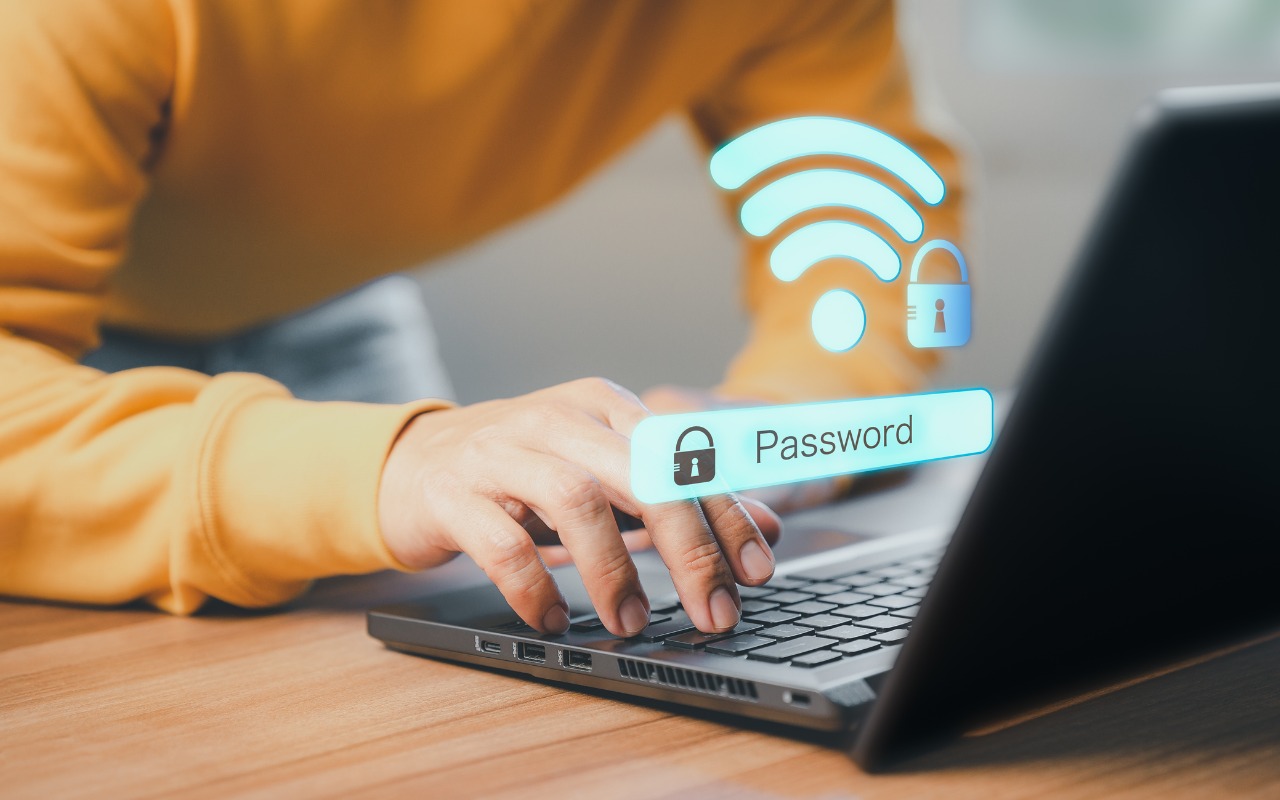
Apple offers several simple ways to share Wi-Fi network passwords. When someone nearby tries to connect to a Wi-Fi network with an iPhone, iPad, or Mac, and they are in your Contacts app, you will be automatically prompted to share the network password with them. Additionally, in the Passwords app, you can display a Wi-Fi network QR code that anyone can scan to join the network. However, sometimes you need to share a password via email or text. To look up a Wi-Fi password on an iPhone or iPad, open Passwords, tap Wi-Fi, select the desired network, and tap the obscured Password field. A Copy Password button makes it easy to copy. In the Mac version of Passwords, hover over the obscured password and click the revealed password to copy it.

(Featured image by iStock.com/jpkirakun)


Social Media: Apple makes it easy to share Wi-Fi passwords without requiring anyone to type them. We explain how you can do this nearly automatically, with a QR code, or by looking up the password and copying it so you can paste it into an email message or text.

Similar Posts

  • Motorcycling down here is sort of boring. I have my bike all tuned up but there is literally only one road and the fastest speed limit in Key West is 30mph. I think we may have to trade in Grace’s Vespa to get a real motorcycle for her so we can take some longer trips down here.

    Pitchers and catchers reported for spring training and the Cubs Kyle Schwarber is already breaking windshields in Arizona at the Cubs park. Maybe this year?

    Thank you so much for reading this issue of Kibbles & Bytes!

    Your Kibbles & Bytes Team,

    _Don, Emily, & Hadley_

  • My sister and her partner are coming to visit this week so I hope the sun comes out. It has been sort of cool and rainy here for this week. It is hard to believe that we are already in the middle of January and the Iowa caucuses are only a couple of weeks away.

    I know you will join me in congratulating (or consoling) Emily for her most recent promotion. A frequent contributor to Kibbles & Bytes, Emily has done just about every job at Small Dog, starting out in the shipping department way back when, when the computers were heavy. Emily is now the General Manager of Small Dog Electronics to reflect her pivotal role at the company.

    Thank you for reading this issue of Kibbles & Bytes and for all of the support for Small Dog Electronics. We know it is you, our loyal customers, that sustain us and we appreciate you!

    Your Kibbles & Bytes Team,

    _Don, Dean, Scott & Emily_