Apple's Not The Only Game In Town

I have the pleasure of being able to not only work behind the scenes here at Small Dog, but also on the front line with our customers. This past week while working in our Rutland, VT store I had two customer interactions that brought an interesting subject light when talking about iPads. We have seen over the last two years or so there has been a slight drop in the number of iPads sales in comparison to when they first hit the market back in in April of 2010 and a lot has changed since then. There are more tablets out there than ever before including ones that run Android, Windows, Kindle and more.

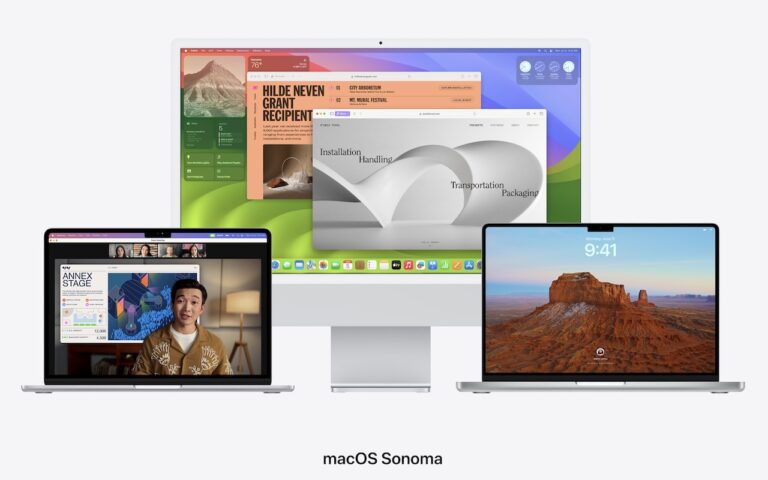
The draw away from Apple for some customers is that in many cases the same Apps and functions you can do on an iPad can be done on a another device and for less money. It’s easy to be persuaded by these draws and overlook some some other key aspects. What makes Apple stand apart is often pushed aside temporarily when comparing these products. With Apple everything is designed to work together. iCloud can sync all your information across multiples devices, from your iPad to iPhone to your computer. Handoff allows you to start a project on your iPad and then with a quick tab, pick up that project on your computer. Wanting to show your friends the pictures from your weekend trip to the mountains? With photo stream it doesn’t matter what Apple device you’ve picked up, your photos will be there. Have a great home video of your child or grandchild and just have to show everyone who came to Friday night dinner? No problem. With the Apple TV you can airplay that video and save yourself from passing your phone around the room for everyone to see. Another benefit? Apple devices last a long time! I have been using the original iPad mini for four years now and each week I interact with customers who are also using iPads that are two or three years old with no issues.

In addition to all the integration, we’ve seen price drops for the iPads over the last several years as well. No longer do you need to spend $500 or more for an iPad. You can get an iPad Mini 2 starting at $269 and iPad Air for $399. So the next time your considering tablet options, take a few moments to consider that while Apple isn’t the only game in town anymore, it’s still the leader of the pack!


Similar Posts

  • Reminders (Finally) Adds Time Zone Support

    Apple’s latest operating systems have eliminated a longstanding annoyance for frequent travelers: the lack of time zone support in Reminders. If you had…

  • Who cares about QR Codes?

    By now you’ve probably seen one of those odd-looking white squares with a bunch of smaller square dots that make up a random pattern inside–that’s a QR code. QR stands for “Quick Response,” and a QR code is a form of barcode, just like on the packaging of nearly everything you buy.

    Usually QR codes are used to store Web links–URLs–so an ad can display just the QR code instead an unwieldy and hard-to-type web address. But QR codes aren’t just for ads. They’ve appeared on business cards, in magazines and books, on coins and bills, and even on tombstones–any place it would be nice to help someone load a Web link into a smartphone but where there isn’t enough room for a URL or in situations where viewers won’t remember the URL later. And the links? They can display anything that can appear on the Web: text, photos, videos, games, and more.

    Only one built-in iPhone app can scan QR codes–the Wallet app in iOS 9–but it can scan only QR codes that are associated with Wallet passes, things like airline boarding passes, concert tickets, and iTunes gift cards. For QR codes that encode any other sort of data, Wallet shows an error. It would be nice if Apple would add general QR scanning capabilities to Wallet or the Camera app, but until that happens, you’ll need another app.
    There are numerous QR code scanning apps in the App Store, but if you need a recommendation, give TapMedia’s QR Reader for iPhone a try. It’s free with ads (remove them with a $1.99 in-app purchase), scans both QR codes and traditional barcodes on most commercial products, and displays the associated information within the app. It can even help you create your own QR codes.

    To use a QR code scanner, launch the app, allow it to access the camera when it asks, and then point it at the QR code. Good apps will scan nearly instantly, but if not, move the camera so the QR code is centered between the guides. If even that doesn’t work, move forward or back so the camera can focus on the centered code.

    Once the code has been scanned, the app will usually bring up an in-app Web browser to display whatever was encoded. For certain kinds of data, like books or grocery items, the app may go right to Amazon or a price comparison site. Good apps will also keep a record of sites you’ve scanned, so you can go back to them later, even if you can no longer scan the QR code.

    So download a QR code scanning app and keep an eye out for QR codes. Once you start looking, you’ll find them everywhere–it’s a modern-day treasure hunt!