Dear Friends,

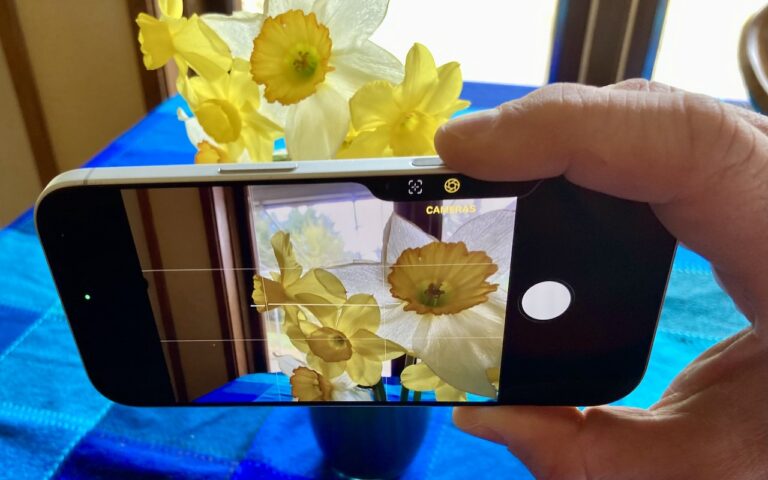
It is raining today here in Key West but as with most tropical showers it will likely pass over soon and the sun will come back. My neighbor, Glenn Thomas, posted a picture of the first daffodil at our Prickly Mountain location so I guess it is safe for me to head back north. Grace and I will be packing up and driving up I-95 next week.

Apple quietly made some changes to the 12-inch Macbooks and 13-inch Macbook Airs this week that I will review below and as promised we will talk some more about dictation. Apple did not hold a big event for these laptop upgrades but they are welcome changes that should be a precursor to updates to the rest of the laptops in Apple’s lineup. We will have these new Macbooks and Macbook Airs in stock this week and have some great deals on the newly discontinued models with up to $200 off.

This week’s Kibbles & Bytes exclusive features the Hammerhead Jacket case for the iPhone 5, 5s or the new 5se. This case offers exceptional corner protection with a double injection molded design featuring strong polycarbonate and flexible TPU. Anti-slip sides keep the phone securely in your hand when in use. Of course, all the ports and buttons are easily accessible through this protective case. We have ten designs for this case: Watermelon Red, Hubcap, Pride, Snake Skin, Helmet, Hammerhead Purple, Lemon Yellow, Black, Sky Blue and Hammerhead Orange. I know you can decide which to use so for this week we are offering a 10-pack featuring one of each case. Change as your mood sees fit or give one to a friend. Normally, these cases are $14.99 each but exclusively for Kibbles & Bytes readers you can get all ten for only $49.95!

Similar Posts

  • _Dear Friends_,

    Well I didn’t win the Powerball so I guess I have to stick with my day job a bit longer. Vermont finally got some winter weather and more snow is in the forecast. It has even gotten a bit cooler down here in the Keys where when it dips below 70° F the down coats and shoes come out.

    I am still struggling a bit with tropical gardening. A large caterpillar ate the leaves off one of my tomato plants overnight and for some reason I cannot get my citrus trees to blossom. I keep feeding and watering them in the hopes that my Key Limes, Myers lemon and Naval oranges will blossom but they seem to just make greenery. We did discover that bananas love coffee grounds and since Grace and I produce a lot of coffee grounds those plants are doing well.

    I upgraded myself from the original iPad mini to the iPad mini 4 before I went to Las Vegas and the differences are remarkable. Not only is it thinner and lighter but the screen is much better, the speed is a lot faster and I simply love the Touch ID. I had been trying to activate my old iPad mini with my finger after being used to that with my iPhone so it is a welcome addition for my primary reading device. I prefer the iPad mini to the full-size iPad or the iPad Pro because of the size. It feels like a paperback book in my hand and even on a crowded airplane it is comfortable to use.

    Do you know about tethering? I don’t know how many people I have talked out of buying a cellular iPad by explaining tethering. I guess that is a bit against my interests as you pay an extra $130 for cellular versions of the iPad. If you buy that cellular version you also need a cell contract which might be another $30 a month. Tethering is a much better idea. Tethering is where you share the cellular connection from your iPhone with your iPad. You activate Personal Hot Spot and boom you have your own private wireless network over cellular. The other day Comcast had an outage here in the Keys and I used tethering with my Mac to work all day. Most carriers will charge you a little more for tethering but it is less than the $30. With my iPad, I simply choose “donphone” from the wireless setup and I am connected with the same speed as if I had the cellular version of the iPad.

    This week’s Kibbles & Bytes exclusive is a “**fully configured 13-inch MacBook Air.**”:http://www.smalldog.com/wag900002125/special-save-50-on-apple-refurbished-macbook-air-and-free-hammerhead-case This Apple factory reconditioned MacBook Air carries the same 1-year Apple warranty as new Macs and we are bundling it with AppleCare so you actually get 3-years of warranty protection and 3-years of free Apple technical support instead of the normal 90-days. This MacBook Air is the same as the one I use and love. It features a 1.7GHz i7 processor, 8GB of ram and a big 512GB SSD drive. I am going to take $50 off and include a free Hammerhead neoprene case for this MacBook Air. Regular price is $1639.97 but for Kibbles & Bytes readers this week only (while supplies last) the price for this bundle is “**$1559.98.**”:http://www.smalldog.com/wag900002125/special-save-50-on-apple-refurbished-macbook-air-and-free-hammerhead-case

  • Hey Dora…

    So we have Siri and I’ve been playing around with Alexa (don’t tell Grace!) but now I have Dora, too. Dora is the computer from Robert Heinlein’s Time Enough for Love, The Number of the Beast, The Cat Who Walks Through Walls which were some of my favorite Sci-Fi as a kid.

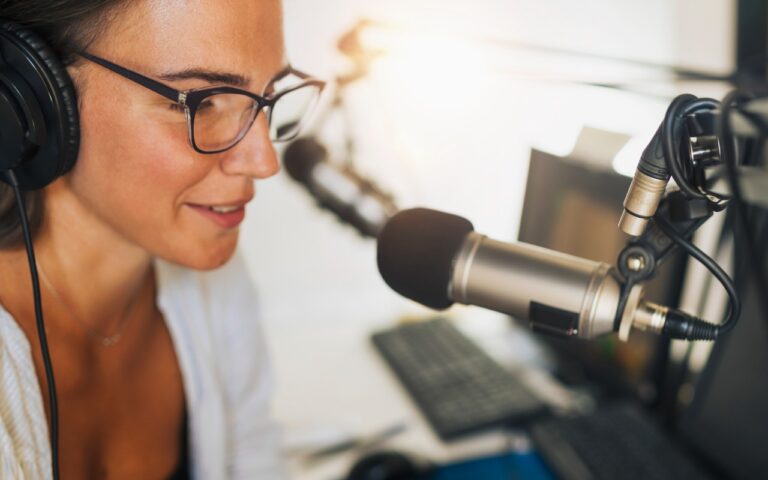
    I was helping a customer that has pretty bad arthritis and struggled to use the keyboard. I was straightening out her email and getting her off of AOL (something we do often!) and noticed how difficult it was to type a simple email. So, I showed her dictation on the Mac and wow, it was like a light just got switched on. Dictation has come a long way and if your are on Mavericks, Yosemite or El Capitan, Apple’s enhanced dictation works wonderfully.

    Dictation will not be a satisfying experience for you if you have a lot of noise in the room, i.e. other people talking, music, etc, but if you are working alone in a relatively quiet environment it can be a great tool not only for dictating that email but you can also use spoken commands to direct your Mac to take action.

    Setting up Enhanced Dictation

    * Open System Preferences, then click on Dictation & Speech. Turn on Dictation and set up your options.

    * Click *Use Enhanced Dictation*. This will download a 1.2GB file so that you can dictate without internet connection.

    * Choose your language and dialect. Some languages, such as English, have multiple dialects.

    * Choose the keyboard shortcut you will use to signal that you’re ready to start dictating. The default is pressing the function Fn key twice, which I find convenient but you can customize it.

    * Choose your preferred microphone from the pop-up menu below the microphone icon. Normally, you use the internal microphone but if you are using a headset or external microphone you can choose that.

    Using Dictation

    * Go to a document or other text field and place the insertion point where you want your dictated text to appear.

    * Press the keyboard shortcut for starting dictation. The default shortcut is Fn Fn (press the Fn key twice). Or choose Edit > Start Dictation. When your Mac is listening, it displays a microphone with an input meter that rises and falls as you speak.

    * Speak the words that you want your Mac to type. Use dictation commands to add punctuation, formatting, and more.

    * To stop dictating, click Done below the microphone icon, or press Fn, or switch to another window.

    The more you use Dictation, the better it understands you. Dictation learns the characteristics of your voice and adapts to your accent.

    I will go into some of the more enhanced features like Dictation Commands in next week’s Kibbles & Bytes but I can tell Dora to Open an App, select text, move up or down and much more. I think you will like dictation on the Mac, give it a try!