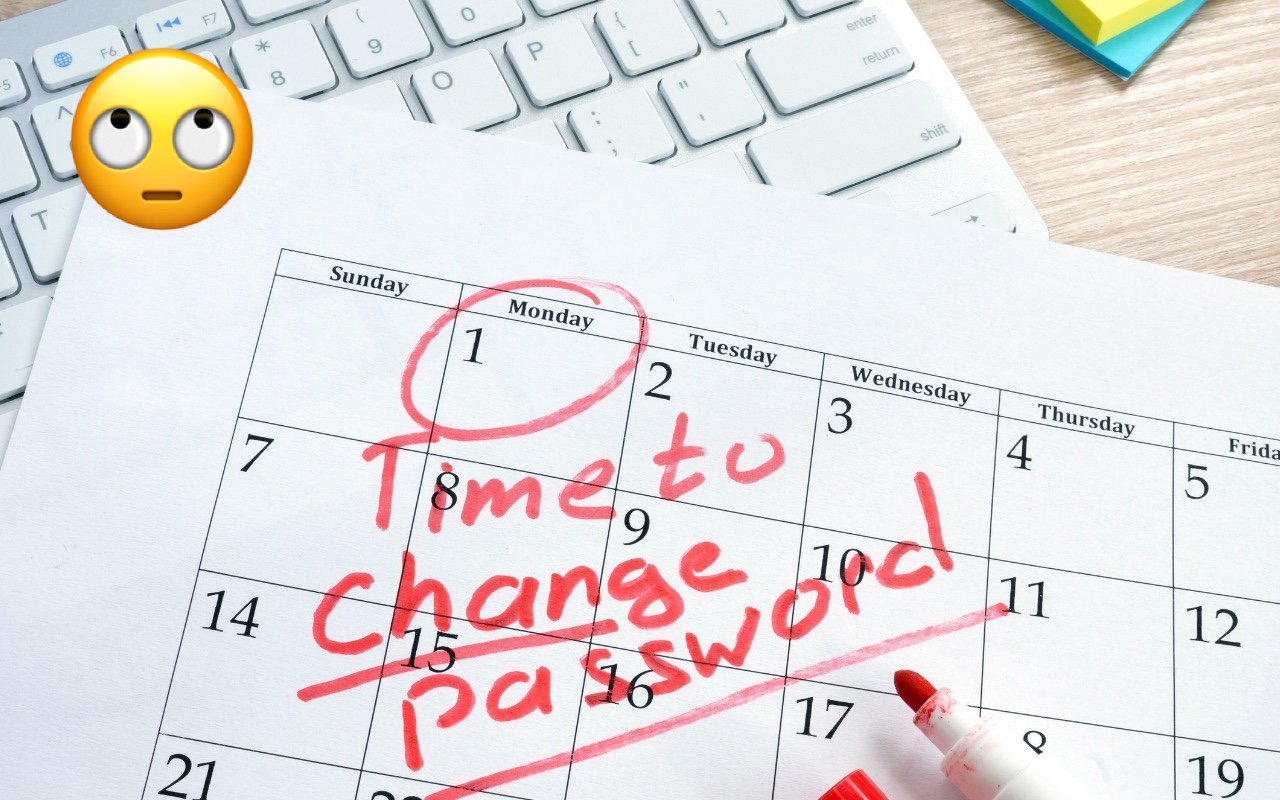
Changing Passwords Periodically Doesn’t Increase Security
Does your organization or some financial website require you to create a new password periodically? This practice was recommended long ago, but some organizations haven’t kept up with current recommendations that discourage such policies. If you’re bound by a password expiration policy, you can use this article to encourage your IT department or financial institution to update its approach to password security.
The rationale behind password expiration policies was that if an attacker were to steal a password database and decrypt some passwords, they would work for only a limited period, lessening the risk of unauthorized access. Even if an attacker gained access to an account, they could remain undetected only if they didn’t change the password, and that access wouldn’t last indefinitely.
Over time, security experts realized that the problem wasn’t so much how long an attacker could remain undetected but allowing users to set weak passwords that could be decrypted. It turns out that users often choose weaker passwords when they know they will have to change them, perhaps by tweaking a previous password for easier memorization. This fact hasn’t been lost on attackers, making it easier for them to figure out future passwords. In other words, attempting to increase security by requiring users to change passwords paradoxically reduces security.
The National Institute for Standards and Technology (NIST) is a US government agency that develops cybersecurity standards and best practices for the federal government that large corporations and other institutions tend to follow. In 2017, NIST changed its guidelines to say, “Verifiers SHOULD NOT require memorized secrets to be changed arbitrarily (e.g., periodically).” In a FAQ, NIST explains:
Users tend to choose weaker memorized secrets when they know that they will have to change them in the near future. When those changes do occur, they often select a secret that is similar to their old memorized secret by applying a set of common transformations such as increasing a number in the password. This practice provides a false sense of security if any of the previous secrets have been compromised since attackers can apply these same common transformations.
Of course, if there’s evidence of unauthorized access or a breach of the password database, all passwords should be invalidated and everyone should be required to create a new password immediately—that’s entirely different than requiring passwords to be changed on a schedule.
Interestingly, NIST also doesn’t recommend password composition requirements—such as requiring the password to contain a letter, number, and special character—because users tend to devise predictable techniques to meet such requirements, such as appending an exclamation point to every password. Instead, NIST encourages longer passwords because a long password that’s easily remembered and typed can be stronger than a shorter password composed of random characters. Password managers can generally create both types.
If you’re forced to change a website password periodically, it’s easiest to use a password manager to generate and enter a new strong password, and you won’t have to memorize the new password. For the very few passwords you must remember and type manually, aim for longer passwords that won’t trip up your fingers while typing or require numerous switches of iPhone uppercase and numeric keyboards. To aid memorization, perhaps consider choosing words for your password from categories with many possibilities. For instance, if your initial password is gouda-purple-1989-New-York, the next one could be cheddar-black-2011-Des-Moines. Both are strong in their own right, but only you would know the categories used for each portion.
(Featured image based on an original by iStock.com/designer491)
Social Media: Security experts no longer recommend password expiration policies that require users to change their passwords periodically. Here’s why.