iOS 18 and iPadOS 18 Offer Better PDF Handling in Mail

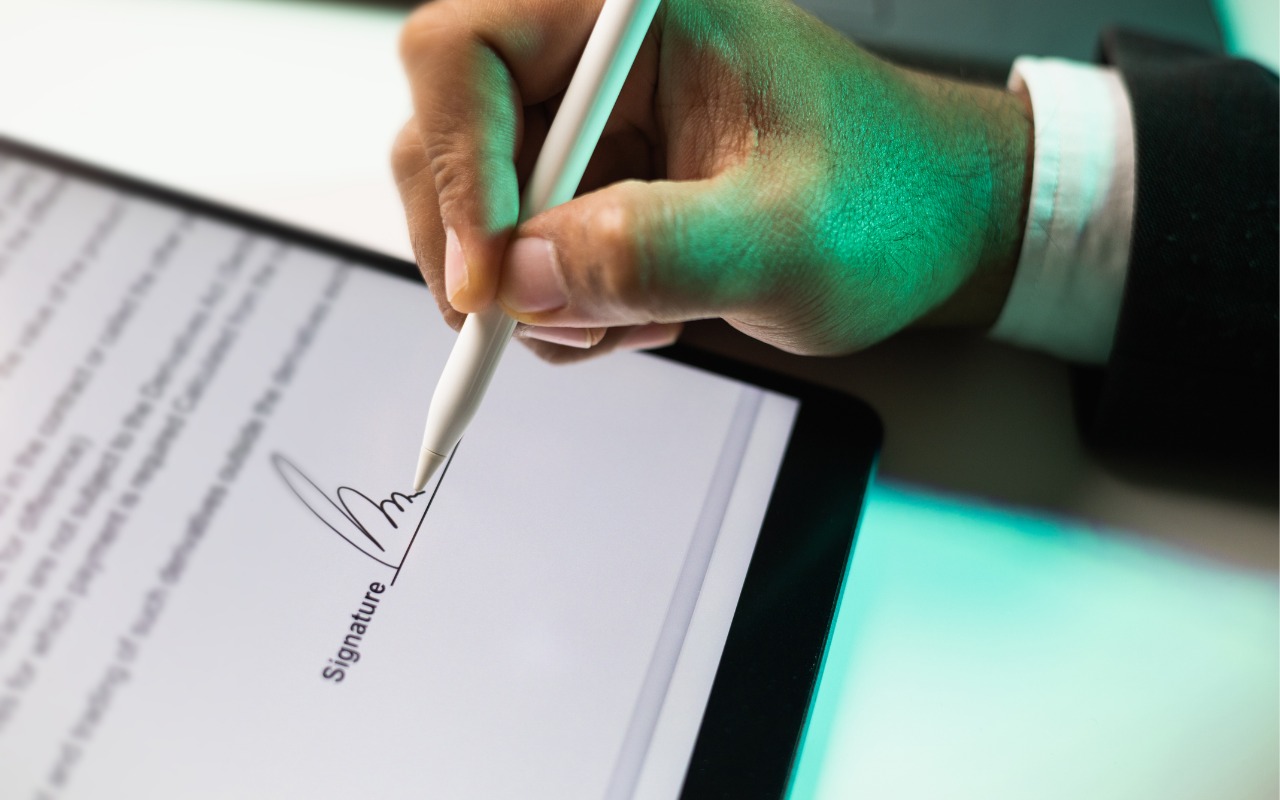
You can now work directly with PDFs received in the Mail app using a little-known feature in iOS 18 and iPadOS 18. Tap a PDF attachment in a message and use the Markup and Form Fill buttons at the bottom to access the PDF markup and filling tools. After modifying your PDF, tapping the Done button gives you options for what to do with the PDF: include it in a reply, create a new message with it, save it to Files, or discard the changes.

(Featured image by iStock.com/chanakon laorob)


Social Media: Have you ever needed to sign or annotate a PDF you received in the Mail app on your iPhone? With iOS 18 and iPadOS 18, you can manage PDFs directly in Mail. Once you’re finished, you can attach the modified PDF to a reply or a new message.

Similar Posts

  • This is the craziest Presidential election cycle that I have seen. I first got involved when President Johnson was running against Barry Goldwater and that seemed pretty crazy especially after I lost faith with the President over Vietnam. But this time it would be great comedy if the stakes were not so serious. I have to tell you that seeing Donald Trump ask people to raise their hands in a pledge is one of the scariest things I have seen in a long time.

    Voting is so important and our system is messy with primaries, caucuses, super delgates and conventions but it is also the basis of our democracy. I am proud to say that the Vermont legislature passed an automatic voter registration bill unanimously this week, meaning when you get a driver’s license you are automatically registered to vote. You really do not have the right to complain about your leaders if you do not get out and vote. So, exercise your right and go to the polls when the circus comes to your state!

    Thank you so much for reading this issue of Kibbles & Bytes!

    Your Kibbles & Bytes Team,

    _Don, Emily & Hadley_