Try Blip for Fast Transfers of Any Size Between Platforms

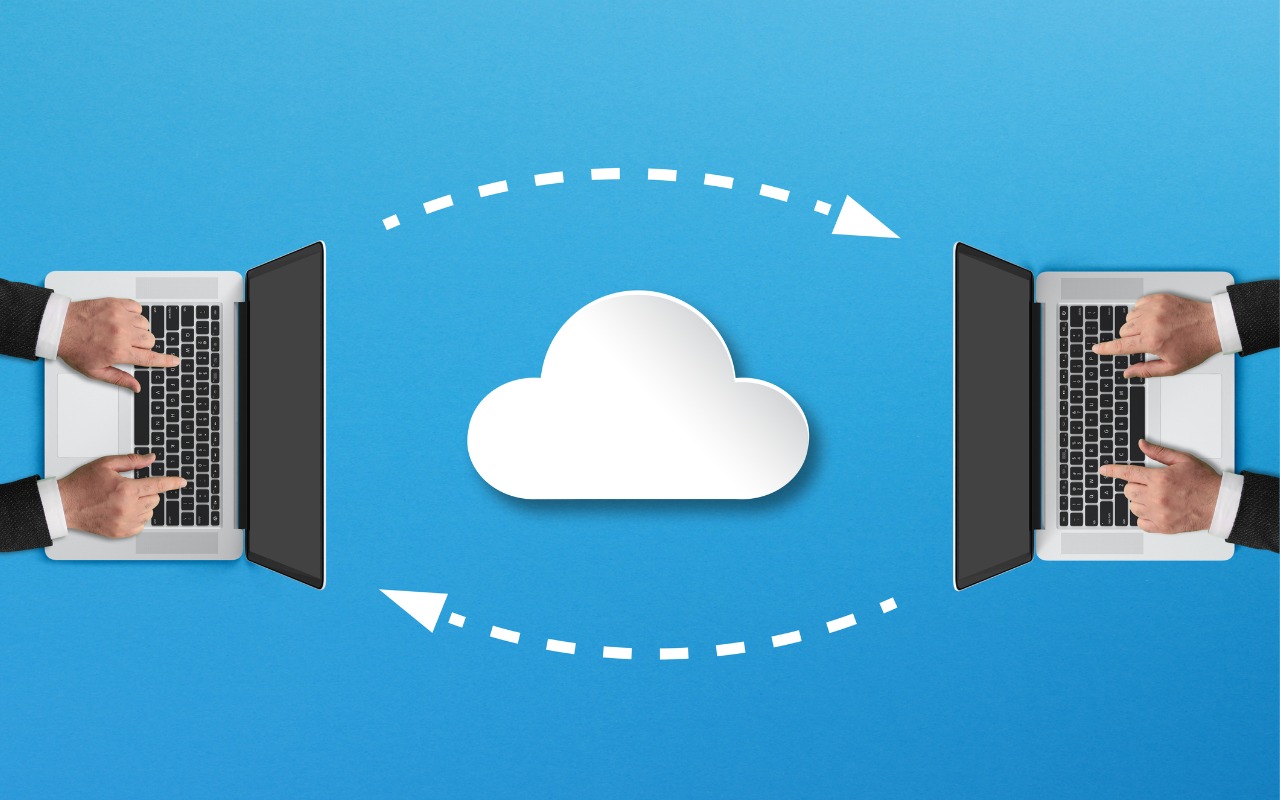
For file transfers, Apple users routinely rely on tools like AirDrop, Messages, email, cloud services, and public sharing websites, but these solutions can fall short when dealing with very large files, sharing across platforms, or confidential data. For such scenarios, Blip offers a reliable solution that works across Macs, iPhones, iPads, Android devices, Windows, and Linux machines. It transfers files of any size directly between devices, with no intermediate servers, encrypting its traffic for security. It handles uncompressed folders, offers high transfer speeds, and automatically resumes interrupted transfers—particularly valuable features when working with large media files or project folders. Blip is free for personal use or $25 per month for commercial use, making it easy to determine if it will be helpful for your business.

(Featured image by iStock.com/Makhbubakhon Ismatova)


Social Media: Looking for a better way to transfer large files across devices and platforms? Blip offers secure, direct file transfers between Apple devices and other platforms, with no size limits and automatic resumption of interrupted transfers.

Similar Posts

  • _Dear Friends_,

    Well I didn’t win the Powerball so I guess I have to stick with my day job a bit longer. Vermont finally got some winter weather and more snow is in the forecast. It has even gotten a bit cooler down here in the Keys where when it dips below 70° F the down coats and shoes come out.

    I am still struggling a bit with tropical gardening. A large caterpillar ate the leaves off one of my tomato plants overnight and for some reason I cannot get my citrus trees to blossom. I keep feeding and watering them in the hopes that my Key Limes, Myers lemon and Naval oranges will blossom but they seem to just make greenery. We did discover that bananas love coffee grounds and since Grace and I produce a lot of coffee grounds those plants are doing well.

    I upgraded myself from the original iPad mini to the iPad mini 4 before I went to Las Vegas and the differences are remarkable. Not only is it thinner and lighter but the screen is much better, the speed is a lot faster and I simply love the Touch ID. I had been trying to activate my old iPad mini with my finger after being used to that with my iPhone so it is a welcome addition for my primary reading device. I prefer the iPad mini to the full-size iPad or the iPad Pro because of the size. It feels like a paperback book in my hand and even on a crowded airplane it is comfortable to use.

    Do you know about tethering? I don’t know how many people I have talked out of buying a cellular iPad by explaining tethering. I guess that is a bit against my interests as you pay an extra $130 for cellular versions of the iPad. If you buy that cellular version you also need a cell contract which might be another $30 a month. Tethering is a much better idea. Tethering is where you share the cellular connection from your iPhone with your iPad. You activate Personal Hot Spot and boom you have your own private wireless network over cellular. The other day Comcast had an outage here in the Keys and I used tethering with my Mac to work all day. Most carriers will charge you a little more for tethering but it is less than the $30. With my iPad, I simply choose “donphone” from the wireless setup and I am connected with the same speed as if I had the cellular version of the iPad.

    This week’s Kibbles & Bytes exclusive is a “**fully configured 13-inch MacBook Air.**”:http://www.smalldog.com/wag900002125/special-save-50-on-apple-refurbished-macbook-air-and-free-hammerhead-case This Apple factory reconditioned MacBook Air carries the same 1-year Apple warranty as new Macs and we are bundling it with AppleCare so you actually get 3-years of warranty protection and 3-years of free Apple technical support instead of the normal 90-days. This MacBook Air is the same as the one I use and love. It features a 1.7GHz i7 processor, 8GB of ram and a big 512GB SSD drive. I am going to take $50 off and include a free Hammerhead neoprene case for this MacBook Air. Regular price is $1639.97 but for Kibbles & Bytes readers this week only (while supplies last) the price for this bundle is “**$1559.98.**”:http://www.smalldog.com/wag900002125/special-save-50-on-apple-refurbished-macbook-air-and-free-hammerhead-case

  • Hey Dora…

    So we have Siri and I’ve been playing around with Alexa (don’t tell Grace!) but now I have Dora, too. Dora is the computer from Robert Heinlein’s Time Enough for Love, The Number of the Beast, The Cat Who Walks Through Walls which were some of my favorite Sci-Fi as a kid.

    I was helping a customer that has pretty bad arthritis and struggled to use the keyboard. I was straightening out her email and getting her off of AOL (something we do often!) and noticed how difficult it was to type a simple email. So, I showed her dictation on the Mac and wow, it was like a light just got switched on. Dictation has come a long way and if your are on Mavericks, Yosemite or El Capitan, Apple’s enhanced dictation works wonderfully.

    Dictation will not be a satisfying experience for you if you have a lot of noise in the room, i.e. other people talking, music, etc, but if you are working alone in a relatively quiet environment it can be a great tool not only for dictating that email but you can also use spoken commands to direct your Mac to take action.

    Setting up Enhanced Dictation

    * Open System Preferences, then click on Dictation & Speech. Turn on Dictation and set up your options.

    * Click *Use Enhanced Dictation*. This will download a 1.2GB file so that you can dictate without internet connection.

    * Choose your language and dialect. Some languages, such as English, have multiple dialects.

    * Choose the keyboard shortcut you will use to signal that you’re ready to start dictating. The default is pressing the function Fn key twice, which I find convenient but you can customize it.

    * Choose your preferred microphone from the pop-up menu below the microphone icon. Normally, you use the internal microphone but if you are using a headset or external microphone you can choose that.

    Using Dictation

    * Go to a document or other text field and place the insertion point where you want your dictated text to appear.

    * Press the keyboard shortcut for starting dictation. The default shortcut is Fn Fn (press the Fn key twice). Or choose Edit > Start Dictation. When your Mac is listening, it displays a microphone with an input meter that rises and falls as you speak.

    * Speak the words that you want your Mac to type. Use dictation commands to add punctuation, formatting, and more.

    * To stop dictating, click Done below the microphone icon, or press Fn, or switch to another window.

    The more you use Dictation, the better it understands you. Dictation learns the characteristics of your voice and adapts to your accent.

    I will go into some of the more enhanced features like Dictation Commands in next week’s Kibbles & Bytes but I can tell Dora to Open an App, select text, move up or down and much more. I think you will like dictation on the Mac, give it a try!

  • Black History Month – Thurgood Marshall

    Way before Barack Obama broke the color barrier to become president of the USA, Thurgood Marshall broke that barrier for another of the most powerful and important positions in the country, that of Supreme Court Justice. After graduating from high school with honors he applied to the University of Maryland law school where he was not accepted because he was black. Instead, he went to Howard University and received his law degree in 1933.

    Before being appointed Supreme Court Justice, he had a stellar career from 1934 to 1961 as a lawyer for the NAACP where he won landmark civil rights cases. Beginning in 1940, Marshall won 29 of 323 US Supreme Court cases. One of his first big cases was Smith vs. Allwrite in 1944 which overthrew the South’s “White Primary”. The White Primary was a practice of excluding African Americans from the Democratic Party. It was most common in a state where that party controlled the state government.

    In 1954 Marshall achieved a landmark victory with the case of Brown vs. Board of Education of Topeka. This Supreme Court decision demolished the legal basis for segregation in the USA. It also made state-enforced racial segregation in public schools invalid.

    In 1961 he was appointed the the US Court of Appeals by President Kennedy. He was the first African American on the Court of Appeals and went on to be appointed to the Second Court of Appeals. President Johnson made him the Solicitor General in 1965 and later in 1967 President Johnson nominated him for the Supreme Court.

    On the Supreme Court he was a steadfast supporter of positive gender and racial action policies and in his 24 years on the court he became a vocal liberal on a conservative-dominated court. He was an ardent supporter of Constitutional protection of individual rights, in particular the rights of criminal suspect versus the government. Marshall’s backing of Affirmative Action led to his strong dissent in the Regents of the University of California vs. Blake in 1978. Justice William Brennan was Marshall’s most reliable confederate who voted with him against the death penalty.

    Citing poor health, Thurgood Marshall stepped down from the court in 1991 and remained a vocal critic of the court until his death in 1993 at the age of 84.