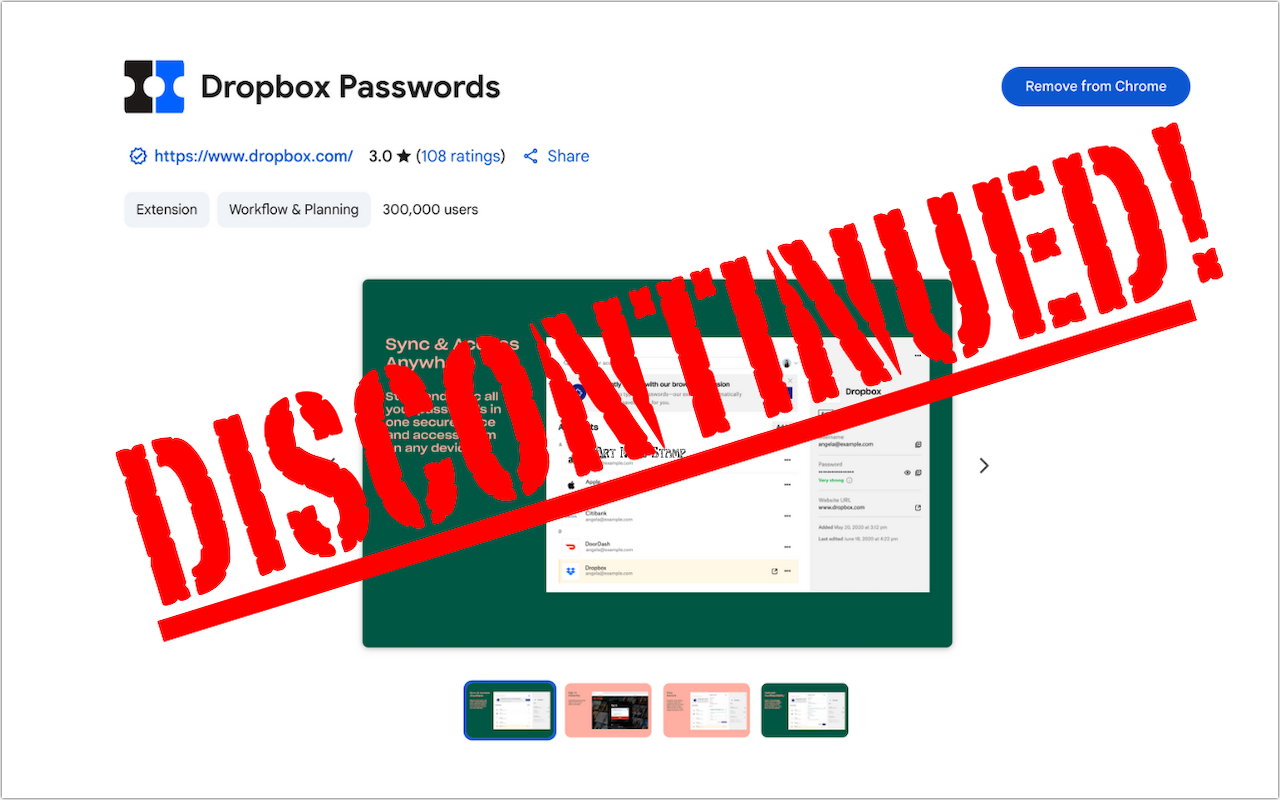
Dropbox Passwords Ending: Switch to 1Password Now

If you use Dropbox Passwords, it’s time to switch to a new password manager. Dropbox has announced it will discontinue the service on October 28, 2025, with key features being disabled in phases starting August 28. After the final shutdown date, all stored passwords will be permanently deleted. Dropbox recommends users switch to 1Password and has made that super easy. Simply click the Dropbox Password extension in your browser and choose Migrate to 1Password. Create a new 1Password account or sign in to an existing one, and then follow the remaining instructions to import your passwords. If you want to use a different password manager, you can probably import a CSV file exported from Dropbox Passwords, possibly after some adjustments to the CSV file’s column headers and order to match your chosen password manager’s expected format. No matter which option you choose, don’t delay!

(Featured image based on an original by Dropbox)


Social Media: Dropbox Passwords will shut down on October 28, 2025. Switch to 1Password or another password manager now to avoid losing your stored credentials.

Similar Posts

  • I hear they are having a big football game on my birthday this year. I might catch some of it just for the commercials but will probably just go out to dinner with Grace to toast another year on this blue planet. Thank you so much for reading this issue of Kibbles & Bytes!

    Your Kibbles & Bytes Team

    Don, Dean, Emily & Scott

  • Who cares about QR Codes?

    By now you’ve probably seen one of those odd-looking white squares with a bunch of smaller square dots that make up a random pattern inside–that’s a QR code. QR stands for “Quick Response,” and a QR code is a form of barcode, just like on the packaging of nearly everything you buy.

    Usually QR codes are used to store Web links–URLs–so an ad can display just the QR code instead an unwieldy and hard-to-type web address. But QR codes aren’t just for ads. They’ve appeared on business cards, in magazines and books, on coins and bills, and even on tombstones–any place it would be nice to help someone load a Web link into a smartphone but where there isn’t enough room for a URL or in situations where viewers won’t remember the URL later. And the links? They can display anything that can appear on the Web: text, photos, videos, games, and more.

    Only one built-in iPhone app can scan QR codes–the Wallet app in iOS 9–but it can scan only QR codes that are associated with Wallet passes, things like airline boarding passes, concert tickets, and iTunes gift cards. For QR codes that encode any other sort of data, Wallet shows an error. It would be nice if Apple would add general QR scanning capabilities to Wallet or the Camera app, but until that happens, you’ll need another app.
    There are numerous QR code scanning apps in the App Store, but if you need a recommendation, give TapMedia’s QR Reader for iPhone a try. It’s free with ads (remove them with a $1.99 in-app purchase), scans both QR codes and traditional barcodes on most commercial products, and displays the associated information within the app. It can even help you create your own QR codes.

    To use a QR code scanner, launch the app, allow it to access the camera when it asks, and then point it at the QR code. Good apps will scan nearly instantly, but if not, move the camera so the QR code is centered between the guides. If even that doesn’t work, move forward or back so the camera can focus on the centered code.

    Once the code has been scanned, the app will usually bring up an in-app Web browser to display whatever was encoded. For certain kinds of data, like books or grocery items, the app may go right to Amazon or a price comparison site. Good apps will also keep a record of sites you’ve scanned, so you can go back to them later, even if you can no longer scan the QR code.

    So download a QR code scanning app and keep an eye out for QR codes. Once you start looking, you’ll find them everywhere–it’s a modern-day treasure hunt!

  • _Dear Friends,_

    I am off to Daytona for the 75th Bike Week. We went out to the 75th anniversary of the Sturgis Bike Week so it is only appropriate for us to hit the one sort of in our neighborhood, too. We will be riding on our 2003 Victory motorcycles and trying to avoid any big roads.

    Sugaring season in Vermont is well underway and this time of the year in Vermont always reminds me when we used to sugar the old-fashioned way. Now it is mostly pipelines and big sugaring operations but back when we lived in North Wolcott, Vermont I had a big work horse. The horse was kind of untrained but hitching her to the sled with the big heavy sap gathering tank made her behave. We would tap the trees by hand, hang buckets and as the sap began to flow we would tramp through the deep snow to empty the buckets into the tank. One horsepower was a lot of power as the horse would make her way through the sugar maples and the tank got full. We would take it to our makeshift sugaring arch and boil the sap into yummy syrup. Some of the best times! I still prefer the “grade b” syrup over fancy grade.

    This week’s Kibbles & Bytes exclusive brings back the “**Chill Pill six-pack special.**”:http://www.smalldog.com/wag900002006/ These little portable speakers have been around for a long time and I need to reduce our inventory. So, you can get 2 Black, 2 Red and 2 White Chill Pill speakers for only $29 this week. They make great gifts and are great for camping or just hanging out in the yard. Normally, they are $9.99 each but this week 6 for “**$29!**”:http://www.smalldog.com/wag900002006/