Holiday Guide for People with Everything
Shopping for the people who “already have everything” is kind of our hobby. Here are a few of the personalities we see all the time—and the tech that actually lands a smile.

For the student who loses everything except their sense of humor.
AirTag 4 pack turns “Where did I put that?” into a quick tap in the Find My app. Clip one to keys, tuck one in a backpack, drop one in a wallet, and tag a bike so you track stuff on a screen instead of wandering the parking lot.
For the work from home pro who lives on video calls.
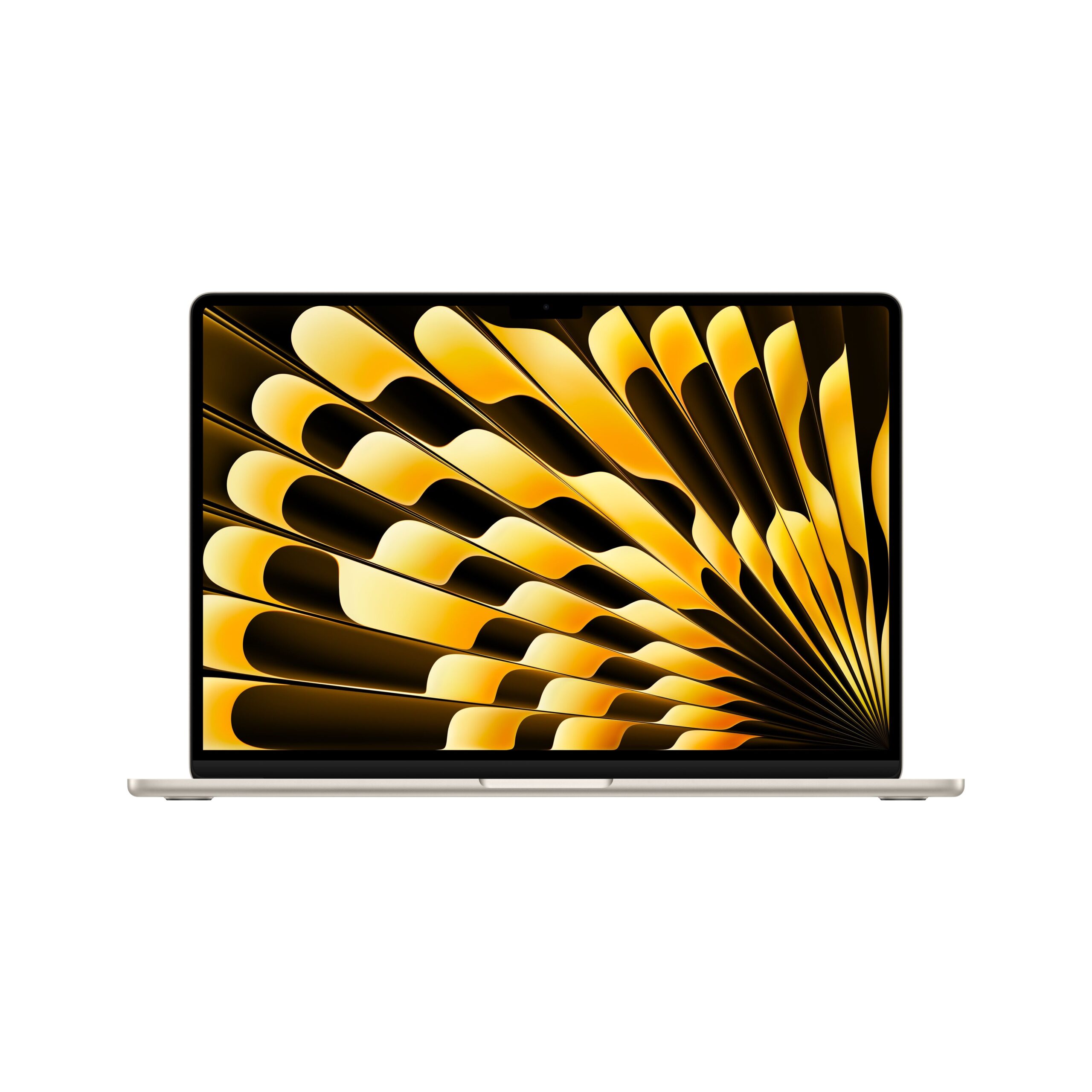
MacBook Air keeps meetings, messages, and documents moving with speedy Apple silicon in a thin, light notebook that glides from kitchen table to couch to carry on. Add a comfy laptop stand and external monitor and they’ll look and sound ready for every status update.

For the doodler who turns every margin into a sketchbook.
iPad Air with Apple Pencil lets them sketch, label, and rewrite notes by hand, then share clean digital pages with classmates or coworkers. Great for art students, planners, and idea people who want one tablet that handles class, streaming, and drawing.
P.S. Don’t forget the Paperlike screen protector and Magic Keyboard.
For the friend who tracks every step, sprint, and sip of water.
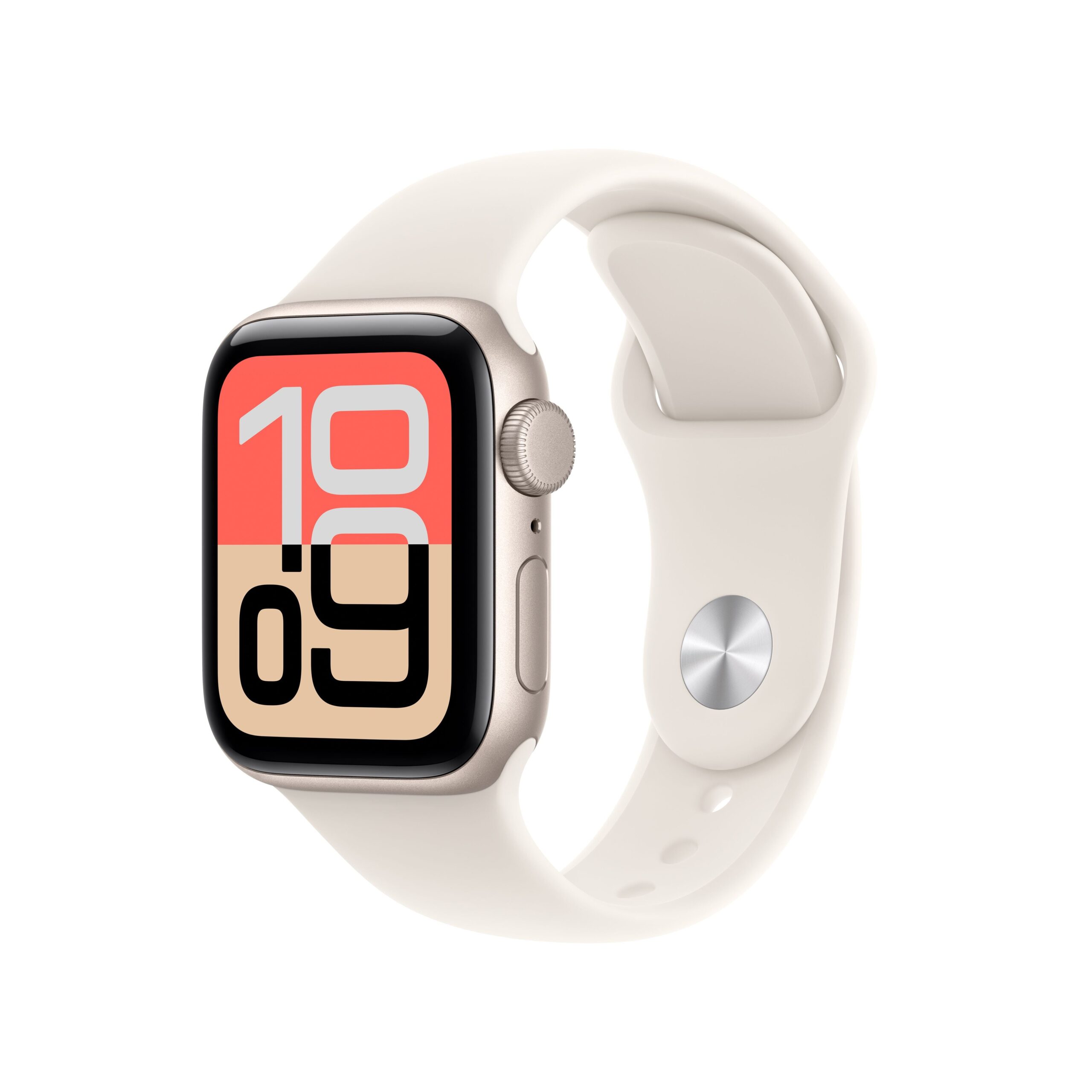
Apple Watch keeps workouts, heart rate, sleep, and daily reminders right on their wrist, along with calls, texts, and Apple Pay so the phone can stay in the locker. Mix and match bands so it looks as put together at a wedding as it does at the gym.

For the couch critic who has a rating for every show.
Apple TV 4K brings movies, series, sports, and apps together on the big screen with a simple interface and the Siri Remote to help them find something to watch fast. Pair it with Sonos Beam speakers and you might never hear “there’s nothing on” again.
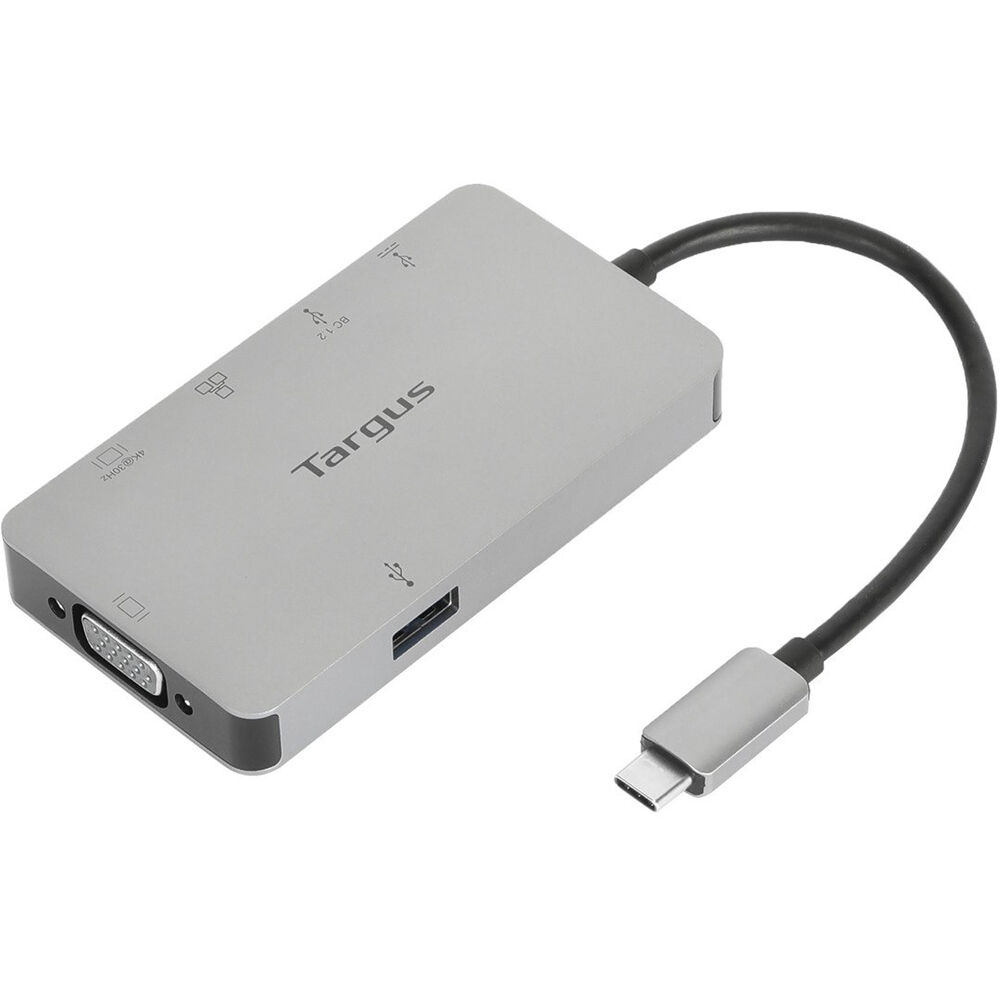
For the cable jungle captain whose desk looks like a sci fi control panel.
A compact USB C dock plus Magic Keyboard and Magic Mouse give their Mac one tidy plug for power, display, storage, and accessories, so the surface finally looks as focused as they are. The result: fewer cords, more room for coffee and snacks.

For the roommate who listens to podcasts at 2 a.m.but swears they’re being quiet.
AirPods Pro offer rich, detailed sound with active noise control for focus and a comfortable fit for long playlists and study nights. Switch on transparency mode when they need to hear the pizza delivery at the door or the RA in the hallway.
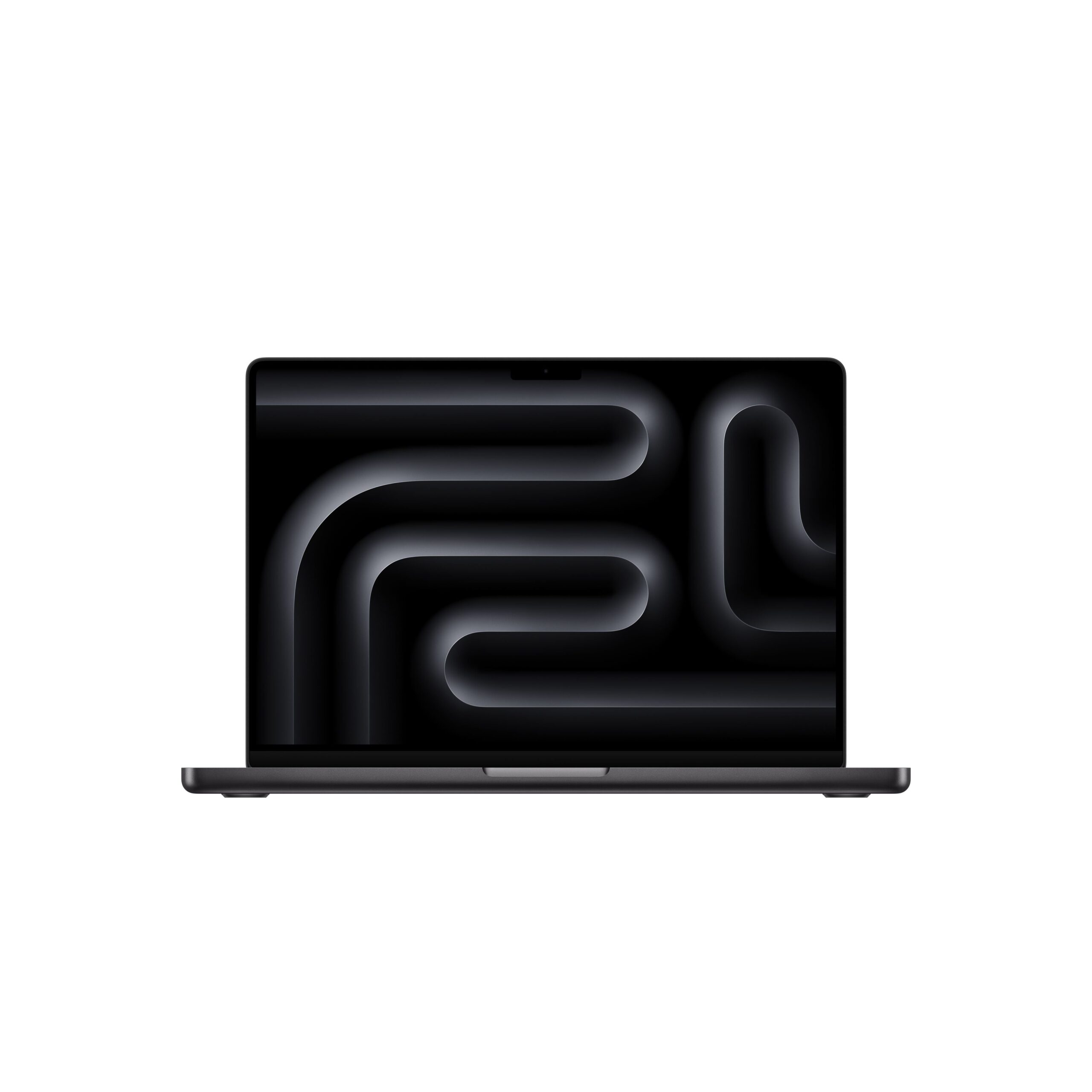
For the hobby photographer who’s always out of storage but never out of sunsets.
MacBook Pro with extra large SSD gives them room for all the “just one more” shots—RAW files, edits, and backups without the dreaded full disk warning. With Photos on Mac, they can sort favorites, make shared albums for family trips, and send polished photo stories to friends in a few clicks instead of digging through cluttered folders. It’s their portable darkroom, gallery, and brag book in one sleek notebook.
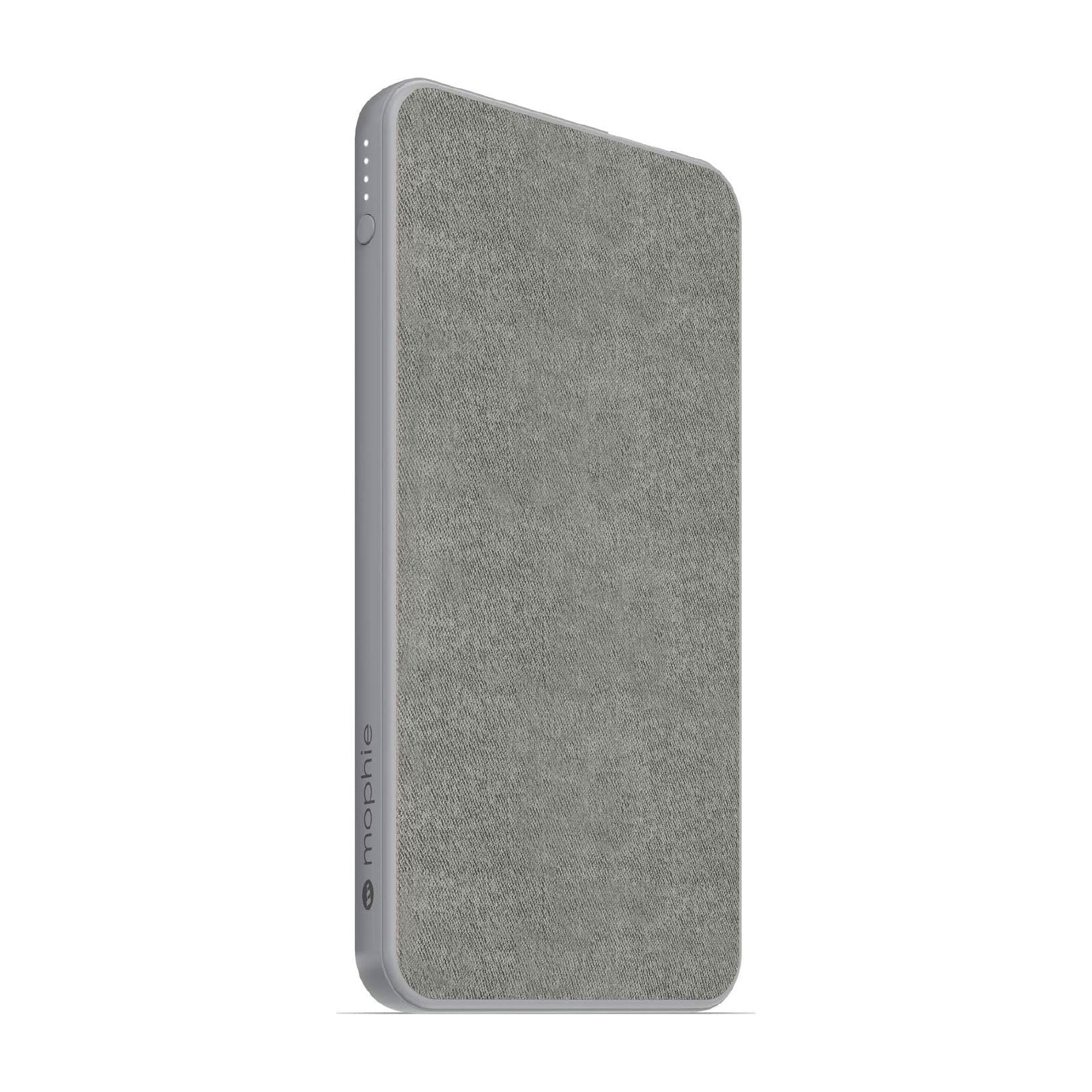
For the constant traveler whose suitcase has more miles than most cars.
An AirTag on each bag means they can spot their luggage on their iPhone long before it appears on the carousel, and AirTag holders keep everything clipped, looped, and easy to grab. Add a Mophie Powerstation so their phone, tablet, and headphones stay charged through layovers, delays, and that “we swear it’s just a short bus ride” transfer. Fewer “uh oh” moments, more smooth trips.
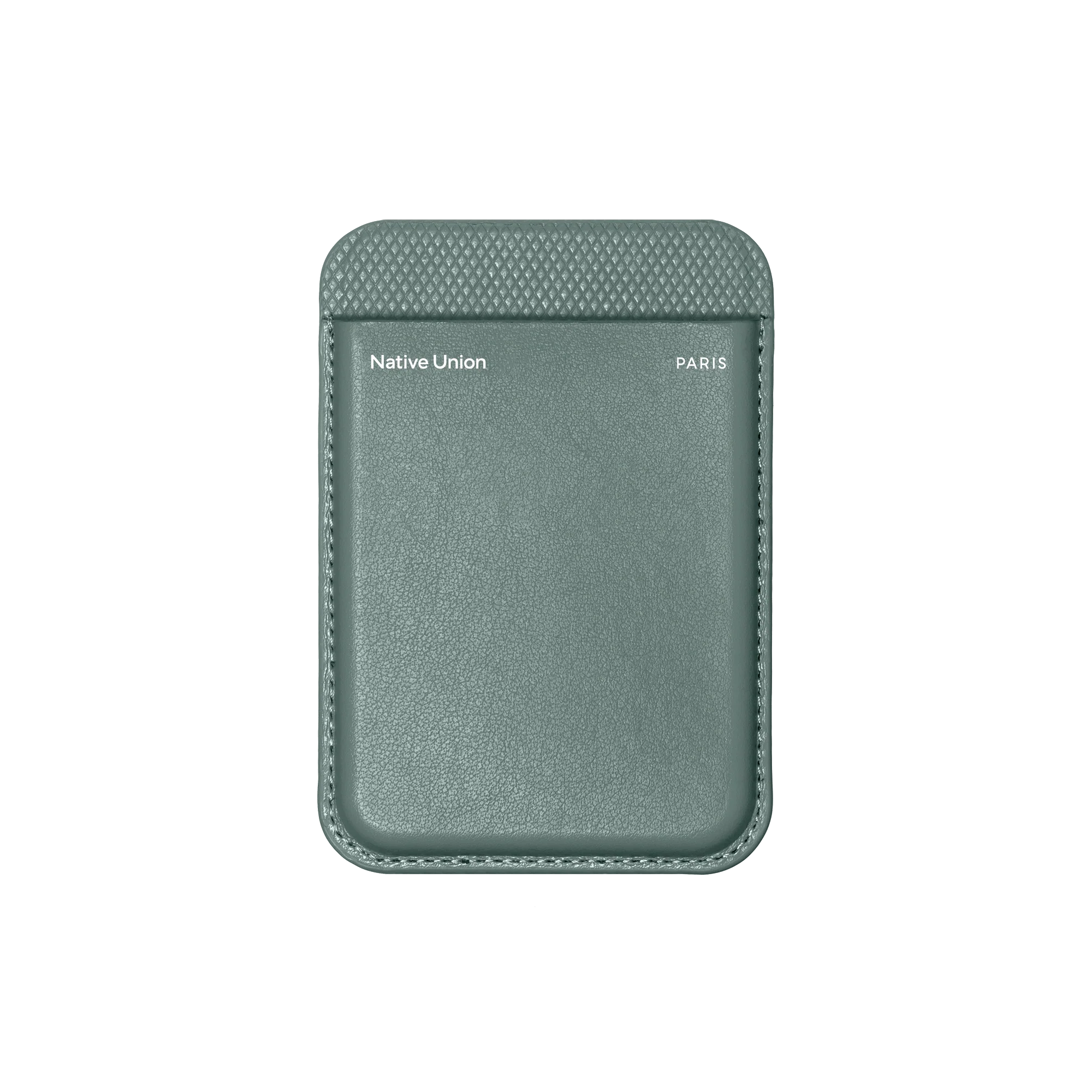
For the scattered one who keeps setting their wallet down “just for a second.”
The Native Union magnetic wallet snaps onto the back of their iPhone, so cards, ID, and a little cash stay attached to the one thing they actually keep track of. Slim enough for any pocket and easy to slide off at checkout, it keeps daily essentials together and helps prevent that “has anyone seen my wallet?” moment at the door.
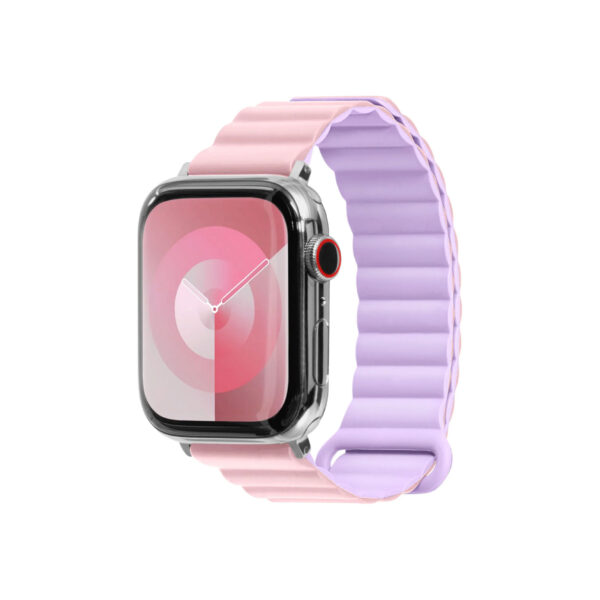
For the fashionista who treats their wrist like a runway.
Laut bands for Apple Watch make it easy to change up the look as often as they change outfits. Sleek, modern, and an array of colors move from office to brunch to night out without missing a beat. The bands swap in seconds, so their watch always matches the day’s mood, color palette, and stack of bracelets.
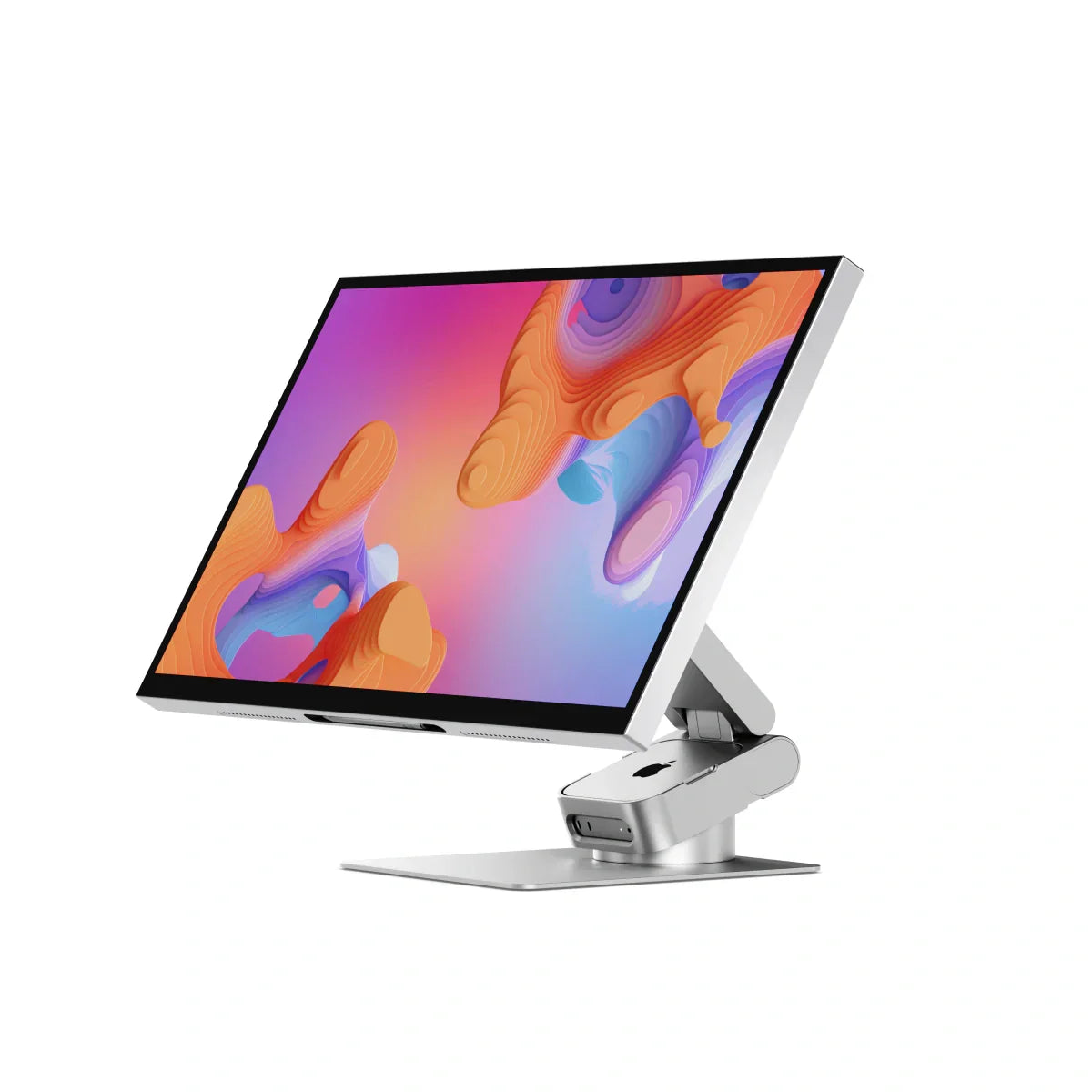
For the creative digital artist who lives in layers and loves a big canvas.
The ALOGIC Aspekt Touch 32” 4K UHD Docking Monitor with Touchscreen turns their desk into a roomy workspace where colors, controls, and tools all stay in reach. One cable connects their laptop and powers a sharp 4K view, while touch lets them tap, pan, and zoom through timelines and artboards with their fingertips. Built in docking means extra ports for drives, tablets, and cameras, so the art gear stays plugged in and the cables stay under control.
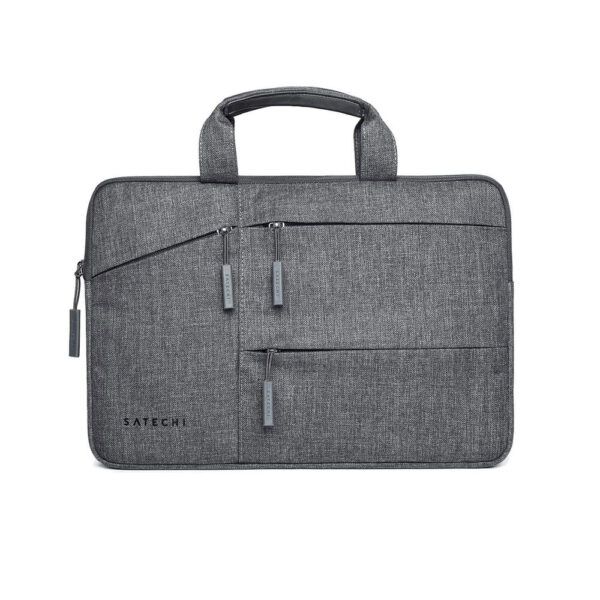
For the accident prone person who treats tech like a contact sport.
Water resistant cases help protect their phone and earbuds from coffee spills, surprise rain, and those “it just slipped” moments, so their gear keeps working even if their grip doesn’t. Pair their laptop or tablet with a Laut URBAN Protective Sleeve or the Satechi Water Resistant Laptop Carrying Case for cushioned, splash ready protection that can handle crowded commutes and everyday bumps.
For other ideas, stop in or call the folks at Small Dog Electronics, Burlington, VT.