Stay Alert! Voice Phishing Used in Recent Ransomware Attacks

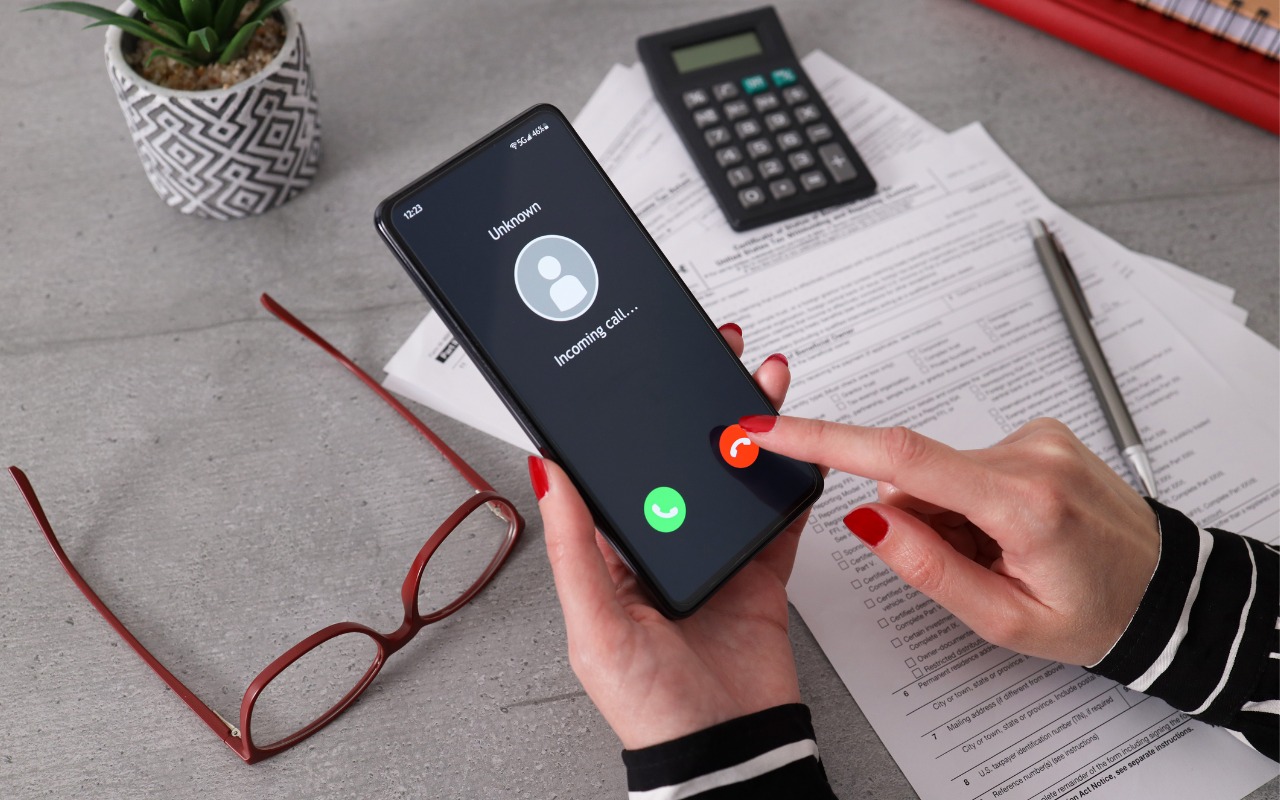
All it took for MGM Resorts International to be compromised with ransomware was a quick phone call, which some now call “voice phishing” or “vishing.” An attacker using LinkedIn information to pose as an employee asked MGM’s help desk for a password change, after which they were able to install ransomware. MGM is now up to $52 million in lost revenues and counting. Two takeaways. First, if you call support for a manual password reset, expect to be asked for a lot of verification, such as a video call where you show your driver’s license. Second, if you receive a call at work from an unknown person asking you to do anything involving money or account credentials, hang up, verify their identity and authorization, and proceed accordingly only if they check out.

(Images by iStock.com/1550539 and HT Ganzo)


Social Media: Phishing isn’t limited to email and texts anymore—“voice phishing” or “vishing” was used recently in a major ransomware attack on MGM Resorts. The rise in such attacks means that requests over the phone will need much more verification.

Similar Posts

  • Grace has tired of riding the little Vespa scooter so we are selling it. I bought an almost antique Victory cruiser so we both have bikes down here. I am going to Jasper, GA to pick it up this weekend and riding it back through the back roads of Georgia. It should be a nice little break.

    I am going to miss Johnny Dread and the reggae show down here but I am sure Grace will be there. It is hard to believe that we are heading into March already. My granddaughter, Gracie, is a Feb 29 baby so she is celebrating her 4th birthday as a 12-year old. My other granddaughter, Khadija, was off this week visiting colleges in the Boston area. Sure makes me feel old. I remember announcing Khadija’s birth here in Kibbles with the line “just call me gramps” and they still do!

    Thank you for reading this issue of Kibbles & Bytes!

    Your Kibbles & Bytes Team,

    _Don, Emily, Morgan & Hadley_

  • Keyboard Shortcuts

    I got my start in using computers with CPM operating system and keyboard shortcuts were present there. I used them all the time so they come as second nature to me. But as I go out and talk with customers and help them with their Macs, I am surprised by the number of people that do not know that most of the things you can do with your mouse by clicking on a menu item can be done faster with keyboard shortcuts.

    The first thing to learn about shortcuts are the symbols that are used to show these keys.

    Command ⌘
    Shift ⇧
    Option ⌥
    Control ⌃
    Caps Lock ⇪
    Fn

    These work for your Mac Keyboard but if you are using a keyboard made for a Windows machine you need to substitute the Windows logo for the Command key and the Alt key for the option key. When you look at a menu in almost any application you will find the common commands for all these symbols next to them to indicate the keyboard shortcut. Here are some common ones:

    Command-X **Cut** Remove the selected item
    Command-C **Copy** the selected item
    Command-V **Paste** the contents
    Command-Z **Undo** the previous command
    Command-A **Select all** items
    Command-F **Find** open a Find window
    Command-G **Find Again** Find the next occurrence of the item previously found
    Command-H **Hide** the windows of the front app.
    Command-M **Minimize** the front window to the dock
    Command-M **New** Open a new document or window
    Command-P **Print** the current document

    Command-Space bar **Spotlight** show or hide the spotlight search field
    Command-Tab **Switch apps** switch to the next most recently used app
    Command-shift-3 **Screenshot** take a screenshot of the entire screen

    As you can see, there are endless keyboard shortcuts to use, and these are only a small fraction of what you can do with “**keyboard shortcuts.**”:https://support.apple.com/en-us/HT201236 So the next time you find yourself wondering what you can do if your mouse suddenly stops working or if your just looking for a more efficient way to do something, keyboard shortcuts might just be what your looking for!

  • New Urbanears Active Headphones

    So by now, it might be clear that I am a bit of a headphone junkie. I’ve come to the conclusion that I can collect and use headphones like I do bags and purses! In my world I can never have enough, so I jumped on the opportunity this week to test our the new “**Hellas**”:http://www.smalldog.com/wag900002177 and “**Reimers**”:http://www.smalldog.com/wag900002181 from Urbanears.

    The Hellas are an over the ear bluetooth headphone. It took a few minutes to get them paired with my computer. My only complaint about these headphones is that I found the touch-less buttons to be a bit clunky to use. The sleek design means you can’t physically see the buttons, so it take some practice and time to learn where the buttons are. However, there are a ton of other features with these headphones that make them extremely appealing. They are incredibly lightweight, comfortable to wear and they have good sound to them. I think my favorite feature about these is that the fabric on the headband and the earpieces are machine washable. You can actually wash the fabric and return your headphones to new condition. As I just started to use these the other day I have not actually tried to wash the fabric, but as more and more people are working out with over the ear headphones this is a huge selling point. Another hidden feature is that there is a built in microphone, so if you are using these with your iPhone, you can take calls without having to remove your headphones.

    Also part of the active line are the Reimers. They deliver on fit and comfort while providing some great sound! I am impressed with how far ear buds have come over the years. What’s interesting about these headphones is that while they are in the active category, they are actually a wired set of headphones. However, Urbanears added several great features to ensure these headphones can stand up to the intensity of any workout. They have two clips for securing them to your clothing and they feature reflective cabling to light up during early morning or late evening runs. They use a new earlock technology that ensures they stay in during your workout, so no more fears of them falling out during sit-ups, push-ups and the like. I admit I am just a runner, so some of the more intense workouts I’ve not tried these, but judging by how well they stayed in for runs I am confident in saying they will stay put! Last but not least, they feature standard iOS controls we have all grown to expect out of headphones.