You Quit the App. Why Is It Still Running?

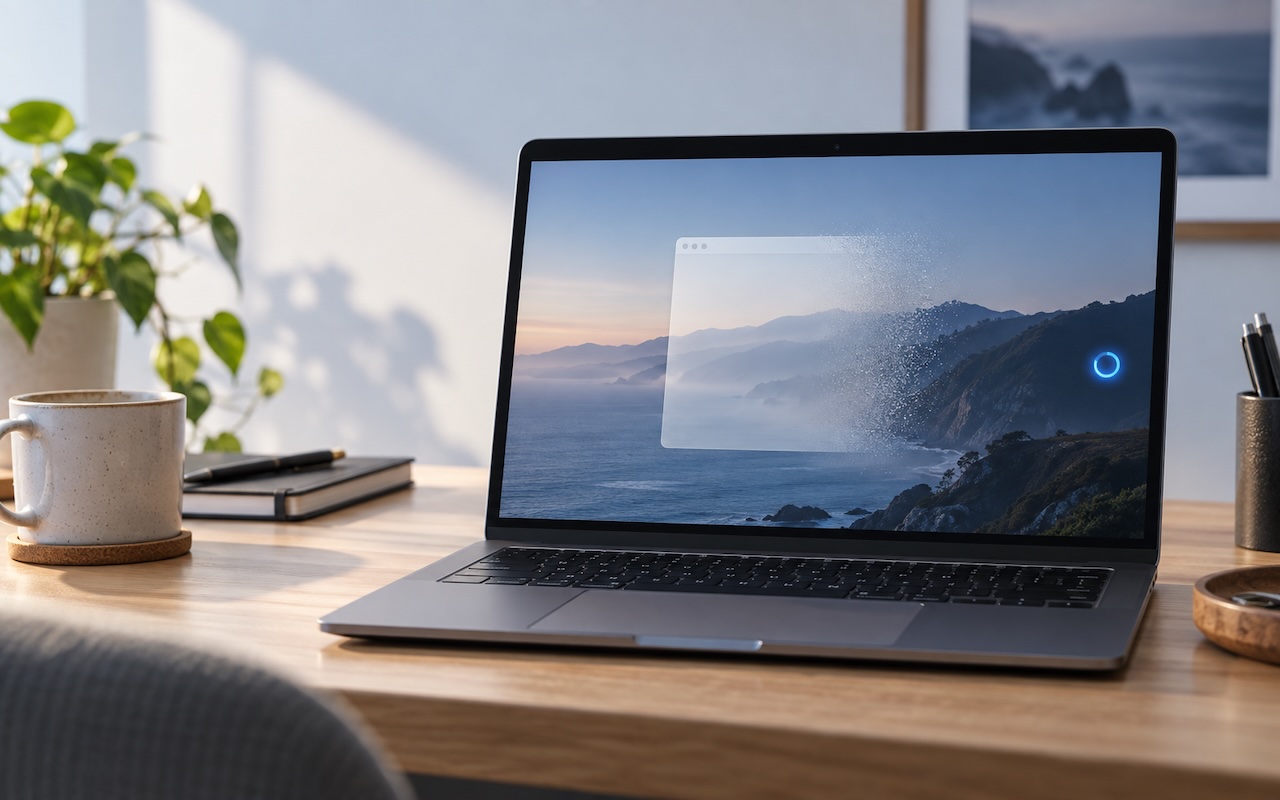
Quitting a Mac app doesn’t always stop everything it’s doing. Some apps leave background processes running to sync files, check for updates, or finish other work. In macOS 27 Golden Gate, Apple makes this activity more visible: you’ll see a notification the first time an app continues running after you quit, and hovering over its Dock icon reveals a Running in Background label. The notification doesn’t mean anything is wrong; the app may be finishing work you asked it to do. If you don’t need its background activity, or suspect it’s slowing your Mac, Control-click its Dock icon and choose Stop Running in Background. To prevent future background activity, go to System Settings > General > Login Items & Extensions and turn off the app under Background App Activity. Be selective: turning off this permission can interfere with syncing or automatic updates. If an app stops working as expected, turn its permission back on.

(Featured image created with ChatGPT)


Social Media: An app can keep working after you quit it. macOS 27 Golden Gate makes that background activity easier to spot, and gives you controls to stop it when it’s no longer useful.

Similar Posts

  • Apple Stands Up The Street

    $50.6 Billion in revenue, $10.5 Billion in net profit and $235 Billion in the bank. Let’s get one thing straight, 99.9% of the companies in the world would love to have those kind of numbers. And while this fell into the range of Apple’s forward-looking guidance, it did fall short of the expectations of the analysts.

    This was the first time in 13 years (!) that Apple posted lower year-over-year sales. Apple saw lower iPhone sales than last year at this time. However, keep in mind that was when the iPhone 6 was at its peak. Nevertheless, Apple sold 51.1 million iPhones and said they are having difficulty keeping up with the demand for the recently released iPhone 5se.

    Mac sales and iPad sales also declined as expected with Apple selling a bit over 4 million Macs and 10.25 million iPads. On the bright side, Services revenue increased 20% to almost $6 billion and “other” products which include Apple TV, Apple Watch, Beats and iPod generated $2.189 billion which is 30% growth.

    Apple’s board of directors both increased the dividend paid on Apple shares to $0.57 which is about a 10% raise and increased their share buy-back program. With Apple being so widely held, this dividend increase makes Apple one of the largest payers of dividends in the world. Since the start of their dividend and share re-purchase program, Apple has returned over $163 billion to shareholders, the majority of that being in the form of share buy-backs.

    Apple’s guidance for the current quarter which ends at the end of June also projects a year-over-year decline in revenues. They forecast sales in the range of $41-$43 billion which is also lower than analysts predicted.

    There is no sugar-coating these results which were for the most part, a miss. Forecasting demand, revenue and margin is tricky and there are a bunch of factors that enter into this calculation and a bunch more that are ready to blow up the forecast. International monetary trends, new product introductions are all a bit of a wild card.

    There is some good news hidden in the report. Apple said that the iPhone enjoys an unprecedented 95% loyalty rate, Apple Pay is seeing 1 million new users a week, 13 million people subscribe to Apple Music and Apple’s installed base is 1 billion devices and growing.

    Apple had a huge hit with the iPhone 6 and that did push sales to a peak level last year. It was an anomaly, however, and Apple’s business is still incredibly strong, just a bit more down to earth. You can’t hit home runs every time at bat! Tim Cook says the product pipeline is strong and I believe him.

    Hey, I didn’t have to come up with a new adjective to describe what Apple did to the street this quarter. That’s a fringe benefit. Putting this all into perspective is important. It is not like Apple is losing money or losing customers. In fact, the opposite is true. In three short months, they made over $10 billion in profit and sold millions and millions of iPhones, iPads and Macs! Now, if Small Dog could just do a tiny fraction of that…

  • Apple TV and Apple Watch

    This week I’ve been testing out some of the new features on the Apple TV and a bit on the new watchOS. You can now get an Apple Watch for $299.99. The release of watchOS 2.2 was a minor bump in improvements, including the ability to pair more than one Apple Watch to one iPhone, additional browsing options in Maps, improvements to tracking your pulse and a few other minor updates. Unlike past revisions and improvements to the watchOS this one has left me feeling a little underwhelmed. While the software updates weren’t particularly robust, I was excited to see that the Apple Watch now has even more watch bands to choose from. I’ve had my watch for about six months now and have noticed its getting a bit dingy, so now might be a good time to get another band! There are new sport band colors to choose from including a bold new yellow and a new woven nylon option. For those seeking a more traditional style band, the woven nylon might be just what you are looking for, this band features a standard watch buckle style clasp.

    Apple TV got some updates this week and just in time for the NCAA Championship. With the latest software release for Apple TV you can now get the latest NCAA games with an added feature of having two games display on your TV side by side! In addition to being able to watch the latest games, you now have approximately 5000 apps to choose from, including new workout apps. Siri now works better when searching for content, even in the App Store, and you can access your iCloud Photo library. Starting to feel like your apps are getting too cluttered? Easily create folders by dropping app icons onto of each other just like you do on your iPhone or iPad. Dictation, another added feature that can really speak up your search process. Rather than typing through letters one at a time when searching for something specific, you can now use dictation by selecting the Siri button in the search field. I will note, you do have to be in the specific search field, you can’t just use it from the home screen. My favorite updates, one of which works with both the Apple TV and the Apple watch, is the remote app. You can now use your Apple watch to navigate through the options on the Apple TV, a feature that might seem silly to some, but with a small and easily misplaced remote this is bound to be an incredibly valuable new feature. Think the watch is too small to use for a remote? Hook up your Apple bluetooth keyboard! That’s right, you can now use your standard sized keyboard as well.

    I should note, that some of these updates, like the NCAA games, do have additional fees. More and more of us are swaying away from traditional TV and with more options coming to the Apple TV and choosing your content, we are getting closer and closer to paying for only what we want.