Be Careful When Scanning Unknown QR Codes

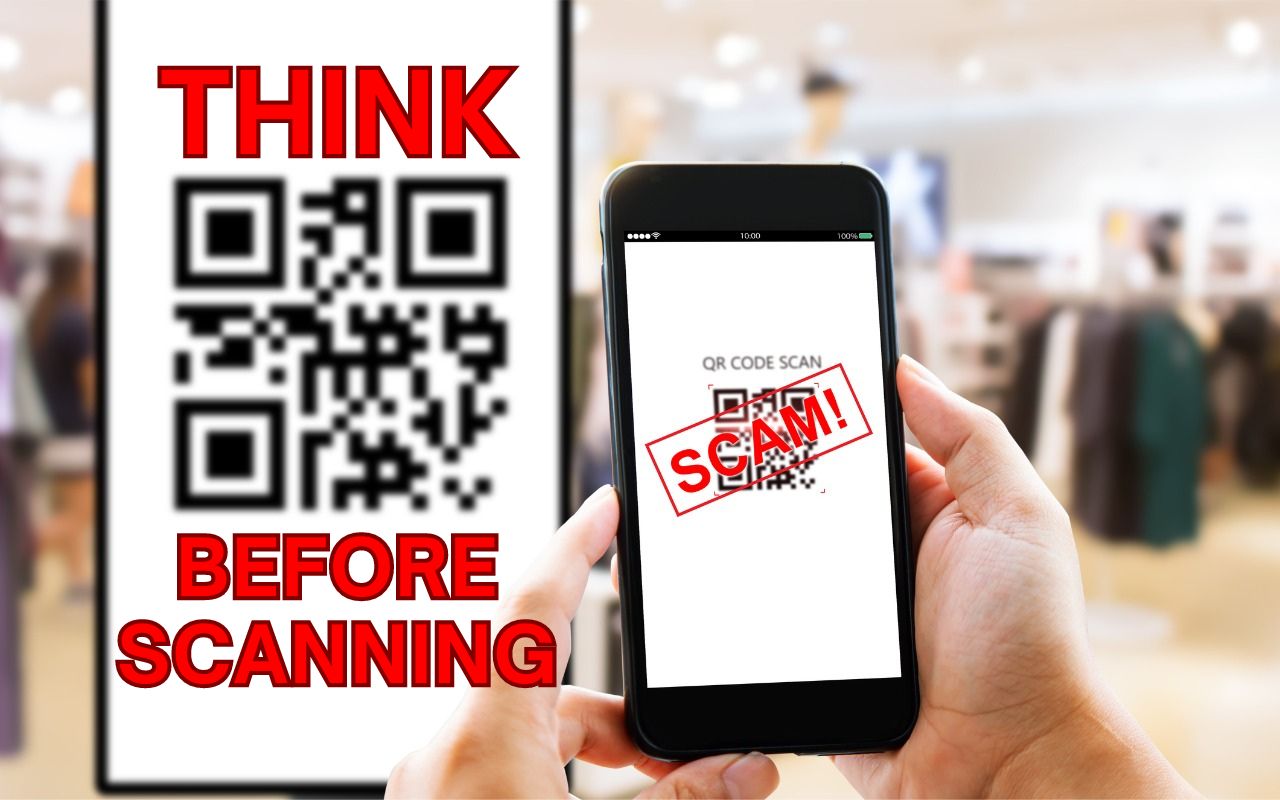
QR codes, those square, blocky codes you scan with your iPhone’s camera to load a Web page, have become ubiquitous. So much so that we seldom pause before scanning any QR code we see. But if you think about it, that’s the same as clicking random links in emails or texts, which is a terrible idea from a security perspective. “Quishing” (QR code phishing) isn’t commonplace yet, but some sources say there are thousands of cases per month. To avoid falling victim to a quishing scam, only scan QR codes from trusted sources, try to verify what a code will do once scanned, and evaluate the yellow URL preview Safari provides (when using other browsers, all you see is Open in Browser Name). Finally, always install iOS security updates promptly because they often address vulnerabilities that could be exploited with malicious data.

(Featured image based on an original by iStock.com/B4LLS)


Social Media: QR codes—those blocky squares you scan with your iPhone camera—are an easy way to open a Web page. Unfortunately, scammers also use them to trick people into visiting malicious websites, so read our tip about scanning these codes safely.
Similar Posts

  • _Dear Friends,_

    The trip up the the Everglades was pretty uneventful although we did see alligators and eagles as we were watching nature go by. Grace wants to go back up for an airboat ride so we will have to put that on the list.

    I am very happy to report that Small Dog Electronics now offers Go-Pro cameras and accessories. It took us many tries but I was able to meet with someone that could make a decision at CES in Las Vegas so we are now all set and Go-Pro should be in all of our stores. We’ll feature skiing and motorcycling kits up in the Green Mountains and some surf-oriented bundles down in Key West.

    I guess this should be in a soapbox but I just want to make a quick statement that I feel that Tim Cook and Apple are 100% correct in resisting the government’s attempt to force them to create software to defeat the encryption inherent in the iPhone. One of Apple’s most valuable commodities is safety. You know when you buy an Apple product that your data is safe. Safe from most viruses, malware, ransomware and also that your private data remains just that…private. While I certainly sympathize with those investigating the horrible San Bernadino terrorist actions, I do not feel that we should pay an even higher price and sacrifice our liberty and privacy as a result. Bravo to Tim Cook and Apple.

    This week’s Kibbles & Bytes exclusive is the “**Tempus Pro Weather Station.**”:http://www.smalldog.com/wag900002092 This complete wireless weather station has been one of out best selling devices. It combines an indoor monitoring station with an outdoor instrument and an iPhone or iPad App to give you complete weather information. It includes sensors for indoor and outdoor temperature, humidity, barometric pressure, rainfall and wind speed. It is simple to install and works by Bluetooth between the outdoor and indoor sensor and Wi-Fi to your iPhone. This is normally $159.99 but for this week for Kibbles & Bytes readers it is “**$25 off at $134.99!**”:http://www.smalldog.com/wag900002092

  • Businesses, Don’t Overlook Email Backup

    Cloud-based email services such as Google Workspace and Microsoft 365 dominate the market for organizational email for good reason. Dealing with the constant…