10 Reasons to Upgrade to Apple’s Version 27 Operating Systems This Fall
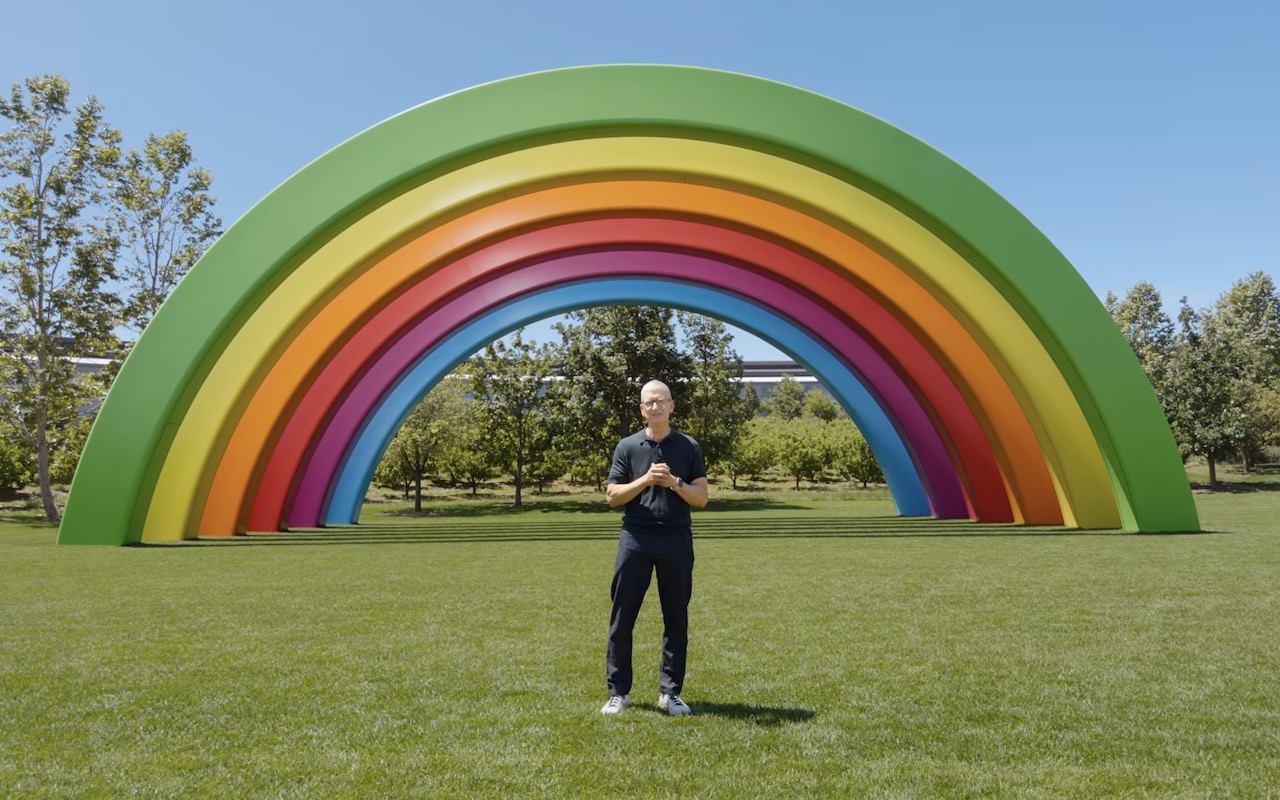
Apple’s Worldwide Developer Conference keynote—the final public appearance for outgoing CEO Tim Cook—was different this year. Although it was still a tour of the changes we’ll see in version 27 of Apple’s operating systems, the company broke it into three parts. The first focused on interface refinements, performance improvements, and feature tweaks that smooth rough edges in our current user experience. The second revolved around changes Apple is making to its parental controls and child safety features. And the third was devoted to showing off Apple Intelligence and the new Siri AI.
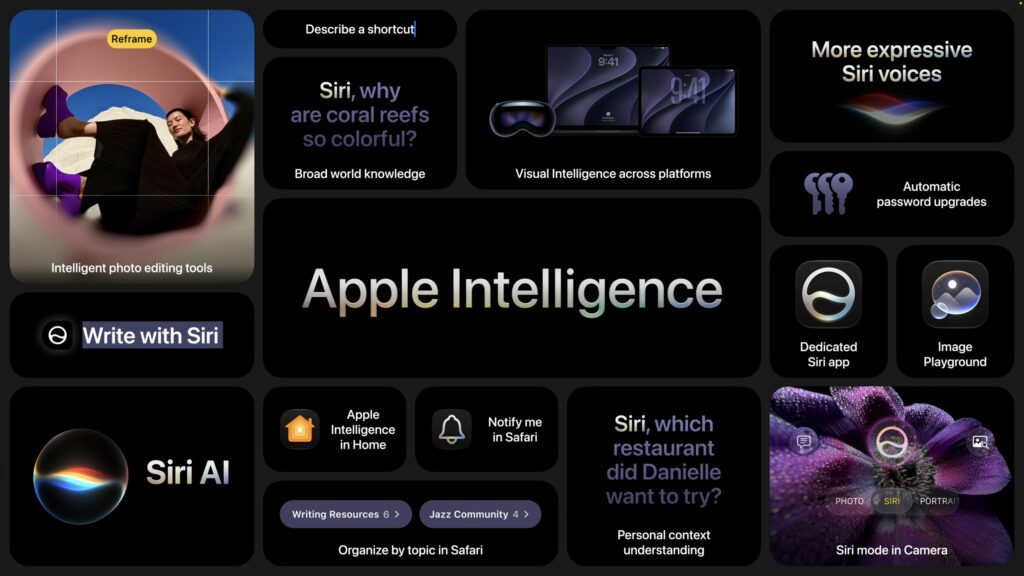
Apple previewed numerous features during the keynote and listed even more on its website afterward. Below, we’ll focus on those we think are most likely to entice you to upgrade your Apple devices, but we encourage you to read Apple’s pages for each platform to learn more about what’s coming. Those are linked here, along with hardware requirements, so you can determine if your devices can upgrade this fall:
- macOS 27 Golden Gate: Only Macs with Apple silicon, including the MacBook Neo (2026), MacBook Air (2020 and later), MacBook Pro (2020 and later), iMac (2021 and later), Mac mini (2020 and later), Mac Studio (2022 and later), and Mac Pro (2023)
- iOS 27: iPhone SE (2nd generation and later) and iPhone 11 and later (unchanged from iOS 26)
- iPadOS 27: iPad (9th generation and later and A16), iPad mini (6th generation and later and A17 Pro), iPad Air 11-inch (4th generation and later, M2, M3, and M4), iPad Air 13-inch (M2 and later), iPad Pro 11‑inch (2nd generation and later), iPad Pro 12.9‑inch (4th generation and later), and iPad Pro (M4 and later)
- watchOS 27: Apple Watch SE 3, Apple Watch Series 9 and later, and Apple Watch Ultra 2 and later
- visionOS 27: All Vision Pro headsets
Siri AI Everywhere
The long‑promised “more personalized” Siri, now called Siri AI, is slated to ship later this year as a dedicated app that lets you carry on conversations much like with ChatGPT, Claude, or Gemini. Apple is integrating Siri AI deeply into its platforms, so you can invoke it by swiping down from the Dynamic Island on an iPhone or via Spotlight on the Mac. Contextual menu commands on the Mac will let you focus Siri AI on images, files, and text. You’ll even be able to use Siri AI with AirPods and in CarPlay.
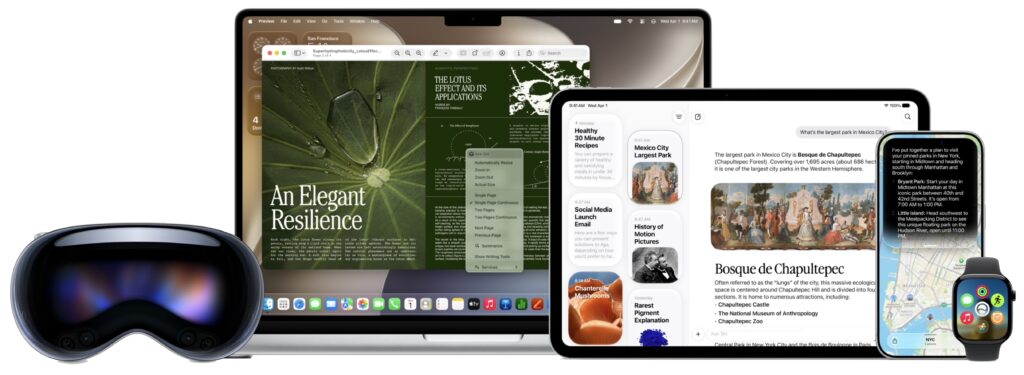
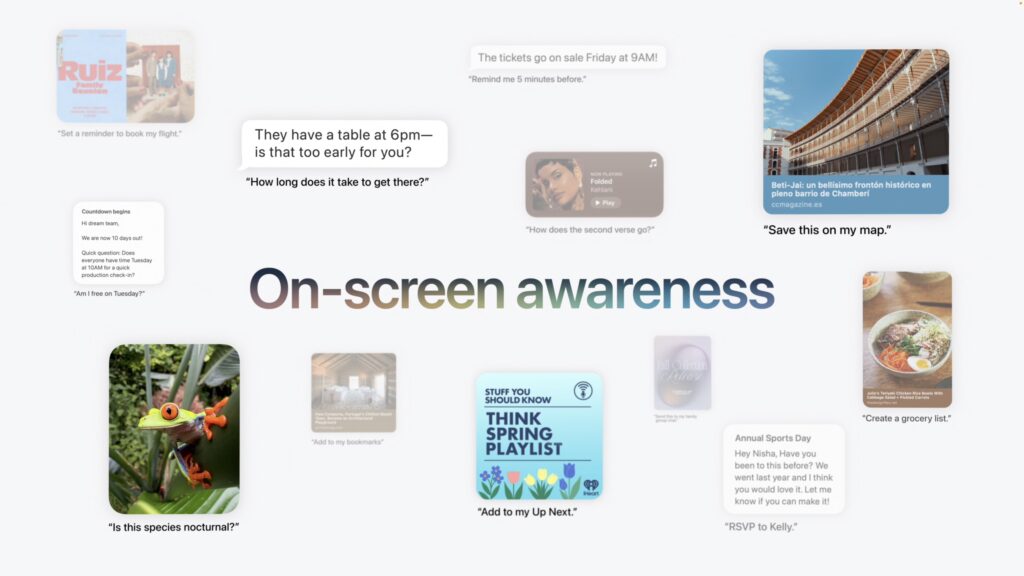
Personal context enables Siri AI to tailor its responses and actions based on your messages, emails, calendar events, photos, and other data. It will also be aware of what’s showing on screen, so you can ask Siri about what you’re looking at or direct it to take actions based on what’s showing. Siri AI will be able to work directly with compatible apps, creating contacts, sending email, calling people, and much more, depending on developer support. Finally, Siri AI will be able to respond with broad-based world knowledge gleaned from Web searches.
On sufficiently powerful devices, Siri AI provides more expressive voices and more advanced dictation. For that, you’ll need an iPhone Air or iPhone 17 Pro, an iPad with M4 or later, or a Mac with M3 or later.
Better Performance
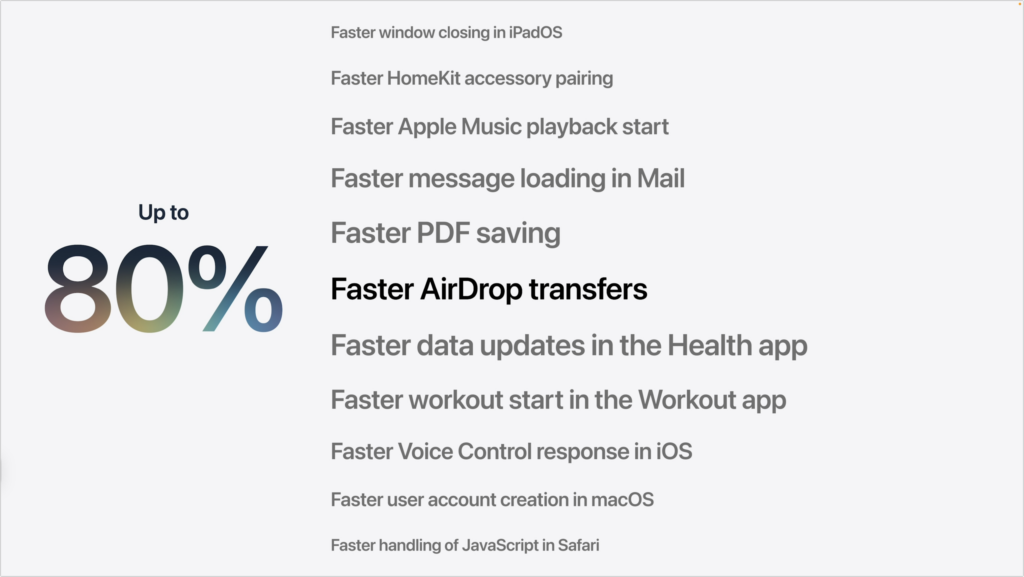
Although we don’t think of our Apple devices as slow, Apple has improved performance across many areas. iPhone and iPad apps launch up to 30% faster, new photos appear in the Photo Library up to 70% faster, files transfer via AirDrop up to 80% faster, and files can be copied from an iPad to an external drive up to 5x faster, matching macOS transfer speeds. People with older iPhones will particularly appreciate the effort Apple put into improving general performance with a new CPU scheduler.
More Reliable Spotlight
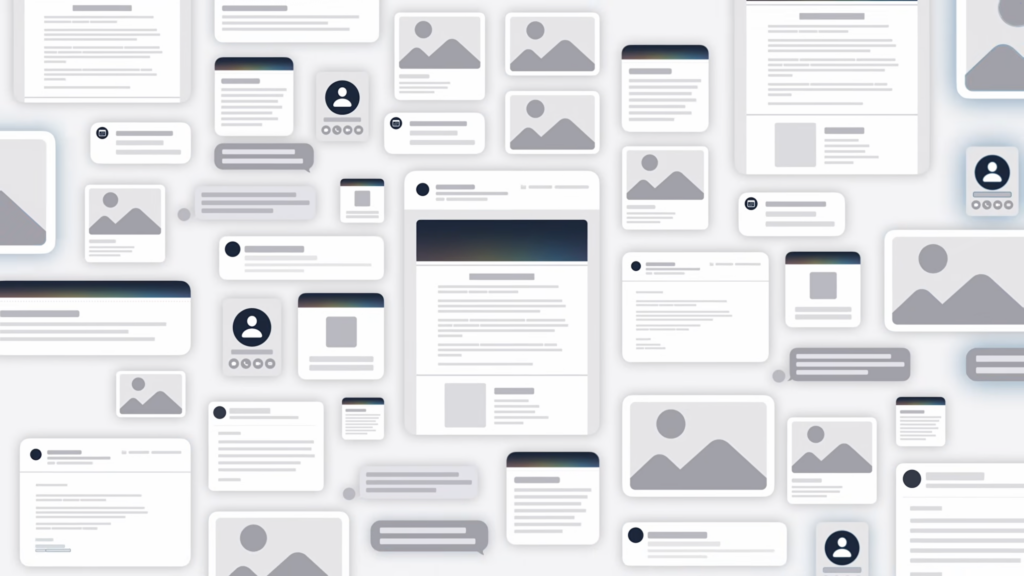
We’ve all encountered the frustration of Spotlight failing to find a file we know exists. In response, Apple has rearchitected Spotlight’s search index to make it faster and more comprehensive. Searching in Mail and Photos also benefits from the new search index.
Liquid Glass Refinements
Apple showed several refinements to the Liquid Glass interface that debuted last year, addressing common requests for more control and legibility. Most notably, a transparency slider lets you adjust Liquid Glass from ultra-clear to fully tinted. macOS apps get a new uniform toolbar to improve legibility, and macOS sidebars will extend to the edges of windows and regain colored icons.

Visual Intelligence on More Devices
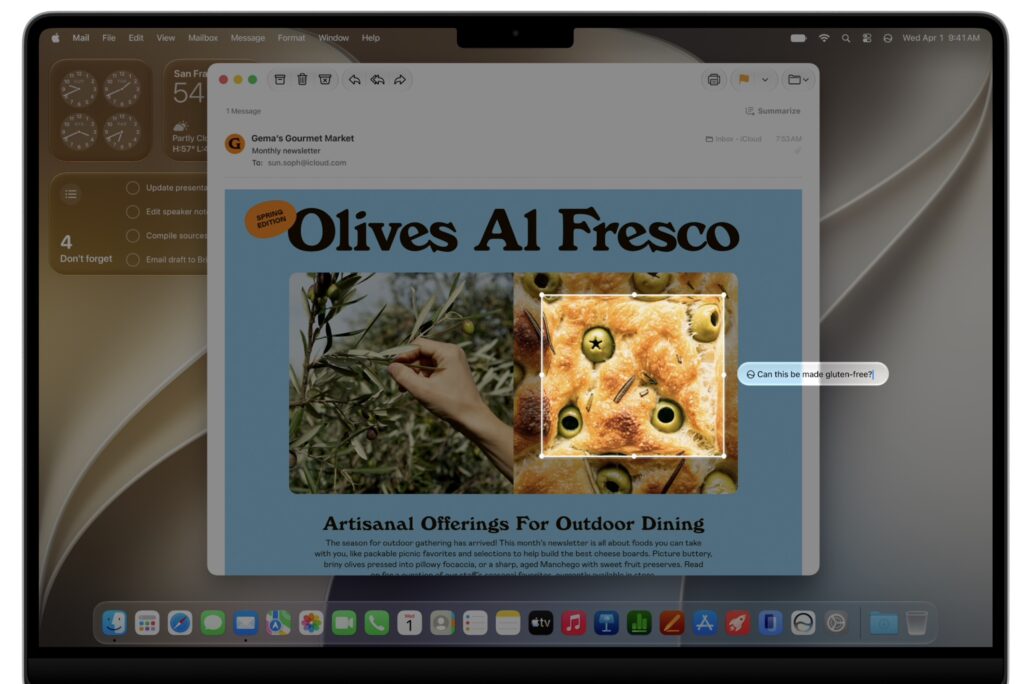
So far, Visual Intelligence, which can tell you about anything in the camera viewfinder, has been limited to iPhones with the Camera Control. Apple is moving it to a dedicated Siri mode in the Camera app, which brings it to the iPad; on the Mac, you’ll be able to select on-screen items and ask about them.
Automatic Updates to Weak or Compromised Passwords
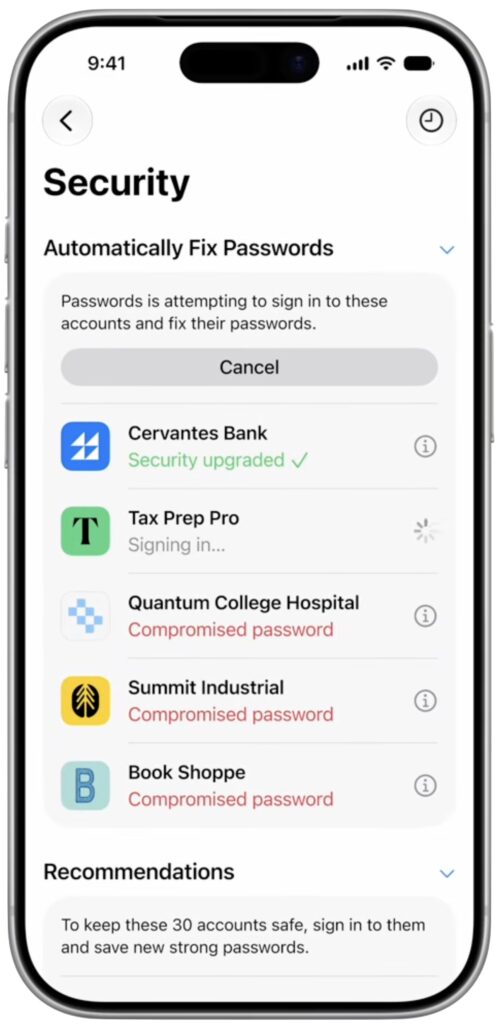
We all have old accounts with weak or compromised passwords that we’ll get to changing real soon now. Apple recognizes this, so it’s adding Apple Intelligence to the Passwords app, enabling it to log in to eligible websites and change your password to something strong and unique.
More Comprehensive Parental Controls
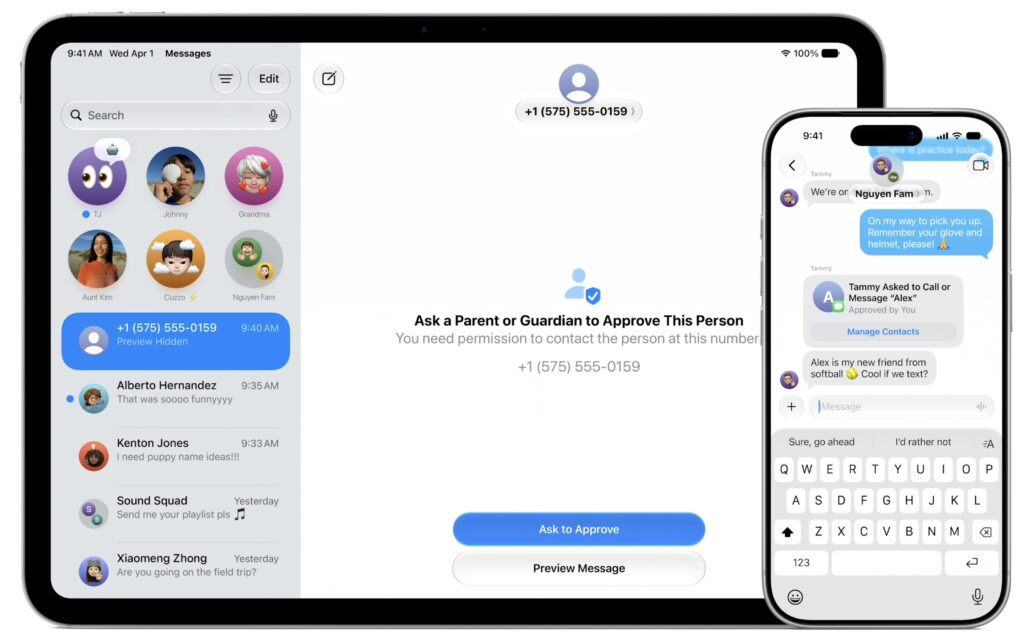
To address parental criticism and potentially head off governmental regulation, Apple beefed up its parental controls. A new setup assistant helps parents configure child accounts, which now feature Ask to Browse (parental permission to visit specific websites) and communication controls (permission to communicate with people outside the family). Communication Safety now warns about gore and violence along with nudity, and a redesigned Screen Time app provides an at-a-glance view of a child’s device usage.
New Photos Features
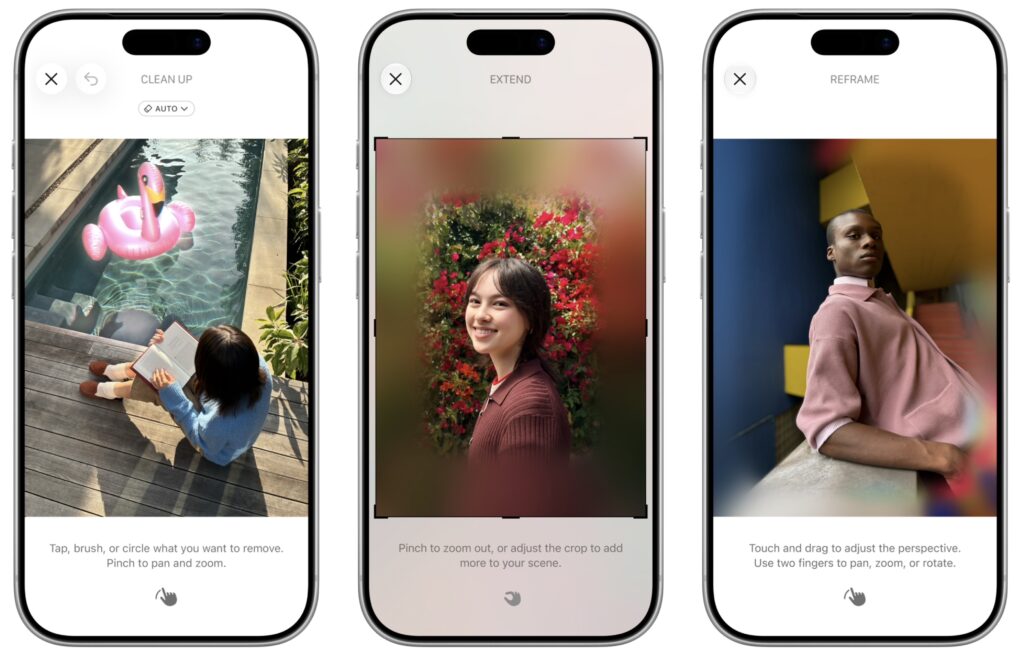
The Clean Up tool that debuted with Apple Intelligence has been popular, and Apple says it now does an even better job of removing distractions and filling backgrounds realistically. A new Extend feature expands images outward, adding a realistically generated background around the photo’s subject. Even more impressive is the new Reframe feature, which lets you reposition the virtual camera after taking a photo. You can use it to shift perspective or change the zoom, generating new content only for the shifted areas.
Build Shortcuts with Natural Language
It’s often useful to automate tasks in Shortcuts—say, notifying your spouse when you leave the office—but many people have found it too hard to create those automations. Thanks to Apple Intelligence, you’ll now be able to describe what you want a shortcut to do, and it will be created for you. If it doesn’t work quite right the first time, you can keep iterating until it’s what you want.
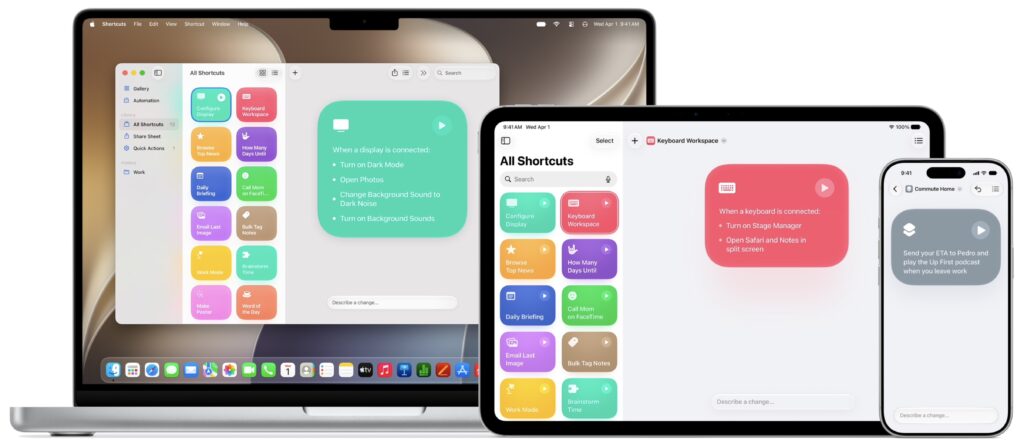
Image Playground Gets More Productive
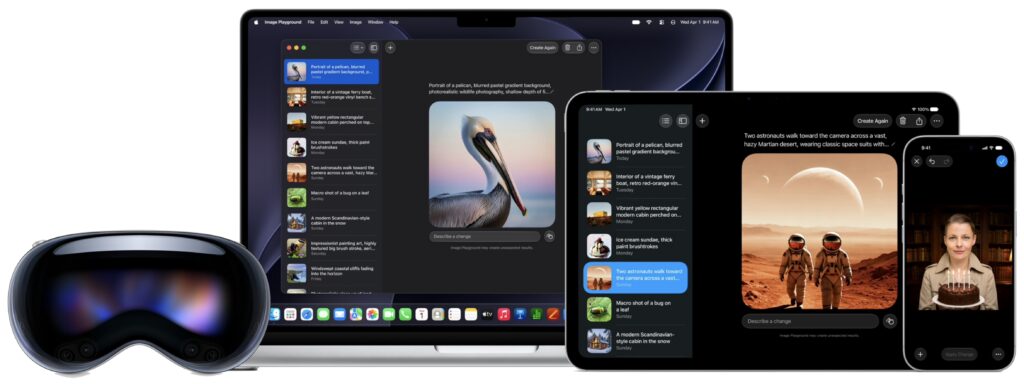
The images Image Playground has been able to create so far have been on the childish side. Apple says that Image Playground will now be able to create photorealistic images, incorporate multiple people from Photos, transform images with natural language descriptions, and generate images in multiple dimensions. It won’t replace a professional illustrator, but it might help you generate quick images for a presentation, website, or invitation.
Apart from Siri AI, these aren’t earth-shaking features, and that’s the point. Apple wants to keep improving the user experience, but part of that is not changing too much too fast. We’ll write more about when we recommend upgrading each of your devices after the beta this summer.
(Featured image by Apple)
Social Media: From a smarter Siri AI to faster app launches and better parental controls, here are 10 reasons Apple’s version 27 updates may entice you to upgrade when they ship this fall.