iPadOS 26 Brings Mac-Like Multitasking to the iPad
When the iPad debuted, it was essentially a large iPhone. But classic productivity tools rapidly made their way to the iPad, and over…

More results...
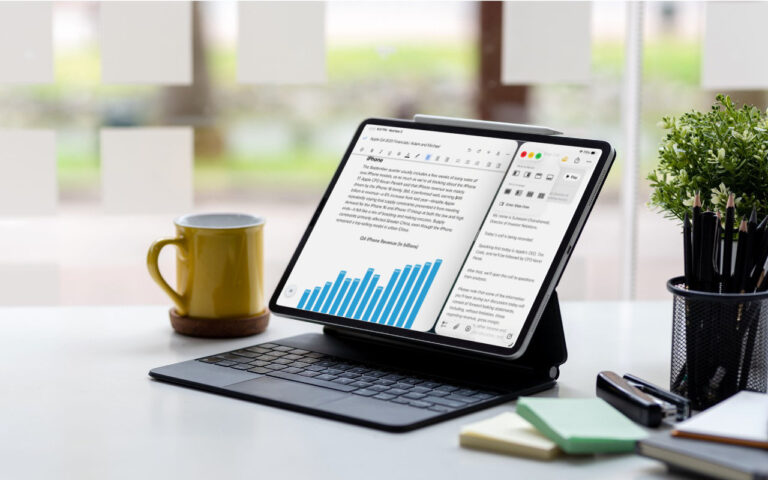
When the iPad debuted, it was essentially a large iPhone. But classic productivity tools rapidly made their way to the iPad, and over…
The holidays are the perfect time to connect with loved ones — and not just in person. Whether it’s sharing family photos, holiday…
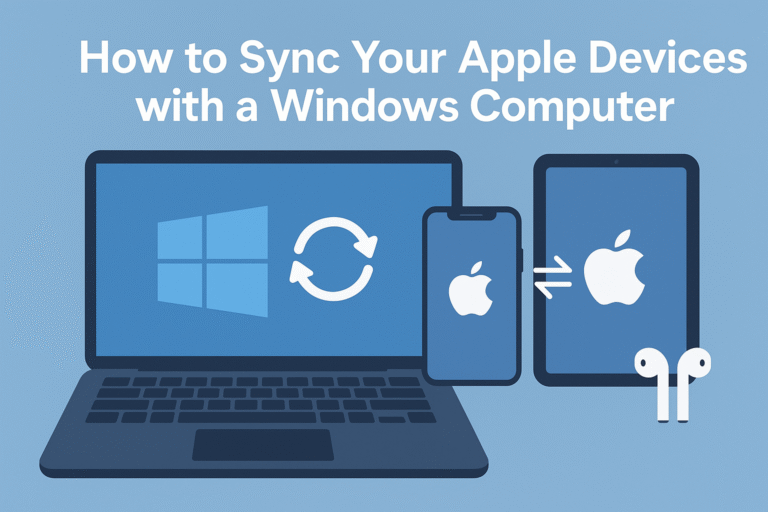
Switching between Apple devices and a Windows PC doesn’t have to be a hassle! Whether you use an iPhone for photos, an iPad…
Ever wanted to capture what’s on your computer screen — a funny meme, an error message, or a recipe you don’t want to…
You may never need it, but when disaster hits, you’ll be glad you took the 20 minutes to set up an automatic Cloud-Based backup service. Using a cloud service means should the unthinkable happen your important files are saved in the cloud and accessible from just about anywhere.

Apple’s fall harvest has yielded the new M5 chip, leading to updates for the entry-level 14-inch MacBook Pro, the iPad Pro lineup, and…

When describing its new Liquid Glass design language, Apple spoke only generally about how users could change the look of icons and widgets…

One small way Apple’s Passwords app lagged behind top password managers like 1Password was in its lack of a password history. It’s sometimes…
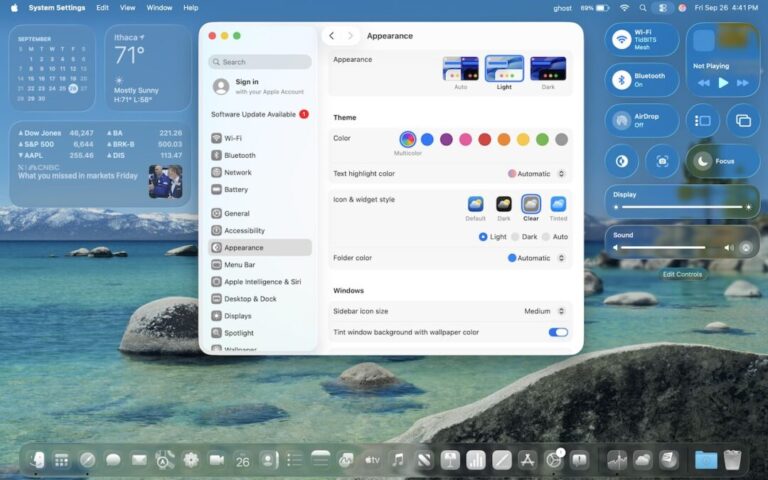
macOS 26 Tahoe is a larger visual leap than any recent upgrade. Although we don’t yet recommend that everyone upgrade, we want to…
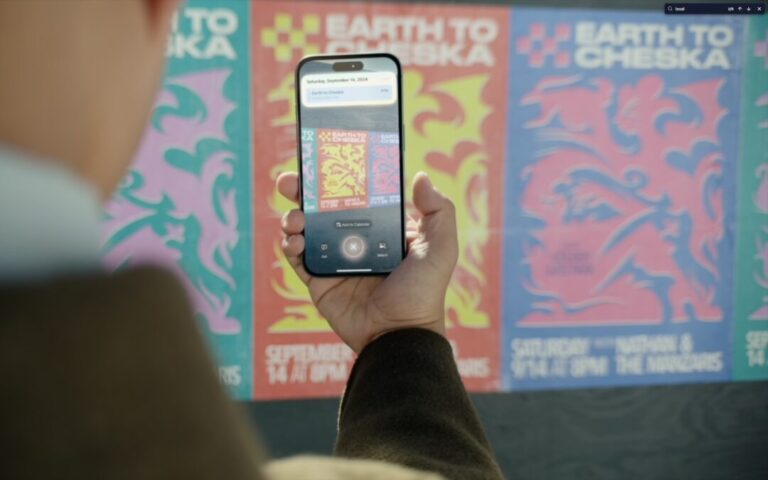
The “visual intelligence” aspect of Apple Intelligence leverages the artificial intelligence capabilities of your iPhone to make what you see through the iPhone’s…
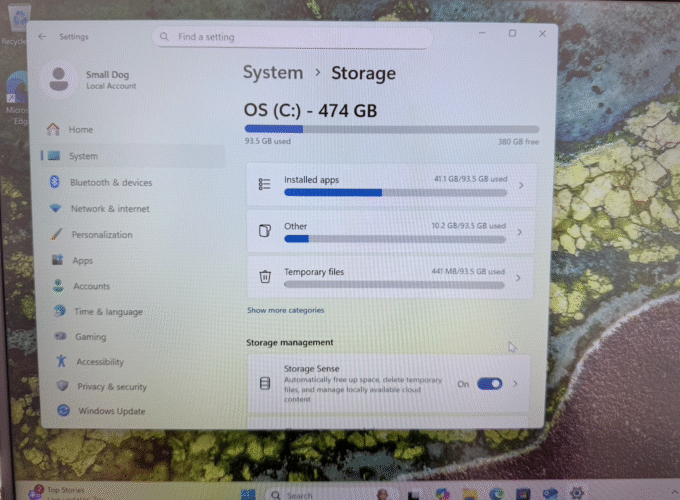
Knowing your computer’s hard drive capacity helps you manage storage, decide when to upgrade, and troubleshoot performance issues. It easier than you might…
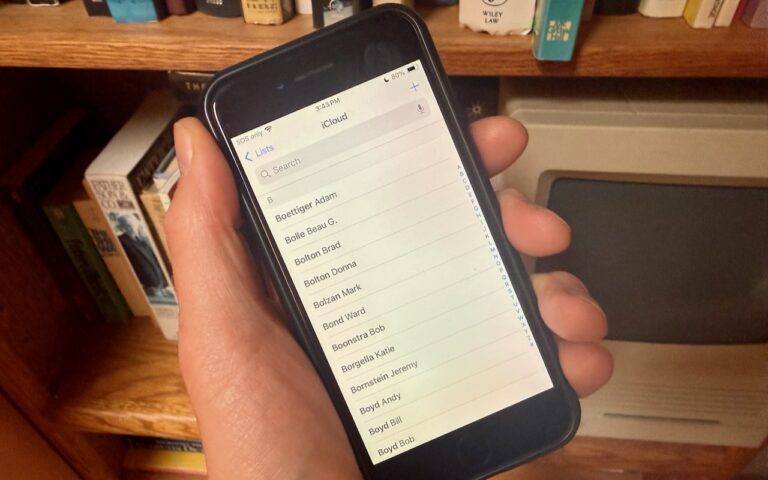
Most people prefer Apple’s default of sorting contacts by last name, so “Andy Anderson” appears near the start of the list and “Liliana…